Goodly
Moderator
-
Joined
-
Last visited
Everything posted by Goodly
-
 the irony of saying easter bunny isn’t woke due to referencing sex, when an undeniable component of being progressive is sexual liberation and destigmatization
 -
/xtitle fire boy
-
If you're using the web client, there are no sounds. If you're using the desktop client, then you can turn them on in Options... > Misc Options...
-
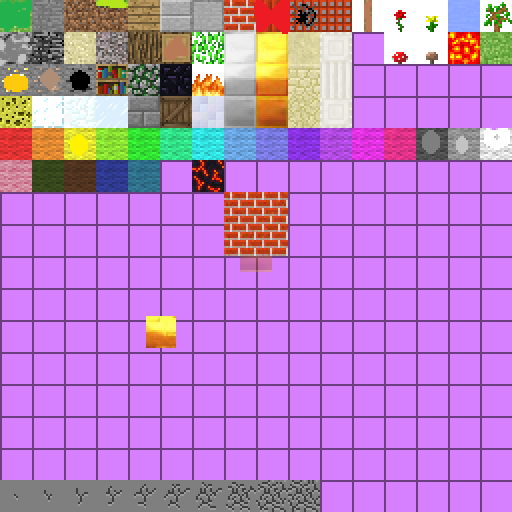
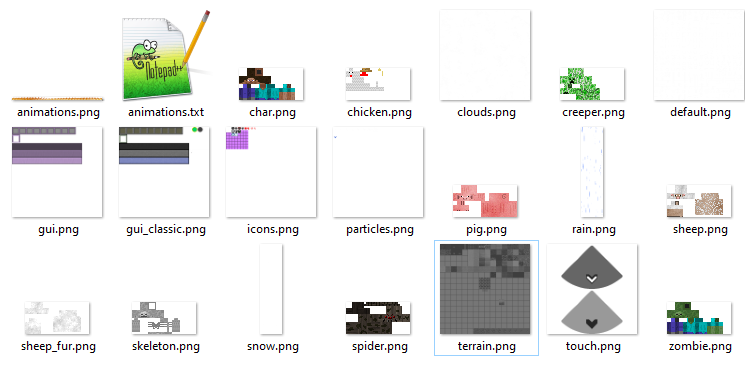
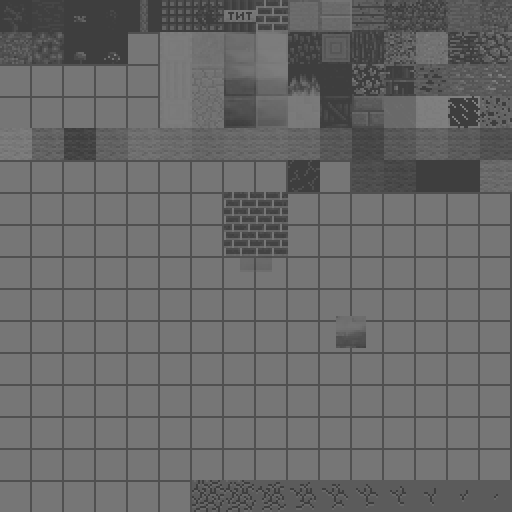
You can find a template here: https://static.classicube.net/default.zip Then unzip the files, change any of the textures to your liking, and then put them back into the zip file. The .zip file is now your texture pack. You should also just delete the files you haven't changed since they just take up unnecessary space.
-
Yes. https://www.classicube.net/forum/viewpost/b_a/
-
Those blocks are "MCGalaxy physics blocks". They are special, they don't show up in your block menu, but you can place them using building commands, and they take on the appearance of blocks that already exist. For example, /place checkpoint appears as air, /z door appears as log, etc.
-
You can use https://github.com/UnknownShadow200/MCGalaxy
-
You can run commands in "portals" with /help mb
-
No one can help you if you don't pose any questions
-
It's confusing what you're asking. If you just want a zombie with its arms lowered, you can find or upload a zombie skin and just put it on the normal humanoid model. You can find the default ClassiCube zombie skin in here: https://static.classicube.net/default.zip Then upload it to something like dropbox or imgur, and use the URL as the skin. Or you can search the web for countless default Minecraft zombie skins.
-
why did you quote only part of my comment, leaving out the part that explains the purpose of nobody rank, and then ask me what the purpose of nobody rank is?
-
please stop telling people to use the nobody rank. that defeats the purpose of it. instead you can use superop which is the default owner rank. nobody rank is meant to be a way to set commands and visit permissions to be completely exclusive. (e.g, only nobody and megaboi can visit privateworld)
-
Considering how hacky it is, it seems unlikely to be accepted by Unk
-
You can also use the reward plugin Unk coded from here: https://github.com/ClassiCube/MCGalaxy-Plugins
-
You can also read the full bot command compendium: https://dl.dropboxusercontent.com/s/xo32vdixxcboouz/Bots.txt
-
Ninja_King was not referring to the GUI. properties/rank.properties is a text file, you edit that to change permissions. They probably called it a "file manager" because they're using Eddy's remote file control.
-
I misunderstood what you're asking. Anyone can change their cover photo without waiting, and it looks you already did? But for avatars your account has to be at least 5 years old
-
You can change it if you wait 5 years
-
The colors could be a bit more accurate but nice
-
-
Stop posting texture packs without screenshots
-
-
(volume warning) videoplayback.mp4
-
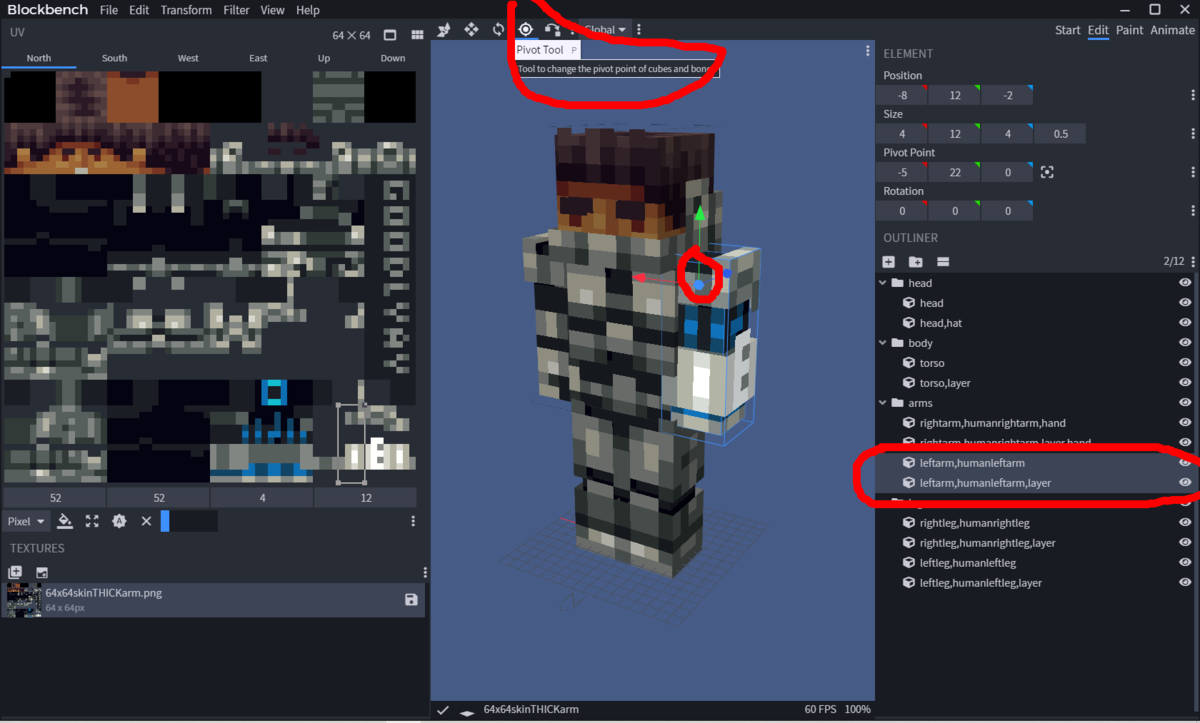
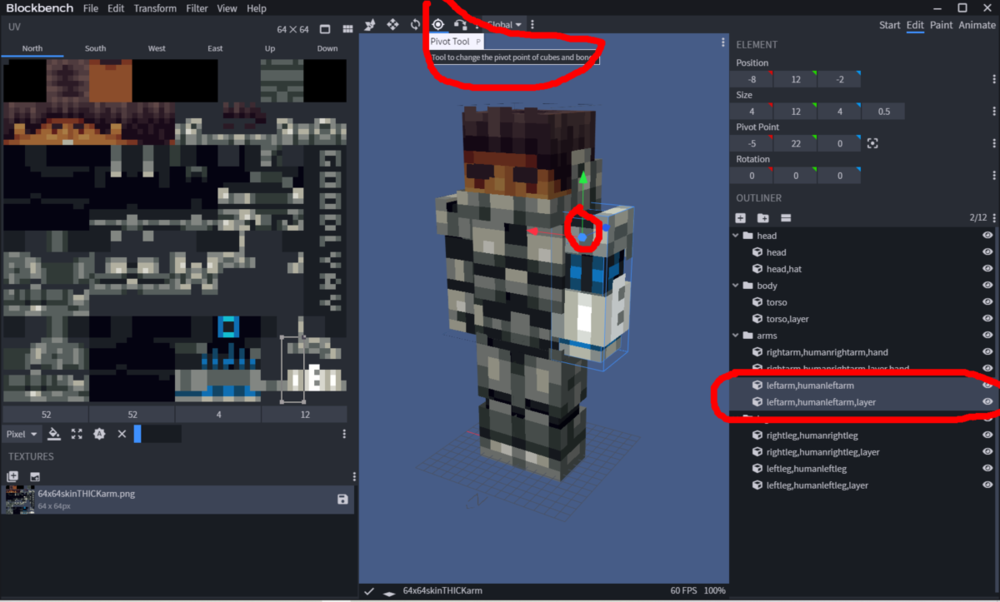
re-align pivots for every part appropriately.
-
The fact that a tiny minority of the population holds most of the wealth while millions suffer and starve