



Goodly
Moderator
-
Joined
-
Last visited
Everything posted by Goodly
-
 Use /help build to see all of MCGalaxy's building commands. Screenshots go in the "screenshots" folder next to ClassiCube.exe
 -
-
Can you elaborate on what restrictions need bypassing? If you're running into a limit of how many blocks you can modify at once, you can change it using console with /help limit
-
It's possible if you know how to code. To install: Read the README.md lower down on the page
-
There is no functionality like this included in the base MCGalaxy, but you can find or write a plugin that does it. Here are some public example plugins: https://github.com/ClassiCube/MCGalaxy-Plugins Reward.cs is the closest to doing what you described, though it just gives money.
-
/botadd youirl /skin bot youirl $skin
-
More available flags for controlling hax in maps: /help map motd
-
For changing permission of who can build in a level: /help perbuild For changing permission of who can build in a specific area of a level: /help zone (os: /os zones) Grass won't kill you because you need to pass through it for it to do so. Grass is solid, so you never die from it (unless you noclip). There is no official documentation for MCGalaxy aside from the README.md on the github page and the /help commands ingame.
-
Wrong place to ask.
-
Use tools that deal with the problem instead of repeatedly /warning. For example, rude behavior often only extends to chat -- just /mute. Increase duration exponentially for continued offenses.
-
I think deleting someone's build is never an appropriate punishment for breaking rules but he absolutely had it coming especially after being explicitly warned it would happen. It sounds like you gave him way too much lenience and let it get out of hand and get to you too personally which resulted in poor staff decisions.
-
i believe true anarchy runs a modified mcgalaxy as well as some special shenanigans from classicube.net that are exclusively made for it. so you can’t recreate the behavior exactly. best you can do is turn verify names off in security tab, then people can direct connect with any name they want.
-
You need to port forward the server. Google how to port forward. The invalid packet is a known bug that sometimes happens, but it's unrelated to the first problem
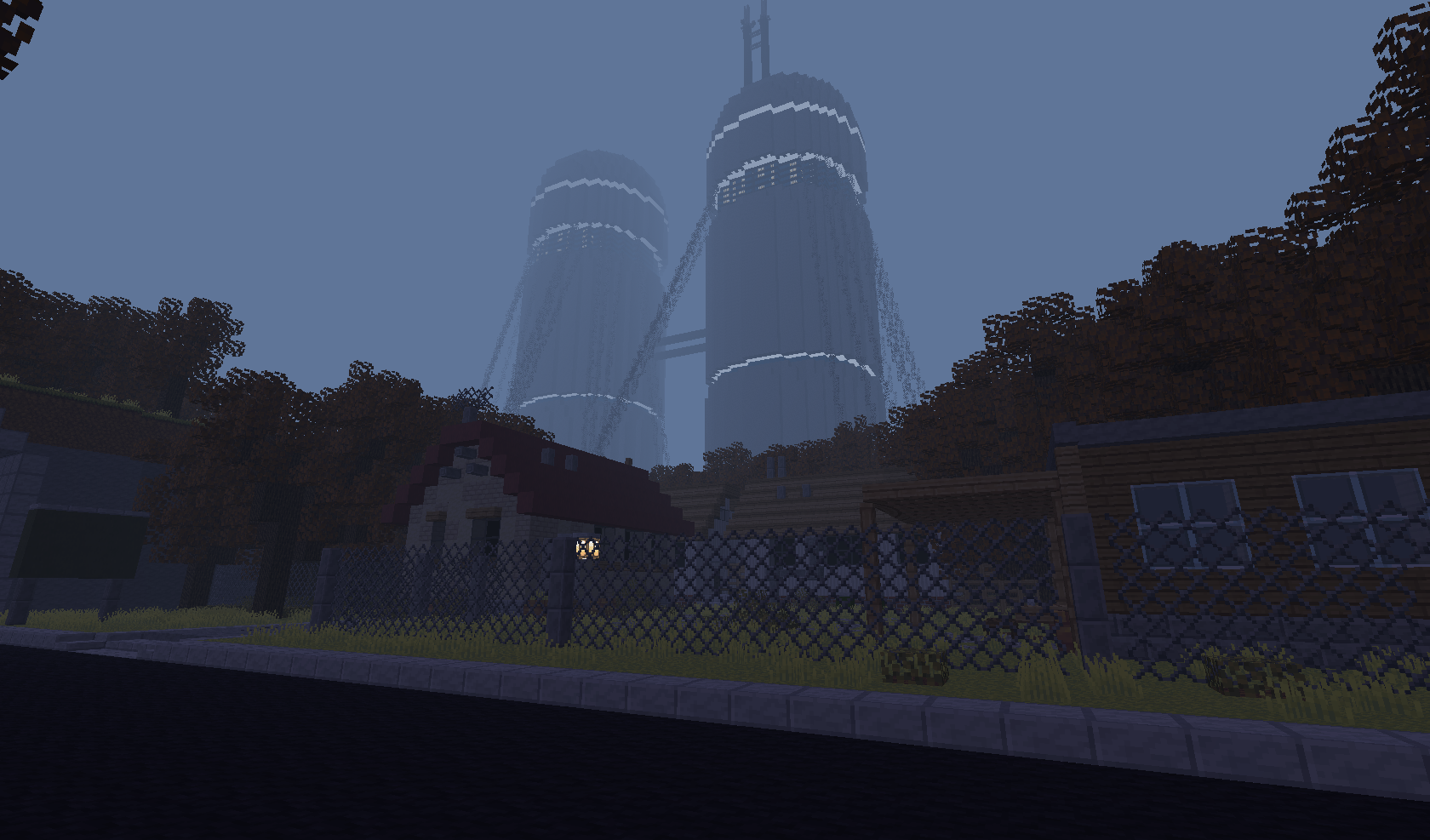
the map in question is called “newminicity” on the server Not Awesome 2.
It would help to specify where you've seen it done before.
/map buildable /map deletable
https://www.google.com/search?q=how+to+port+forward
remember, days of forum replies can save you 10 minutes reading the readme.md on mcgalaxy’s github page!
You can make an elytra model or armor model with custom models https://github.com/NotAwesome2/MCGalaxy-CustomModels/wiki
no this is classic cube
Don't accept him and don't ban him. There's no reason to trust random people who are likely just kids who want power. There's also no reason to ban people just for asking for ranks unless they get annoying about it.
It's not sad at all... the way the game works is that anyone who runs a server (or even creates their own personal realm on someone else's server!) can add all the blocks they want to the game. It's the ultimate customization. The reason no more blocks are being added to the base game is because there's no reason to.
Servers can already add their own ore blocks as well custom textures. No more blocks are going to be added to the base game.
Preface: None of this works if you are using a chromebook. You need to load the .cw world in your own MCGalaxy server: https://github.com/UnknownShadow200/MCGalaxy Once you have MCGalaxy running, put the .cw world inside the folder "extra/import" Now join your server (with direct connect, as mentioned in the README.md on MCGalaxy's website), and use /import [name of world] Then /goto [name of world] /mi env click the url of the texture pack from the map info; download it, and now you can edit it.





