Bruller8
Glod Menbie
-
Joined
-
Last visited
-
 Bruller8 changed their profile photo
 -
oops wrong subforum
-
yeah making more texture packs
-
wow thank u for saying me
-
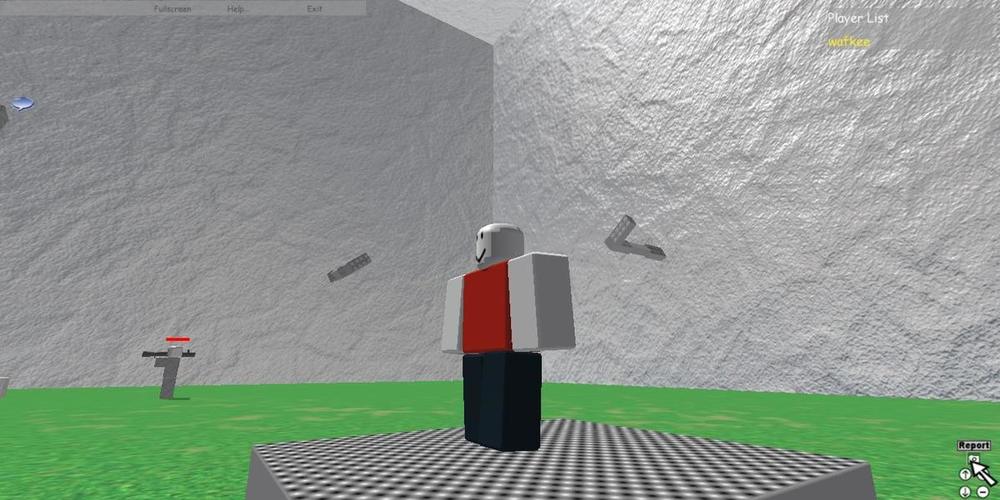
hi guys long time no see i dont quitted classicube i played this because of getting bans on old roblox revivals so i explorered other revival then i found classicube am not as active as before but everyone who dowloaded my old texture packs i thank the persons who dowloaded my textures packs so now the important message i will not as active also i will not stop playing classicube i maybe play classicube some time in the future thank u guys for creating this commnity screenshot of me playing rhodum
-
-
-
-
-
yes thats it am going to make more textures packs Random icon

-
this can be the classicube 2021 april fools
-
-
my channel is ildeh i upload random things
-
ok
-
[redacted] that is the site mc.js The github of this copy is cloused by dmca

-
Yea amogus app is very sus Wait what