
azbacho10
Glod Menbie
-
Joined
-
Last visited
Everything posted by azbacho10
-
 For me if I'm bored, I'll just play in the cc servers or other games or just go outside and play. I could walk around outside if I'm bored. What's yours?
 -
click forgot password if someone changed the password of ur email. then follow othe rules on how to recover it. Note:pls make a strong password so that your email cant be hacked easily.
-
Buy all I needed like a house, food, and a bed. Buy a new PC (my pc has low memory but runs cc in browser well) and save the money that is left.
-
Overview Welcome to this tutorial on how to add death messages of a bot. Let's Start: So, if those who didn't know what the death message of a bot, and how to show your name after being killed by a bot, here is how. 1. Add a bot. Example: 2. Add its AI by using /botset. Example: Note: The very first death message you will see is was terminated. Here is how to change it. 3. Type /bot deathmessage (name) (message) Example: You must type @p to show the name of a player to show who is being killed by a bot. Examples: My acc: azbacho10 Was killed My brother's acc: b2 Was killed You could change colors on the death message of a bot. Press alt on the keyboard when the chat is open. You could customize the bot like adding a skin (use /skin (cc player's skin, skin link, use imgur or dropbox, or you could remain it default), model (use /model for models. If you are on NA2, and like custom models to put to the bot, type /cm visit all (page name). ) Video is below to deeply understand it. https://drive.google.com/file/d/1arNgS3ayL0B18XfByQc9OF0Y634SOXqF/view?usp=sharing I hope this tutorial help you with death messages of a bot. I am very sorry for uploading it in Google Drive because the file is too big. Anyways have a great day! 🙂 -azbacho10



-
Bro, its maybe your internet. I could play in the servers.
-
Are there more AI's of bots? Thank you.
-
Bruh, so simple /botset (bot name) kill
-
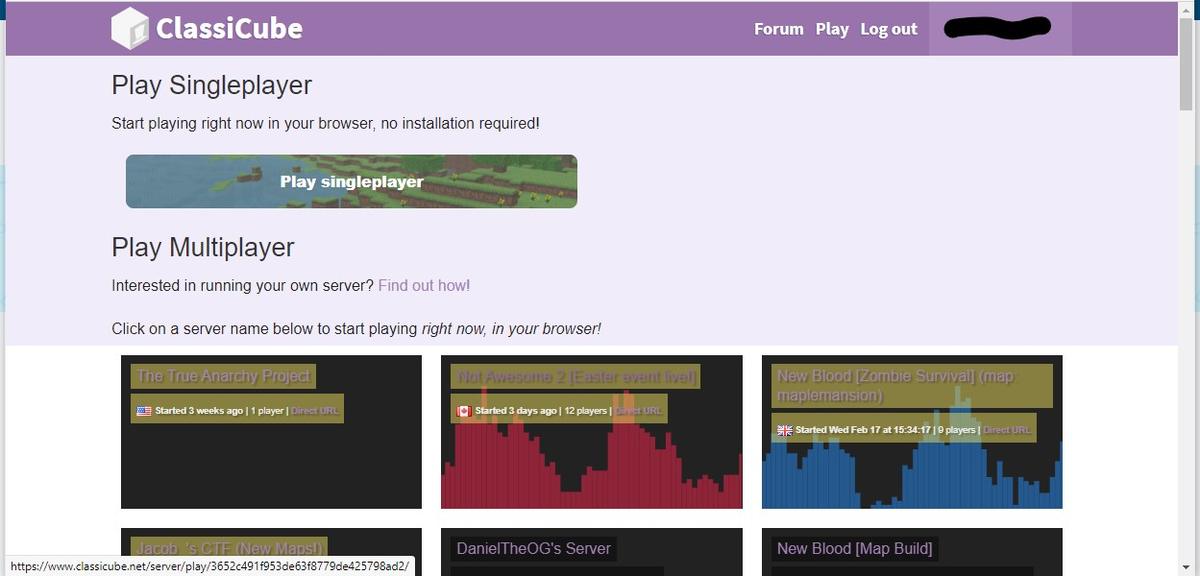
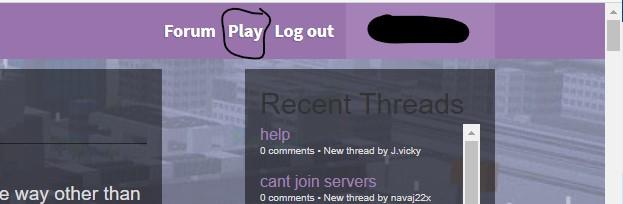
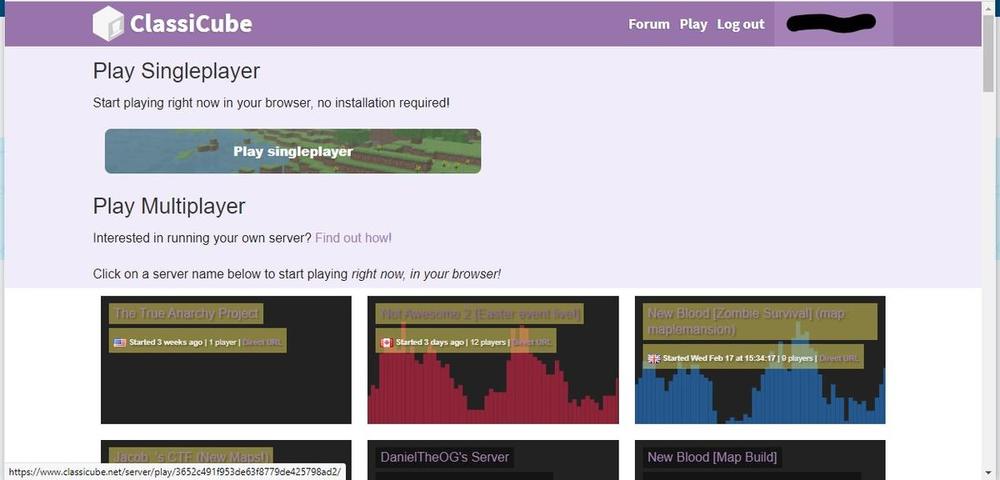
Here is how to join servers. Go to https://www.classicube.net Click Play. Next Click any server name that you want to join. (Scroll down to see all servers.) I copied it (I made this)
-
-
If you have the console: /cmdset pass <rank> If you don't have the console, tell the owner of the server to do this. (in the console) More info because I also asked this: How can I change the password in my server? - I Need Help! - ClassiCube Forum
-
Please wait, because sometimes it doesn't update quickly.
You can take the textures by typing the command /mi env. You can downoad the texture there. (Note: You can't remove the texture pack of the server.)
Here is how to join servers. Go to https://www.classicube.net Click Play. Next Click any server name that you want to join. (Scroll down to see all servers.)
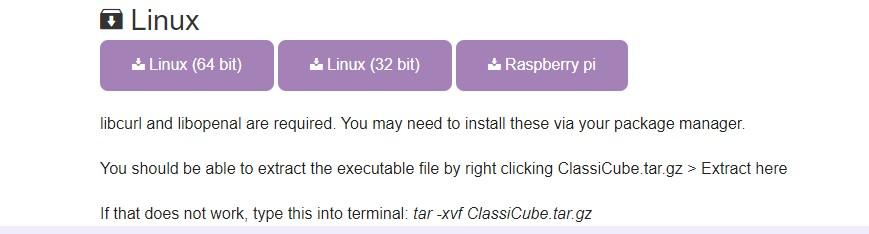
You can't run servers without downloading them. You should DOWNLOAD them.
How to make custom models - I Need Help! - ClassiCube Forum I think this link may help you.
yes, if you want. but that name is only on that server. just type /nick (player name) (nick) to change your nickname (in a server). It doesn't change the name for ALL servers, just in one server.
Waiting till the Internet goes back That's the only thing I can do
I really love this update, compared to the old one. I like it on how it is rendered. 😃
Thank you!! But website do I go?
Hello. I have a question. How can I add a custom model? Please help. Thank you.