Leaderboard
-
Howling_cubist
Member2Points8Posts -

Pear
Glodden Godd2Points133Posts -
RuRoomus
Member1Points3Posts -
icanttellyou
Glod Menbie1Points385Posts



Popular Content
Showing content with the highest reputation since 06/08/26 in all areas
-
2 points
-
2 pointsThis project is just a literal iframe embed of classic.minecraft.net with a hardcoded multiplayer link. I doubt there will be anything of value that you couldn't already get from the original source.2 points
-
1 pointHere it is, The finished server texture pack Here's the link https://www.dropbox.com/scl/fi/uxfdao8mrb8td3cn7lupk/defaultBetter.zip?rlkey=011wnaptj7dmi005si5byfimp&st=km5ikdjl&dl=01 point
-
It's no surprise already of all the amazing projects already made on ClassiCube. Whether it be the insane port of the Super Mario 64 movement or the Survival plugin which the community has been begging about for a while now, or even fun mini games such as Zombie Survival and Lava run. ClassiCube has already proven that it can be used as a basic game engine. Now what if someone were to port DooM or Quake to Classicube, possibly as a multiplayer deathmatch arena, single player campaign, or hecc maybe even both! This to me is a very interesting concept and I love seen other game engines being used to make totally new games. If anything I might personally take a look into making something similar. Though I believe the most difficult part would be copying the fast-paced movement from quake and possibly even the health + shield system. I would also want to optimize the project to be able to run well on most if not all platforms that ClassiCube has been ported to, as well as having features which make it easier for console players to play while not giving them too much power. Thus, balancing the gameplay. What do you guys think about this idea? If someone wants to help develop this, I can help with making the textures! (And if Im correct, i'm pretty sure ClassiCube already supports Quake 3 models.)1 point
-
1 pointDo you need a keyboard for this?1 point
-
💷 Partially! I decided to add this sign because it looks better so as not to contradict "Actions & Stuff". Maybe someday I'll change the name, but definitely not today1 point
-
1 point
-
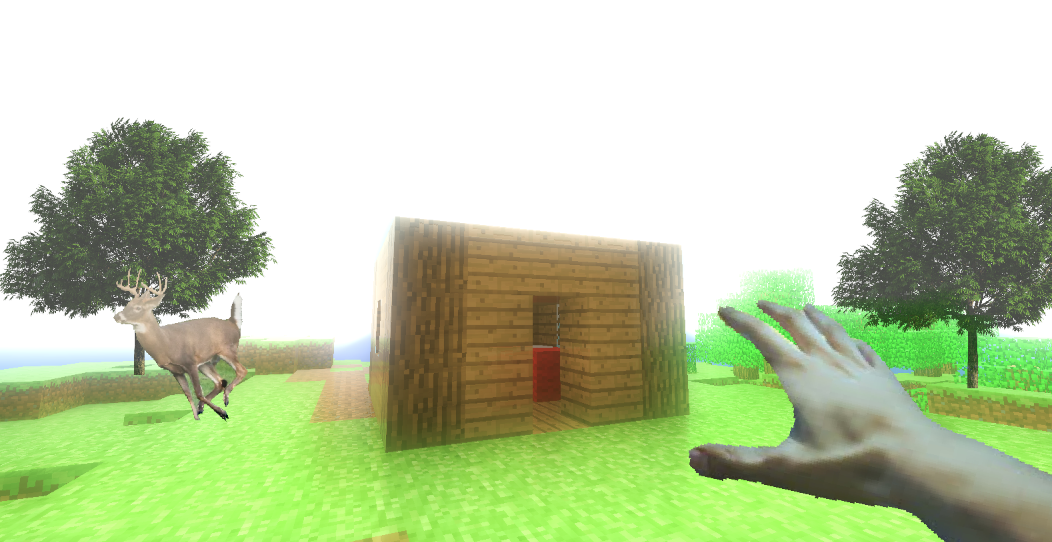
0 pointsHello there everybody! I have made a browser version of Classic Minecraft 0.0.23a_01 available on GitHub Pages! Built right upon the classic.minecraft.net game files. The original Steve mobs model was recently added to the game! Play now! https://snowjelly.github.io/classicraft/classicraft.html Source code! https://github.com/snowjelly/classicraft Hope you all enjoy! Update: Have done some multiplayer stress tests with some buddies today! Auto-save world when browser closes is ready, and I've committed a fix for the 3D rotation problem with Steve models to GitHub Pages.0 points
-
0 pointsThis is something that should probably be handled server-side. I'd suggest reaching out to the server staff specifically, or just simply playing on a different server. If you're having issues with the same user(s) across multiple servers, please feel free to reach out to a ClassiCube staff member via direct messages.0 points
-
0 points
-
-1 pointsWill you be able to make an Android version? 🙂-1 points
-
-2 pointsHAIII GUYS so i was playing on a server named supernova online but then player2999 spam use /say on jdg_map to bully him im very dissapointed abt player2999 so if you are andrewPH or panda then please ban him he is a absolute cyber bully thank you sniperpuma600-2 points