
ikkebinz
Glod Menbie
-
Joined
-
Last visited
Everything posted by ikkebinz
-
 To clarify: - The IP changes every day... not sure why that's important to ask - You can find the server on the servers list (Outside of GMT+02:00 school/sleep hours, since I host it locally) Re-brand 🙂
 -
It is on my server "Fort of Wires". Map name is minesweeper2
-
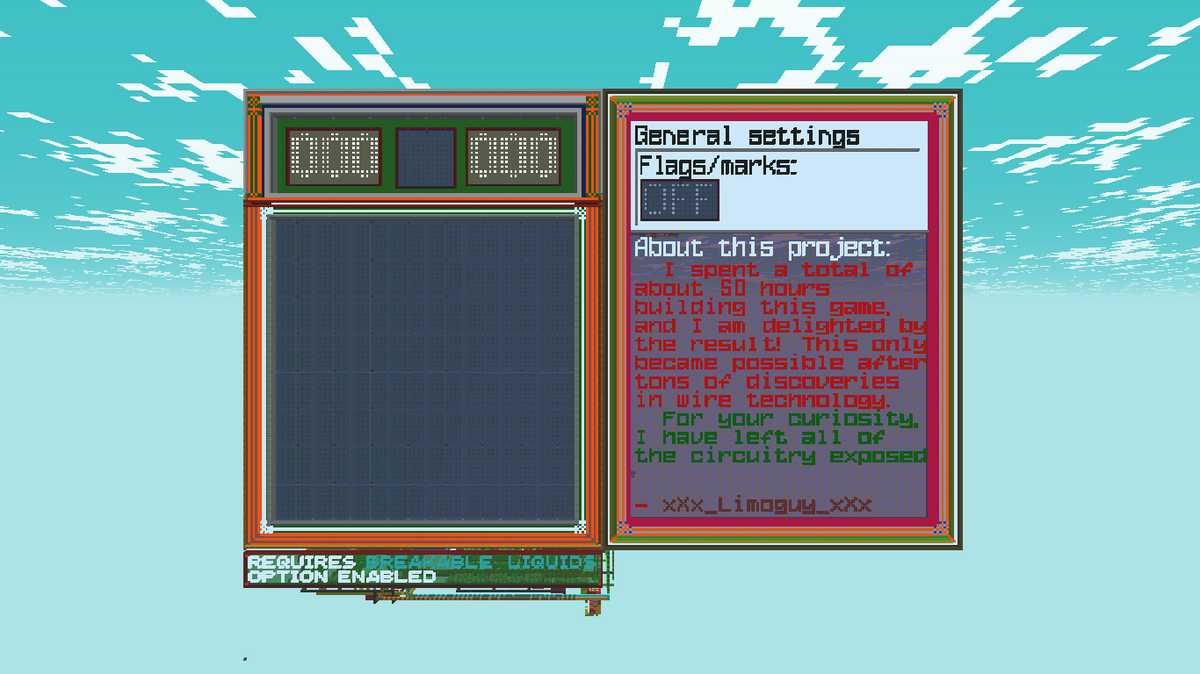
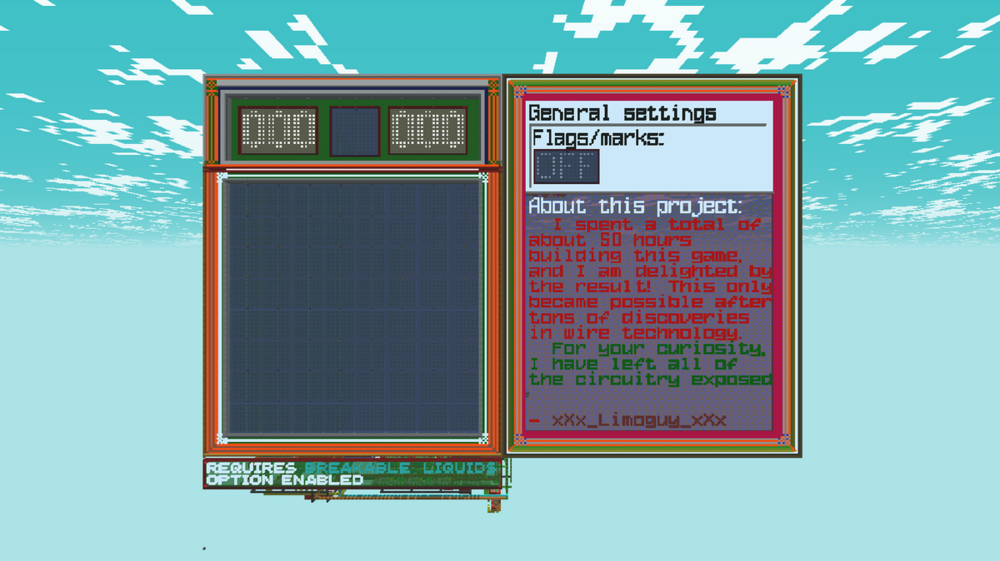
I built Minesweeper with all of its original features, using the best of wire tech. Comparing to 2023's Minesweeper, it is faster and better. Features include: winning/losing, reset function, flags/marks, stopwatch. It took around 50 hours to build, I am very happy with the result! 😄
-
i'd pick dyson washing machine
-
all you have to do is download the server software and run it!!!!!! eezy and if it asks you to "port forward", jusstujn nbvvcbmnbvmn, ] [2;\\;'gl\rq'1
-
If you want to use redstone: - Start a server with MCGalaxy server software - Make a new map - Turn the physics off and build something - Turn the physics on and set the thing off If you want to build more complex stuff, you'll have to change these block properties: - to set Gravel to act like rails - to set Iron to act like rails - to set wood_float to be flammable
-
I am so excited to announce this new redstone build! It's better than anything I built before, because it's Minesweeper! Yes, a fully working Minesweeper game, in ClassiCube, with only wires, sand, gravel and all the sweat I poured into it. When you start the game, the four squares in the middle will open. It's your starting point Clear out the squares until you're sure you found all the mines Press the CHECK button to check if you're right. It will show the winning screen if so. If you uncover a mine, the game will stop and show you the losing screen. Huge thanks to Rulja1234+ for wiring some stuff up and contributing to the machine! You're a great man 😉 This is what the machine looks like. Definitely smaller than my typewriter!
-
I want someone to read the entire RedPCat drama thread out loud, and record it. Probably will be me Fraps + Rulja1234+ + crack = video
-
i don't have Steam ; - ; so i cannot buy also not in dollars because aš ne amerikonas
-
I have some ideas I could use to upgrade the typewriter: - I could turn it into a console if i let it run commands (print, calc, show, etc.) to make it so it would figure out the command you wanted to run then it takes the rest of the text and outputs something - A slightly bigger screen (3x3 pixels with 1 block spacing) would make the typewriter slightly thinner. - If I made the characters 5 x 7 with no line space, I could fit the special letters in like Ę, Ė, Š, Ž - I should size up the keyboard to 3 x 3 keys so people stop breaking the carpets! and letting the lava loose! 😠 btw i made a proximity sensor not important but still cool
-
zamn i never would've guessed
-
I scrolled down No, I am not on your side after seeing the short rant you sent on a server. That was so rude of you and you could've kept it to yourself.
-
All I got is positive comments! This makes me happy 😄 If you want to try out the typewriter, it's on: unicode lounge map name: typewriter UnknownShadow200 was also surprised by the build, he said "very impressive work - i've never seen it being used like that before"
-
oh, i guess DeadIron7 must be 11 then
-
I came back to using redstone and built a typewriter in Classicube! All the letters and numbers work, and some punctuation. It took me two days to start and finish it.
-
Try these commands: If you're on your own map (e.g. 123DMWM_+2) then you should use /os map resize [width] [height] [length] If you want to use that command for any map, use /resizelvl [map name] [width] [height] [length]
-
Go into your server folder, and find a file called MCGalaxy_.dll . Now while your server is not running, delete that file. Then find another file, called MCGalaxy_infid.dll and rename it to MCGalaxy_.dll . Start your server and the custom block limit should be increased to 767.
-
funny thing is that i saw a gramatical error on that same sentence it should be "Imagine imagining about the imagining of others who also like to imagine about the imagining of others." also, what's the point of this topic
-
Try this: /d, then break a door. Or just cuboid it with air: /z air.
-
It's very easy. Just say /nick bot [bot name] empty. That's it.
-
/os map resize [width] [height] [length] it's that simple
-
You can't instantly copy environment settings from one map to another. What you can do is type in /mi env [map name], then you can use the information on another map.