



ClassiCool
Glod Menbie
-
Joined
-
Last visited
-
 ClassiCool changed their profile photo
 -
If you like Sonic then definitely check out the Spark the Electric Jester series. Spark 1 is all 2D, Spark 2 took the series into a 3D direction and Spark 3 heavily refined the gameplay of the previous game. Make sure to keep an eye on Rollin' Rascal during its development as other than Haste that's the only 3D Sonic-like I can think of.
-
-
-
Well it's not in the Github releases and it's not a tag so I assume there'll still be a little bit more work on it. The "Release 1.9.5.0" commit was likely only for updating the version number, not the actual release.
-
With MCGalaxy 1.9.5.0 seemingly around the corner, I wonder if official compilations will go full force with .NET 8 or if will stick to .NET Framework 4 for just a bit longer. With over 13 years between them, I feel like it's a good time to upgrade. Not only is .NET 8 cross platform, but it also comes with a much newer version of C# with more bearable syntax (for example, you'd no longer have to type in `{ get { return "blah blah blah"; } }` for getters, just `=> "blah blah blah";`).
-
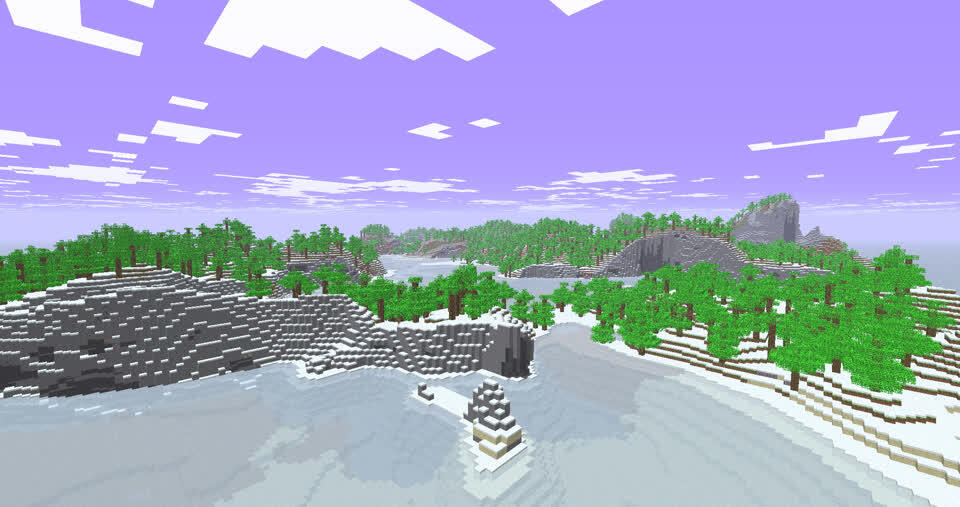
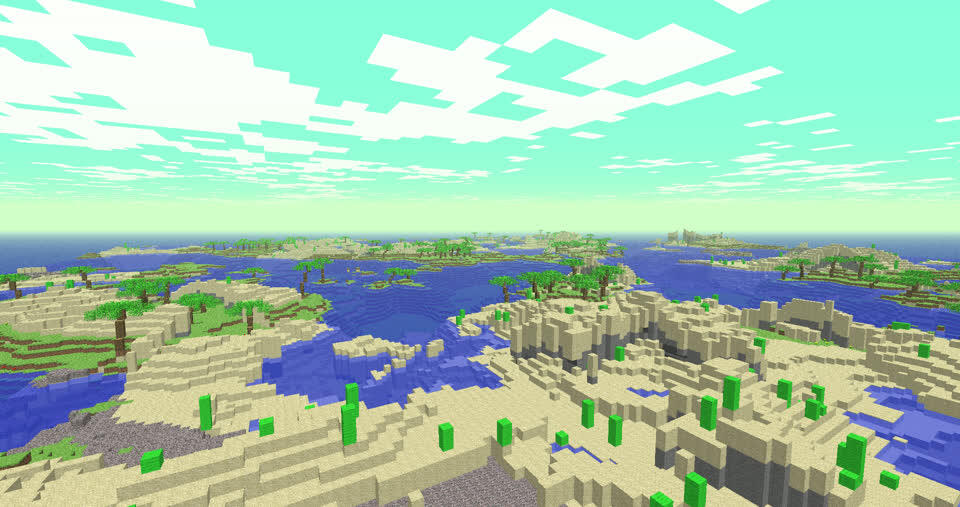
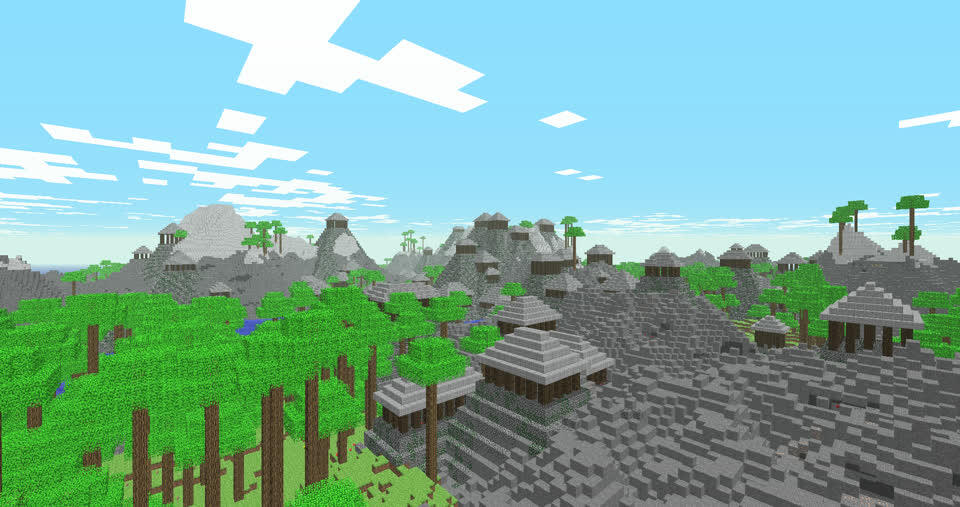
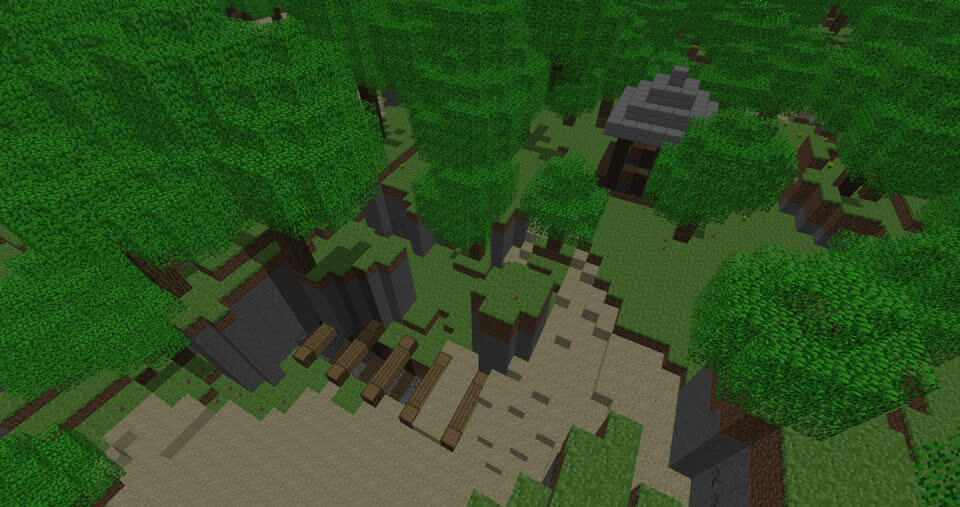
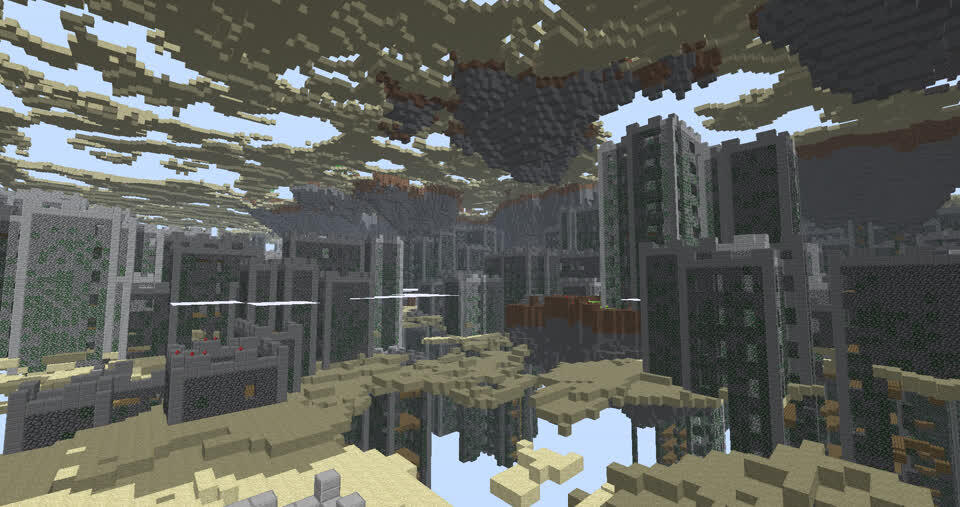
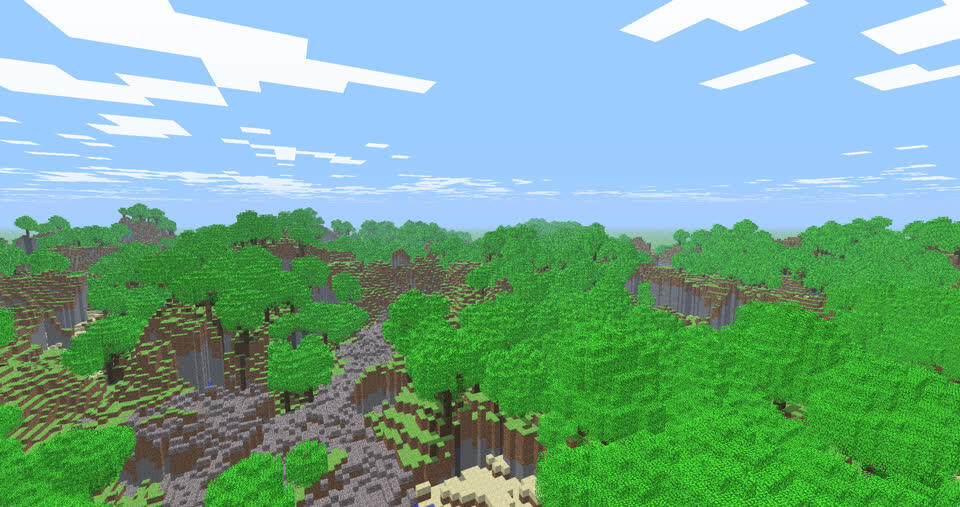
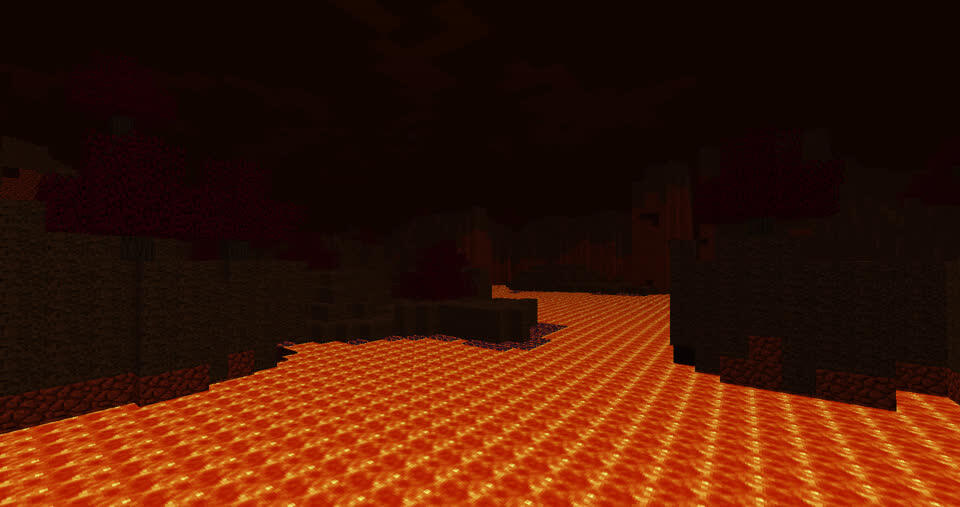
Indev Adventure has come to ClassiCube! Indev Adventure is a mod for Minecraft Indev that adds in 9 level types, 7 level themes and 3 structures. This plugin allows you to use that mod's world generation inside your own MCGalaxy server! Simply drop the C# file into the plugins folder, run '/pcompile IndevAdventureGen' and '/pload IndevAdventureGen' and you're good to go! To learn about how to customize it, type in '/help newlvl IndevAdventure' for a list of arguments, types, themes and structures. Indev Adventure uses a system of terrain generation stages that are layered on top of each other and can be mixed and matched in different ways. That means that it is very easy to make your own types, themes and structures in the code. Source code: https://gist.github.com/BlueStaggo/6ce053244f1f65fe131cd535dbde690e
-
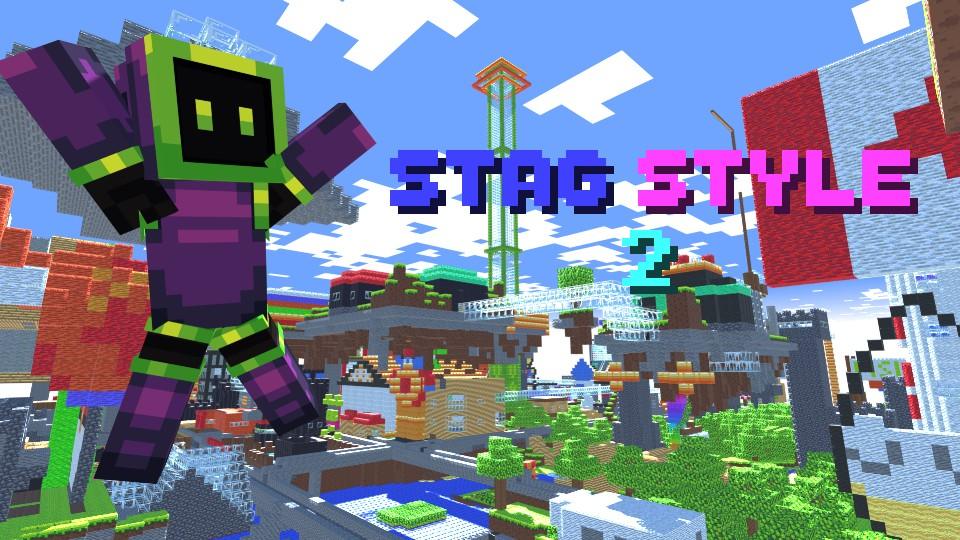
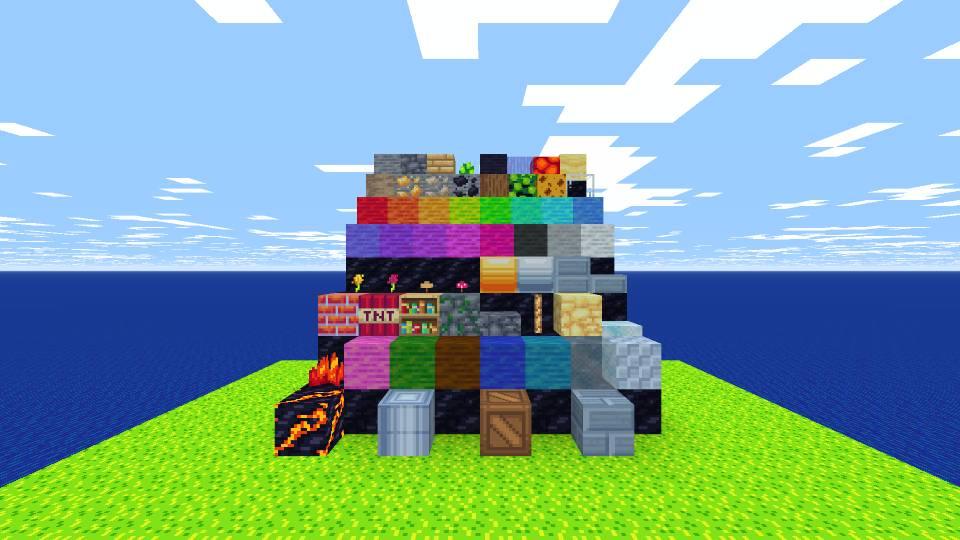
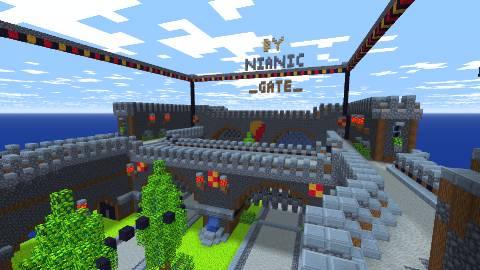
Are the textures a bit dull? Liven up your ClassiCube with STAG STYLE 2! This texture pack is an overhaul of the original Stag Style, providing a cuter look to your world alongside a custom font. Download this texture pack right here! If you want to know where I got the name from, I like to call myself BlueStag everywhere now.
-
Hello. I am from the future. Was it really 2 months ago since I left? Anyways, I want to let everybody know how I got on. I found out about SDL, and that's great. I didn't really like Java in the end, so I dropped that off. I don't use Unity, I use MonoGame and occasionally Godot with C#. I've tried out JavaScript (more specifically TypeScript) and I like the syntax. However, creating a game project is a hassle, because I have to set up a web server and stuff. Anyways, I was bored. I may come on ClassiCube for a few days, including today. Note: This post contains the 5000th comment, which is the one right at the top. How lucky of me! Edit: Why am I up and coming?
-
+++++++++[>++++++++<-]>.>++++++++++[>++++++++++<-]>+.>++++++++++[>++++++++++<-]>++++++++..>+++++++++++[>++++++++++<-]>+.>++++[>++++++++<-]>.>+++++++++++[>++++++++<-]>-.<<<<.+++.<<.--------.>>>>+. Below is some annotated code:
-
I've kind of faded away from Classicube with boredom. Might come onto the forums every now and again, but I agree. ClassiCube needs something special.
-
This is sure to attract more players onto the game. People might search up something similar and see this. Probably that's the reason why you did this, or it's for the money, or both.
-
I care a little bit about function, but I care mostly about the looks. I've got a program which sings "When you just wanna dance, butchya can't, ya gotta believe thatchya can.", written in four different languages. C# looks nicer than Java even though they're similar. Python seems too basic for me and C too complicated. However, I can't do much C# without admin rights on my computer (and I hate that). These programs are filtered using the default filtering algorithms Visual Studio Code uses with its extensions. Here's the code: C#: Java: C : Python: Another thing is that I want to make a game with one of these languages, so C is already out the window because it's hard to set up FreeGlut and other OpenGL stuff. Which looks nicest? I want to know your opinions. I might ask for admin permissions too and start making C# games, probably with FNA, which uses .NET 4 so I might try Unity.
-
It's easier to understand if you're using something like Visual Studio Code and you are able to rename symbols. Non-obfuscated already got my head scratching, even though I know a bit of C!
-
Wow. I love that classic freebuild. That stone head is amazing. A little house there too and a bridge. Nice. My italics showed sarcasm. Why would you copy my maps and blocks? I put effort on my maps, and you copied them with no effort at all!
-
Oh cmon. I would love to join if it wasn't 10pm GMT or 5pm EST. A few people I know can't go into this event, as they're from different parts of the world. Somebody has it on 12am! Would be great if, when this event gets a winner, it should become a CC Saturday/Sunday at an earlier time so everybody can join.

.png.3ef399caaf2dcf3db76769990a645e87.png)

