



koy
Member
-
Joined
-
Last visited
Everything posted by koy
-
 My computer is a little unconventional. Model: Atari 2600, CPU: MOS Technology 6507 @ 1.19 MHz, Display: Television Interface Adaptor, Memory: 128B, Sound: Television Interface Adaptor, Storage:, Graphics: Television Interface Adaptor
 -
-
-
Who is Goodly?
-
-
-
-
i've been trans since ~2023, so good job
-
Do you hate the transgenders?
-
-
-
-
You can't; ClassicalSharp survival is merely a government ploy to distract you from the mass-kidnappings by the ClassiMafia.
-
You wake up in a dark room. Engulfed in complete blackness. Cold. It's so cold; almost unnatural. Then, suddenly, you hear a disembodied voice, echoing: "one word posts will get you banned."
-
-
you know you want to. you **really** want to doubt my cubeness on Not Awesome 2 [Realms and More]. go ahead. doubt my cubeness. on Not Awesome 2. [Realms and More].
-
-
my laptop's bios should have a classicube port
-
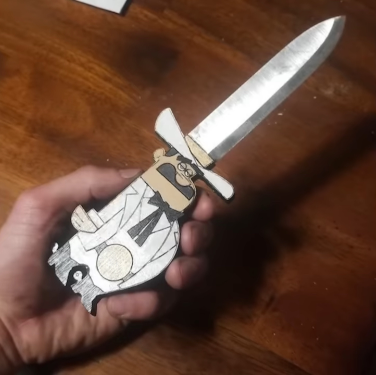
hey buddy look at this cool dagger
-
no actually it was me i did it using my l33t epic h4xx0r skillz 😎
-
-
try contacting the ClassiCube administrators about it
-
damn i wonder why it got obliterated
-
what happened that caused your account to be disabled anyways?
-




