



DeetPlayer
Glod Menbie
-
Joined
-
Last visited
Everything posted by DeetPlayer
-
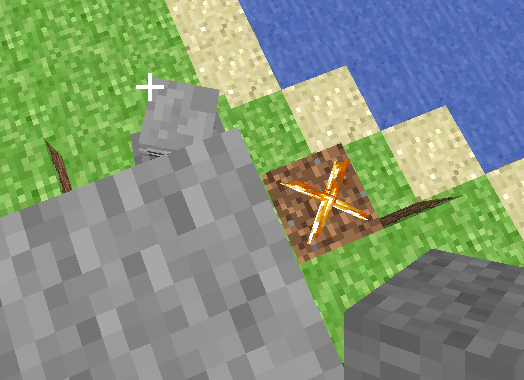
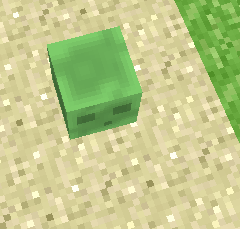
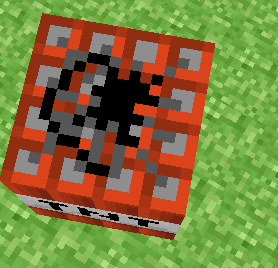
 I made a block that looked like a slime. By modifying terrain.png. I created the block "slime" on my server and this was the result. Then, I used /model so I could turn into the block "slime" Then I discovered a plugin that spawned mobs I modified the plugin and it spawned slimes as a hostile mob And it worked!!! This works with any block/custom block When I was taking screenshots, the slime killed me



-
You need to know where the texture of the /creeper come from to be able to modify it. It may be terrain.png
-
Skin: /skin bot (bot name) (skin) Click: /bot text (bot name) [text or command] Turn into mobs: /model bot (bot name) (model: pig creeper. . .) Example: /bot text (bot name) Hello When the bot is clicked will say "Hello"
-
To verify the account you need to check your email and search for a classicube email sent to the email you entered with classicube
-



