Jump to content
View in the app

A better way to browse. Learn more.

ClassiCube Forum

A full-screen app on your home screen with push notifications, badges and more.

To install this app on iOS and iPadOS
  1. Tap the Share icon in Safari
  2. Scroll the menu and tap Add to Home Screen.
  3. Tap Add in the top-right corner.
To install this app on Android
  1. Tap the 3-dot menu (⋮) in the top-right corner of the browser.
  2. Tap Add to Home screen or Install app.
  3. Confirm by tapping Install.

kingpepsi

Member
  • Joined

  • Last visited

  1. kingpepsi changed their profile photo
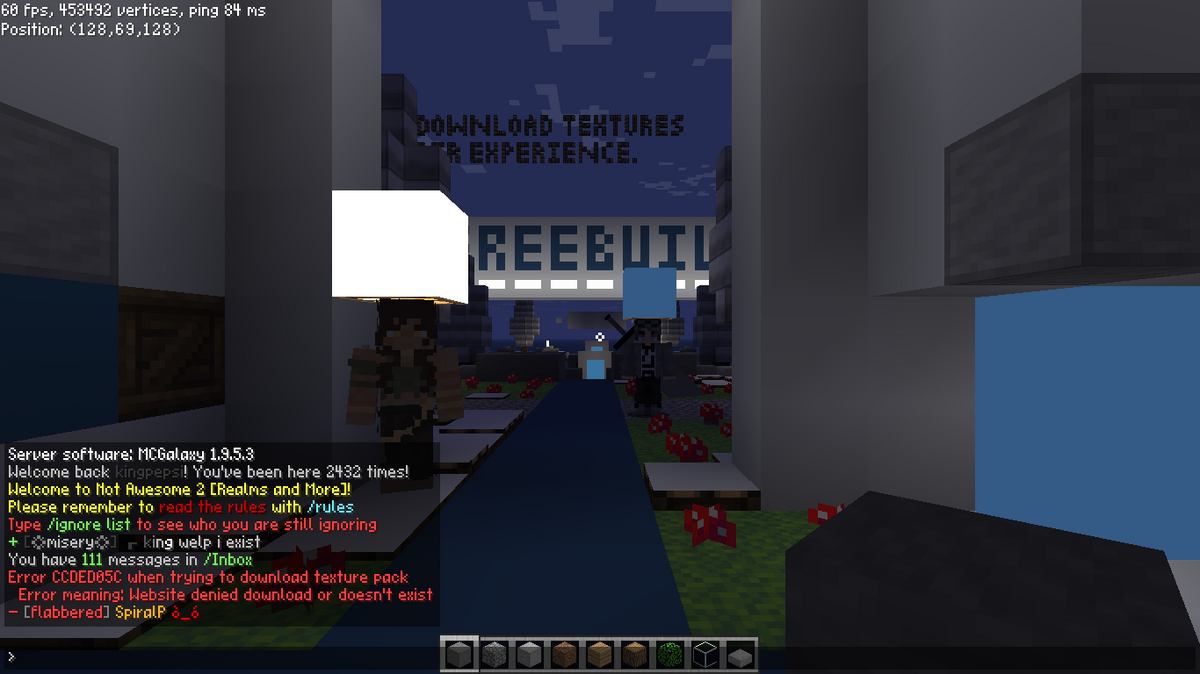
  2. I went onto NA2 and hit yes for the texture pack and it this
  3. kingpepsi started following I'm hungry
  4. Im hungry and I want some snack recipes I don't care what just something edible
  5. kingpepsi started following TG20
  6. kingpepsi started following DarkJac203
  7. kingpepsi started following Doom 1993
  8. kingpepsi posted a topic in Vidya Gaems
    If doom can run on a pregnency test then can it run on a fridge with a screen.
  9. kingpepsi started following Best Shooter game
  10. Is it possible to bring back place.cs? If anybody remembers that server.

Configure browser push notifications

Chrome (Android)
  1. Tap the lock icon next to the address bar.
  2. Tap Permissions → Notifications.
  3. Adjust your preference.
Chrome (Desktop)
  1. Click the padlock icon in the address bar.
  2. Select Site settings.
  3. Find Notifications and adjust your preference.