kingpepsi
Glod Menbie
-
Joined
-
Last visited
Everything posted by kingpepsi
-

-
-
do you know any other websites that I could use?
-
thats what I tried didn't work don't mind the name I just like the color scheme

-
run that's all I got to say is run
-
ive got a skin from the same website I've always used and its not working it it just says Skin file invalid: Check the skin file is actually an image! so I'm unsure of what to do now I've tried uploading a PNG of it but that fails aswell when I hit save
-
-
If doom can run on a pregnency test then can it run on a fridge with a screen.
-
how do I download it
-
download it into my stomach
-
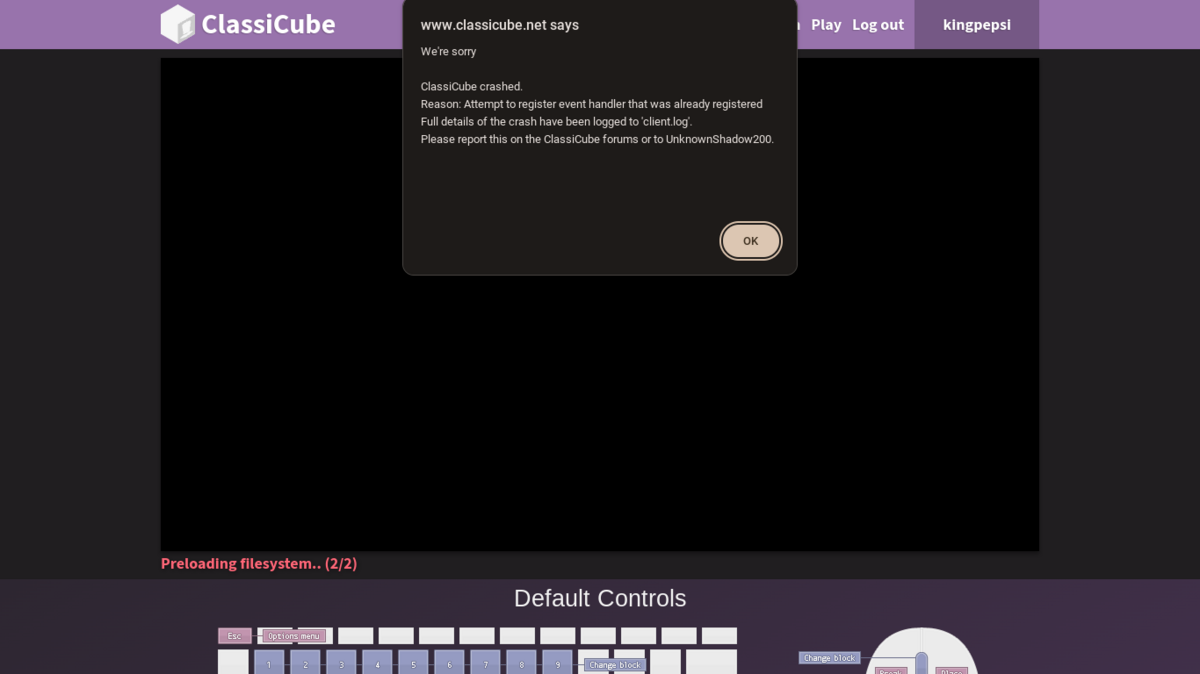
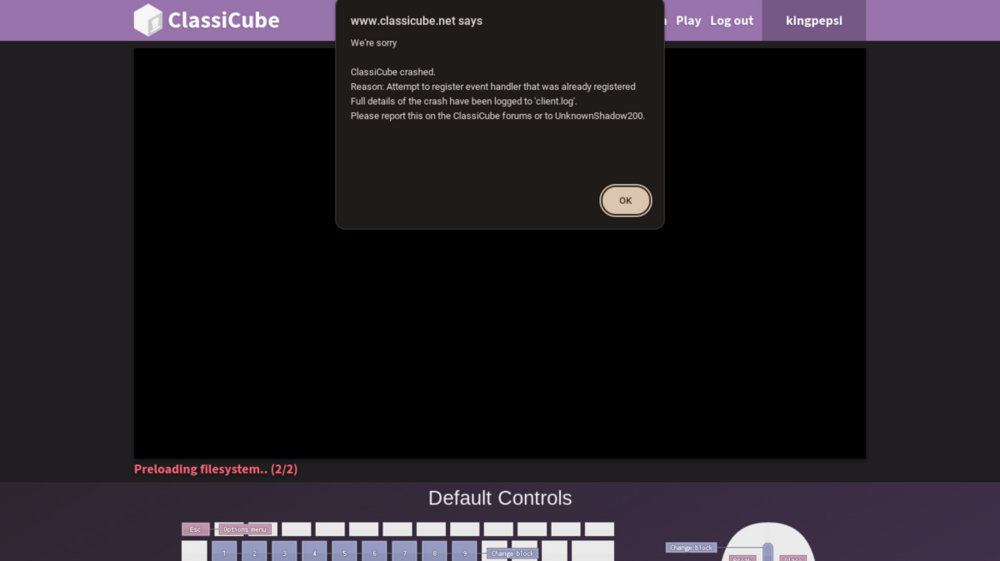
I got this error aswell
-
Can I eat it
-
hes hunting you cakelover (to anybody that doesn't know who this is its caseoh)

-
did u try to make my brownie recipe.
-
2 eggs + water – Michelle uses a bit of water with the eggs to achieve the moist, gooey texture of boxed mix brownies without any commercial emulsifiers. And because this recipe doesn’t contain any baking powder, eggs are essential for helping the brownies puff up in the oven. Powdered sugar – The trick to making homemade brownies that are just like ones from a box! Powdered sugar contains cornstarch, which helps thicken the batter without the chemical additives you’d find in a mix. Unsweetened cocoa powder – Michelle recommends using Hershey’s Special Dark Dutch-processed cocoa powder (I used Whole Foods’ 365 Cocoa Powder). Make sure to sift it if it’s lumpy! Oil – While many recipes for brownies use unsalted butter, Michelle’s calls for canola oil, just like the boxed mix. I use olive oil because it’s what I keep on hand, and I love the rich flavor. Vanilla Extract – 1/2 teaspoon vanilla really amps up the chocolate flavor. First, mix together the dry and wet ingredients in two separate bowls. Combine the sugar, flour, powdered sugar, cocoa powder, chocolate chips, and salt in a medium bowl. Then, whisk together the eggs, olive oil, and water in a large one. Next, combine the wet and dry ingredients. Sprinkle the dry mixture over the wet one, and fold until just combined. The batter will be thick! Then, pour the batter into an 8×8 inch baking pan lined with parchment paper. Use a rubber spatula to spread it to all four sides of the pan and to smooth the top. The mixture will be very thick. Finally, bake! Transfer the pan to a 325-degree oven and bake for 40 to 45 minutes, until a toothpick inserted comes out with a few crumbs attached. Allow the brownies to cool completely before slicing and serving. Enjoy! (sorry if this counts as spam)
-
i think it wont because its free in browser and u can just downlaod it
-
-
i would choose ps5 or switch
-
-
im stupid i read that this said shooter game (i said the combat of botw and totk before) and ima go with titan fall 2 speed and damage is key to staying alive i always choose grappling hook for my tactile and the ronin titan.
-
-
-
Is it possible to bring back place.cs? If anybody remembers that server.
-
I wanna see this in cc if that's possible with a slide and wall run just to spice up a gun game no clue if u can though I will help you though with map making
-