
Everything posted by 123DontMessWitMe
-
 Make sure you are uploading the correct file. It is showing that you have tried to change your skin 8 times in the last 3 hours. Your current skin and or the one being uploaded is
 -
-
-
-
You can post it on our forums.
-
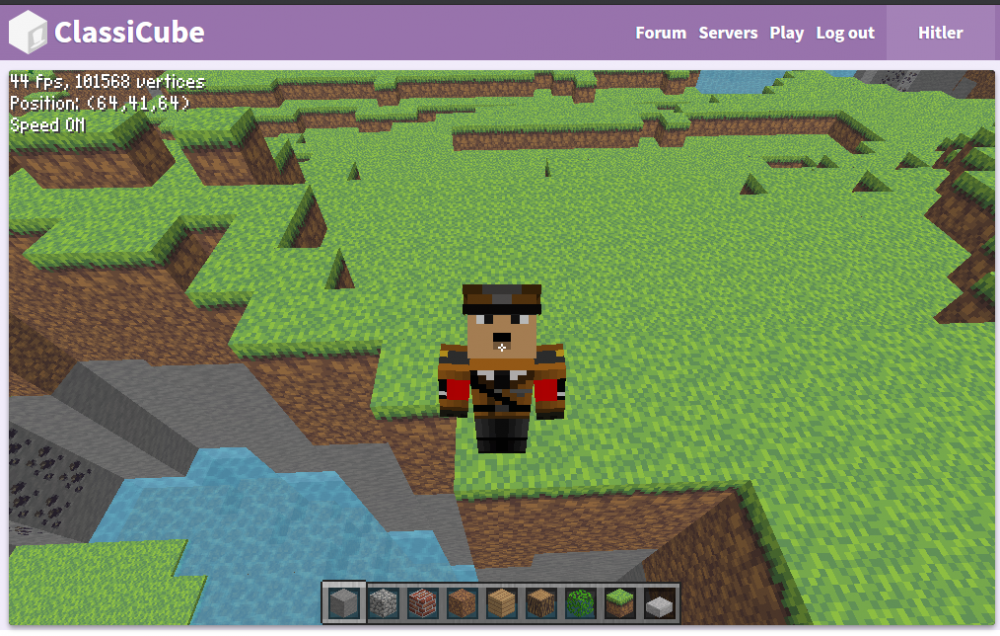
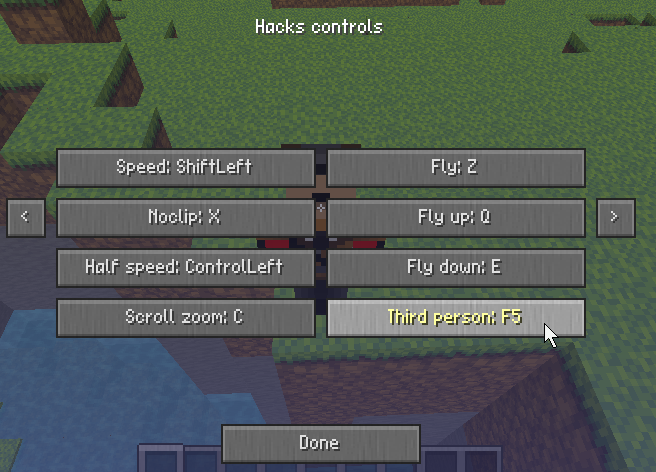
Yes, you can use the third-person key, F5, while having the game focused to go into third person. If you are unable to use that key for some reason, you can change it in Esc > Options > Controls menu by changing the Third Person control If you are referring to using third-person while accessing the web client on a mobile device, that is not currently possible unless you hook up a physical keyboard to your mobile device.
-
There's a box next to my television screen that says lenovo, so I think that's what I use. Is it better than Windows or Mack Oh Es?
last test before I give up
You're welcome!