Jump to content
View in the app

A better way to browse. Learn more.

ClassiCube Forum

A full-screen app on your home screen with push notifications, badges and more.

To install this app on iOS and iPadOS
  1. Tap the Share icon in Safari
  2. Scroll the menu and tap Add to Home Screen.
  3. Tap Add in the top-right corner.
To install this app on Android
  1. Tap the 3-dot menu (⋮) in the top-right corner of the browser.
  2. Tap Add to Home screen or Install app.
  3. Confirm by tapping Install.

iD

Glod Menbie
  • Joined

  • Last visited

  1. iD changed their profile photo
  2. Pear started following iD
  3. Sad
  4. iD started following aleksb385
  5. It vanished into thin air.
  6. I'm not asking for the rank or anything, but for how long do you need to be on ClassiCube to obtain this certain rank? Just asking.
  7. iD replied to vibemeister's topic in General Tomfoolery
    Why do you hate eggs so much? I absolutely love eggs
  8. iD replied to AndrewPH's topic in Vidya Gaems
    Amazing ROM hack
  9. Thank you for fixing it, “AndrewPH”
  10. Man I really inspired you to make plugins didn’t I
  11. Looks really good except for the text box to make the forum post
  12. Dark mode when
  13. Nice "texture pack"
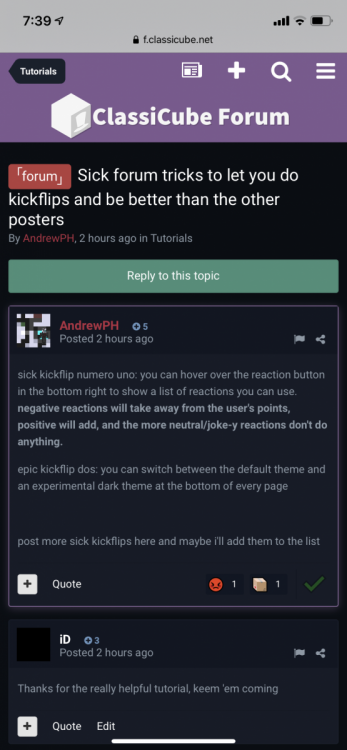
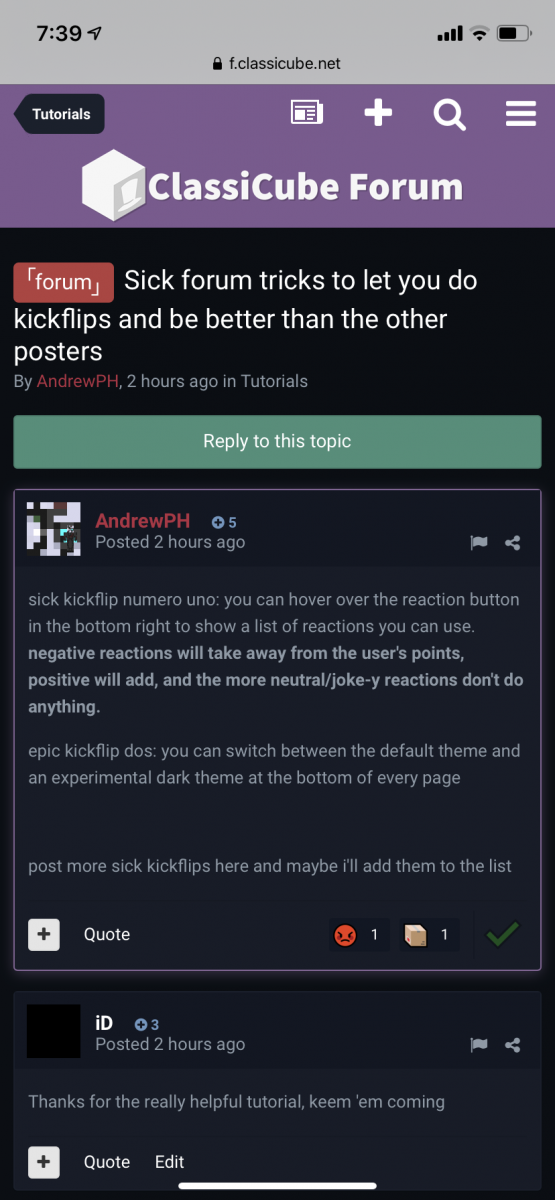
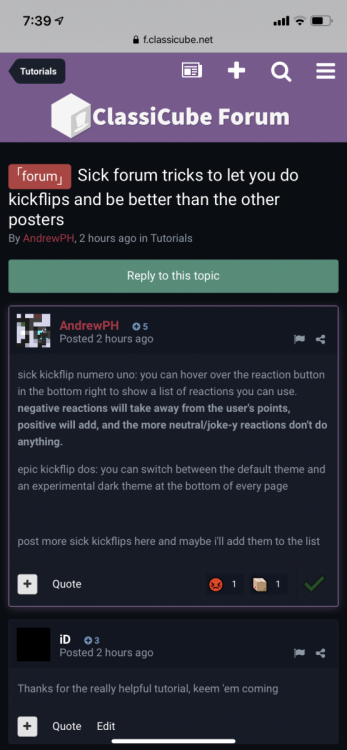
  14. Thanks for the really helpful tutorial, keem 'em coming
  15. I really like shredded cheese too

Configure browser push notifications

Chrome (Android)
  1. Tap the lock icon next to the address bar.
  2. Tap Permissions → Notifications.
  3. Adjust your preference.
Chrome (Desktop)
  1. Click the padlock icon in the address bar.
  2. Select Site settings.
  3. Find Notifications and adjust your preference.