



hanpy
Glod Menbie
-
Joined
-
Last visited
Everything posted by hanpy
-

-
-
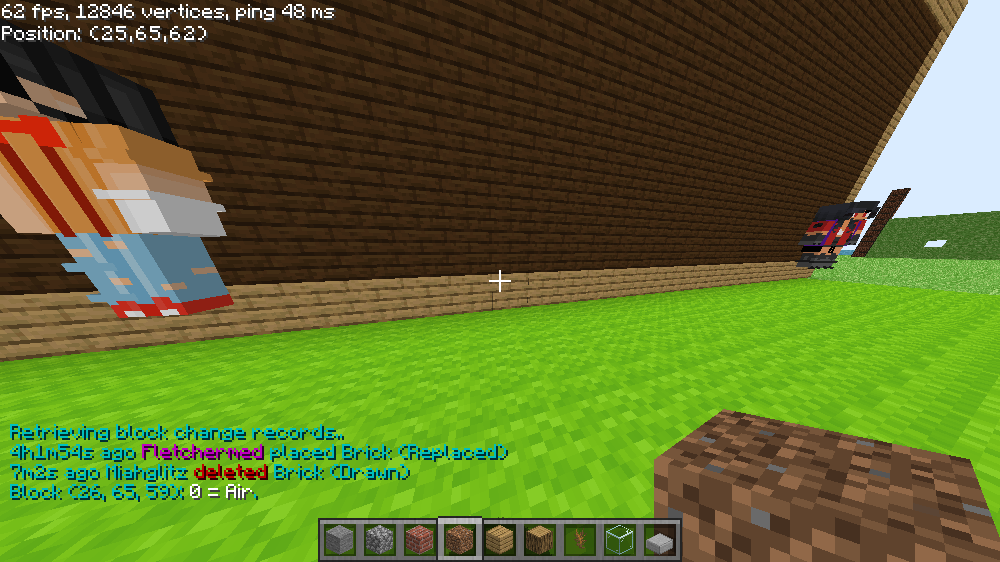
someone griefed the lounge welp i know who griefed i temp ban him fo 40m for griefing
-
cus fo me it looks sick idk why
-
without downloading ? cus i seen some people do it
-
did something happen tot he server ???
-
fletch sever
-
yes we open the server
-
in a server but idk any ideas can someone help me
-
http://www.classicube.net/server/play/98674f765165069a60fe972ea581cf12/
-
also cap i dont think fletch is going to giv eu co owner cus u keep getting mad at him
-
people will prob cheat but who cares
-
u got this pic from google right?
-
outside i go
-
im still banned but so 1 hour left? also its not the greatest but its close to there also sorry i made u sad in zs server
-
can i join or no? what server cus if it is doge bed wars i banned there
-
no i deleted my map
-
yes sorry but its funny for me idk why its just is
-
in cosmic server i made a build for him then we did a skin tormnamet and he gt mad that i cheated (i dd not ) and then i deleted my map of the ma i build him and he banned me am i the only one who thinks this is funny?
-
-
-
-
-
wait why cant u post in one word?
-
cus is a the guidelines and it never said a rule of no posting with on word or is guidelines not the rules





