Jump to content
View in the app

A better way to browse. Learn more.

ClassiCube Forum

A full-screen app on your home screen with push notifications, badges and more.

To install this app on iOS and iPadOS
  1. Tap the Share icon in Safari
  2. Scroll the menu and tap Add to Home Screen.
  3. Tap Add in the top-right corner.
To install this app on Android
  1. Tap the 3-dot menu (⋮) in the top-right corner of the browser.
  2. Tap Add to Home screen or Install app.
  3. Confirm by tapping Install.

FuriousFireGIRL

Glod Menbie
  • Joined

  • Last visited

  1. FuriousFireGIRL changed their profile photo
  2. KawaiiCube started following FuriousFireGIRL
  3. Pear started following FuriousFireGIRL
  4. Good work man, proud of the ppl who help make this website pretty lit
  5. first, find skin Then download the skin u want.. go on CC click on your name, click then click the skin file press and boom u got a skin
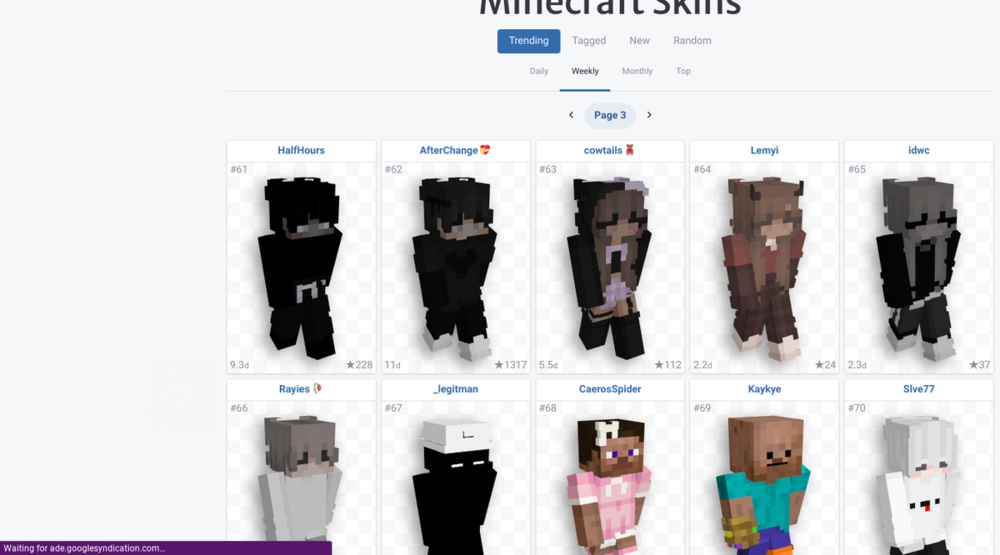
  6. I really like this new feature, I always hated the whole close up pixel face thingy like this god that makes me cringe 😐 anyways good work Andrew I like this waaay better


Configure browser push notifications

Chrome (Android)
  1. Tap the lock icon next to the address bar.
  2. Tap Permissions → Notifications.
  3. Adjust your preference.
Chrome (Desktop)
  1. Click the padlock icon in the address bar.
  2. Select Site settings.
  3. Find Notifications and adjust your preference.