



henry242
Glod Menbie
-
Joined
-
Last visited
-
 Still too expensive. Please wire me funds to pay you.
 -
Woah, this is cool. But I'm sure a lot of us are wondering, what do you mean by "Steam sound assets?" EDIT: after downloading it and such, I realized that these sounds were different then the regular client. Cool.
-
henry242 changed their profile photo
-
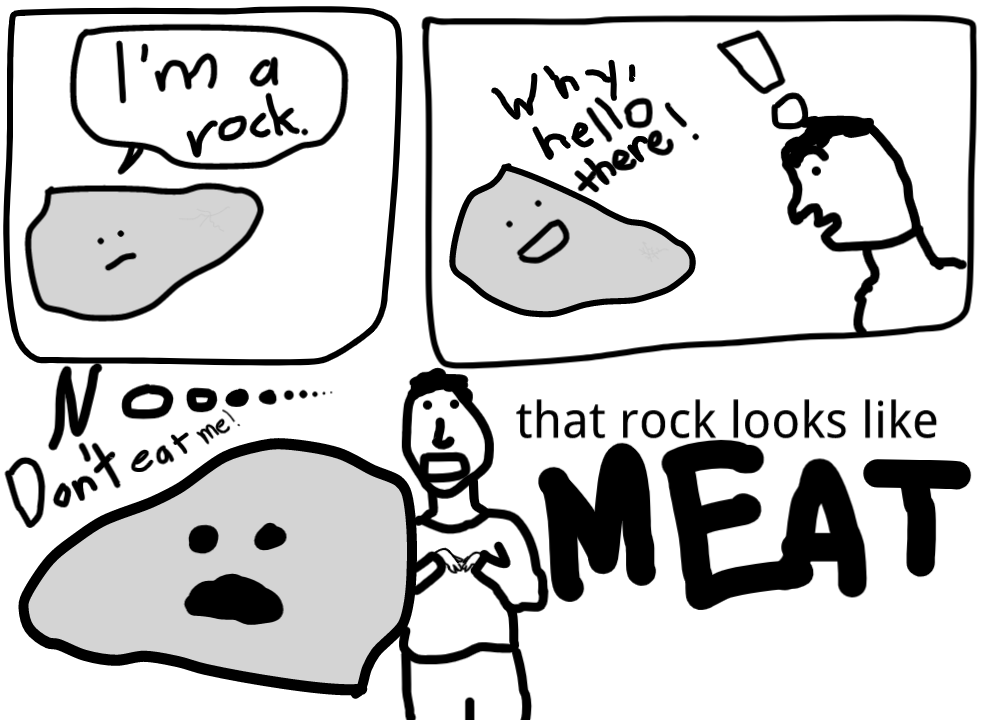
I got the greatest gift of all time- MEAT
-
oh make sure you have unknown sources enabled in settings, that sometimes fixes it and thank you for the update unk, very helpful because now i can move across the screen
-
when i edit options or pull up chat, the keyboard pops up, but doesn't enter text in the box... so i can't edit options like mouse sensitvity, or use chat. please tell me it's not my 2014 phone
-
THIS IS AMAZING! The only complaint I have is switching between Place and Destroy... but other than that it's pretty lit
-
wow ill have to get my phone out to try
-
acer aspire v5-131 laptop 4gb of ram 128mb of video memory(?) lol it has a standard mointor output AND an hdmi output now a chromebook because windows screwed it up




