February 17, 20215 yr I was Trying to join a server but then this poped up @UnknownShadow200 @AndrewPH
February 17, 20215 yr Ye webclient down 502 means host cant connect to direct port so basically thier hosting service is down probs Also its just webclient not the entire thing, download client works fine And also yes same exact thing Edited February 17, 20215 yr by MegaPVP
February 17, 20215 yr I just wait 5 minutes and it helps me. The same thing happened to me and I did this and it works for me!
February 17, 20215 yr Just now, warm_blanket said: I just wait 5 minutes and it helps me. The same thing happened to me and I did this and it works for me! But 5 minutes im not willing to wait 😛
February 17, 20215 yr Just now, MegaPVP said: But 5 minutes im not willing to wait 😛 ok. But it helps so ya.
February 17, 20215 yr Author 1 minute ago, MegaPVP said: But 5 minutes im not willing to wait 😛 Its back up And btw mega when u posted that screenshot it showed your ip just wanted to let you know so you can take it down
February 17, 20215 yr Administrator Solution I'm working on updates to the site, join our discord to get realtime "oh shit"s




I was Trying to join a server but then this poped up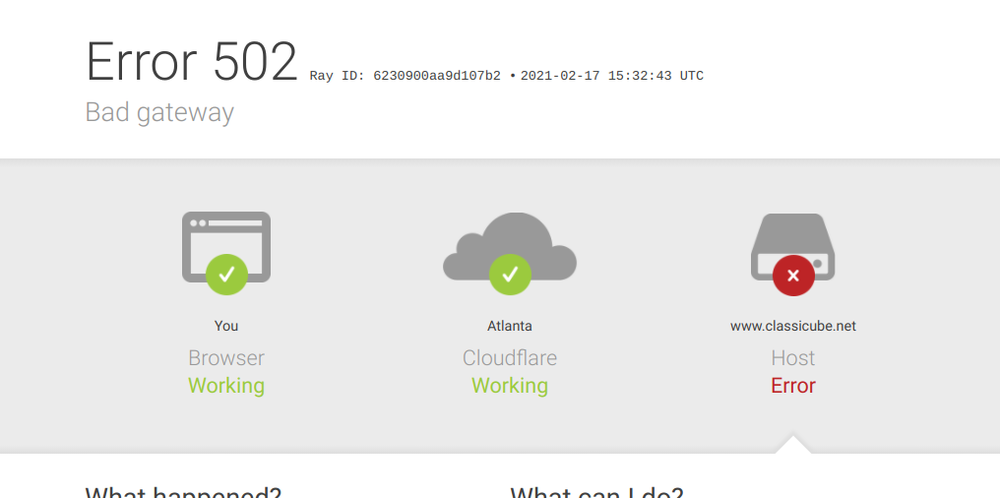
@UnknownShadow200 @AndrewPH