Jump to content
View in the app

A better way to browse. Learn more.

ClassiCube Forum

A full-screen app on your home screen with push notifications, badges and more.

To install this app on iOS and iPadOS
  1. Tap the Share icon in Safari
  2. Scroll the menu and tap Add to Home Screen.
  3. Tap Add in the top-right corner.
To install this app on Android
  1. Tap the 3-dot menu (⋮) in the top-right corner of the browser.
  2. Tap Add to Home screen or Install app.
  3. Confirm by tapping Install.

Desaxu

Glod Menbie
  • Joined

  • Last visited

  1. Desaxu started following koy
  2. Desaxu changed their profile photo
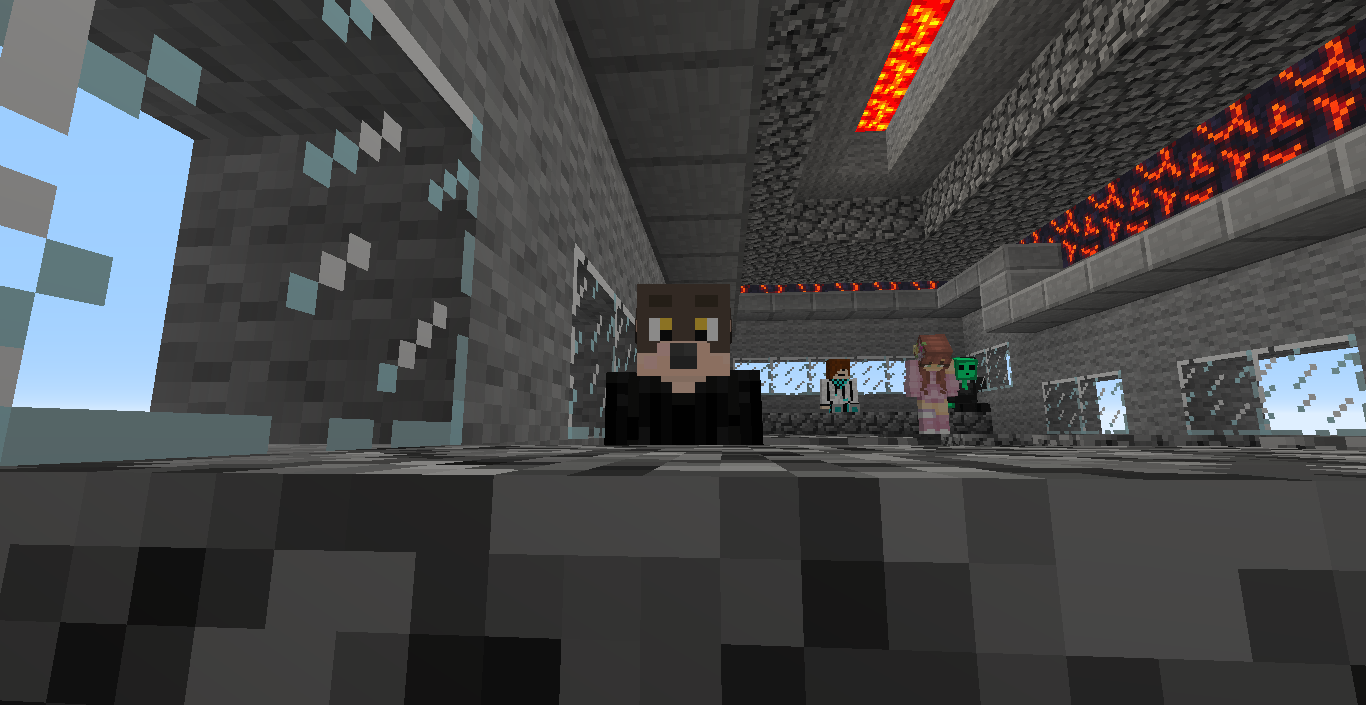
  3. Nice build you got there! I like it.
  4. Desaxu started following UnseenServant
  5. very nice of you, non-existant person!
  6. Acer Chromebook 315 Processor: Intel(R) Celeron(R) N4020 CPU @ 1.10GHz RAM: 3.717 GB Graphics card: Intel(R) Inside HDD: Unknown Monitor: Built-In Display - 1517x853dpi Keyboard: Built-in Keyboard Mouse: pbx USB Mouse, main: Touchpad
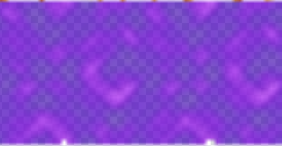
  7. This is a nice texture pack, and i do enjoy it, but theres 3 missing pixels on the portal animation in animations.png, which is strange.. (I was using the "server-friendly" pack, by the way.) Here's the proof: i was confused at why there were 3 missing pixels and when i saw it for the first time, it sort-of triggered my OCD, but in my mind, if you have the time, would you fix this? Thanks.
Configure browser push notifications

Chrome (Android)
  1. Tap the lock icon next to the address bar.
  2. Tap Permissions → Notifications.
  3. Adjust your preference.
Chrome (Desktop)
  1. Click the padlock icon in the address bar.
  2. Select Site settings.
  3. Find Notifications and adjust your preference.