Gekale
Member
-
Joined
-
Last visited
Everything posted by Gekale
-
 On other servers outside of NA2, you can try using the /color command (only if you have permissions for it). You can use this tutorial if you need to know how to use it alongside other name related commands. https://f.classicube.net/topic/2359-a-hopefully-comprehensive-name-related-commands-list-for-new-classicube-players/
 -
You forgot the most important ingredient, and that is Survival mode.
-
-
Forgot to mention, to see your terrain in-game you can press the F10 button Also check out my building guide tutorial for more information! I would also recommend watching Bruceja's custom block tutorial. Check it out at https://www.youtube.com/watch?v=DG9JgmdiJ-k
-
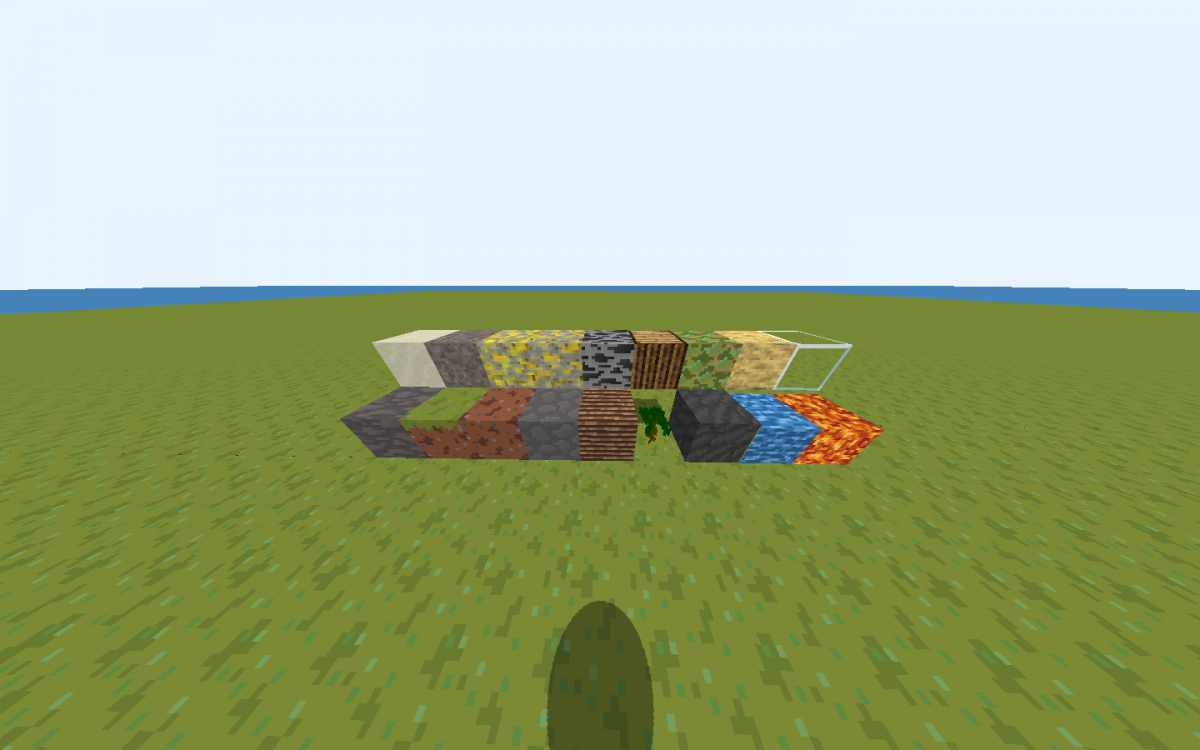
Hello everyone, nice to see you'all in another lovely day! So recently some people asked me (And the other too) On how to make a texture pack, please note that making texture packs can take some time but it can be also used to make awesome designs! In that case, this tutorial will show you how to make a great texture pack! 1. Basics Firstly to make a texture pack you will need a drawing application that supports transparent, let's say for example (paint-net). Secondly you will need to have the default zip file and to get that you will need to go to the texpack folder and find default.zip. Copy and paste the zip somewhere and extract it, there you can change the texture pack, however since this is a block texture pack tutorial, we will focus on terrain.png to make our new blocks. 2. Creating block textures Open paint-net and click on the "File" button on the top corner, then select Open and select the terrain.png then you can add new blocks or change the blocks! Note: (All the blocks on terrain.png are 16x16, if you try to add a block higher than 16x16, let's say maybe 20x20 then you probably have to resize it.) 3. Testing your texture pack Once you have finished making your texture pack, drop the terrain.png to the zip file, you can also rename the zip file. (If it tells you that there is already a terrain.png inside the zip, click replace.) After that, put your .zip texture pack to the texpacks folder, then run ClassiCube, hop on a singleplayer world or a multiplayer, go to the Game menu and click Choose texture pack, then select your texture pack and it will instantly change the texture pack to yours! 4. Making your texture pack public for everyone! This step is very simple, all you need is Dropbox or any other app, drop your .zip file to there, then wait till it finishes uploading, then copy the link that it gave you, after that hop on a multiplayer world, go to your Overseer world and type /os map texture and paste the link, then hit enter, it will tell you to download the texture pack, click Yes or Always Yes, then you will see your texture pack in your Overseer map, and everyone can see your texture pack in your Overseer map too (Only if they click the Yes button) I hope you all enjoyed this tutorial, goodbye and have a lovely day!
-
I'm not sure if you're talking about Super Mario Maker, but I have played Super Mario War in the past, and I don't really play Super Mario Maker that much.
-
I remember playing it back in 2014, good old days.
-
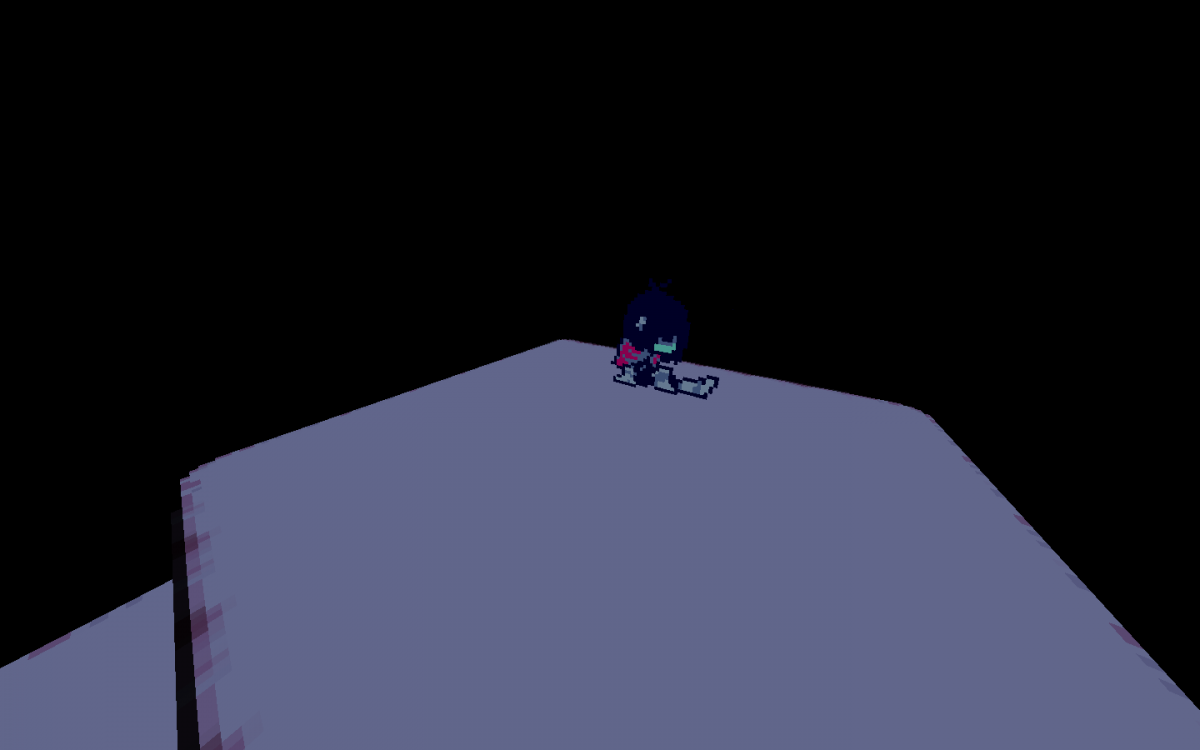
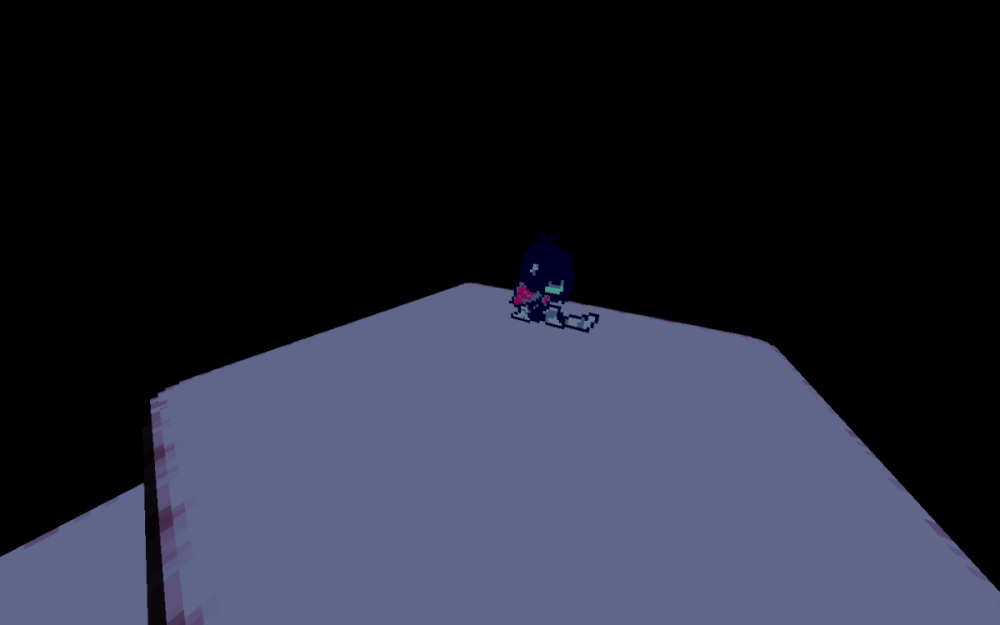
You are correct, this map is going to be using sprites, it's also gonna be a recreation of a game called "Deltarune"
-
Currently working on a map, but what do you think this map can be? 😉
-
So rude but I spent hours on it ;-;
-
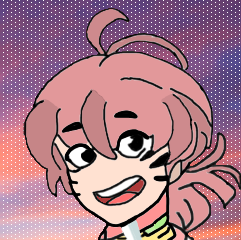
Heres also one without the hat (My old skin used to have no hat at all sooo yeah)
-
Hey everyone, I re-created my skin using using paint-net and I actually love it. What do you think? ;')

-
If you can access to your Email (ez**********@gmail.com) Then you can click the Recover button. If not, then you can try telling an Administrator about it.
-
-
-
There are 3 servers covered with yellow, Not awesome 2, New blood ZS, Jacob's CTF. Could they mean something like featured servers? Best servers?
-
Heya everyone, this guide will make you learn how to improve your buildings! 1. Basics There are 65 unique blocks in the game, many including stone, etc. To open up your inventory, press "B" on the keyboard, if you are on mobile, you should find three dots on your hotbar, tap on it to open the inventory, here will show you all the blocks you can use. 2. Texture packs There are many Texture packs made by people, which can help you make a design, decorations, etc. These texture packs can be found on servers and websites, if you want to put the texture pack into your Overseer (which can be done by /os map create) Then type /mi env in the world that has a texture pack, and copy the link, go to your Overseer by typing /os go, then type /os map texture (URL), if the texture pack has a .png, it will only copy the terrain texture, if it is a .zip, it will copy the texture pack. If you want to see the terrain, press F10 3. Creating new blocks custom blocks allow you to make new blocks, edit them, and much more! Let's see how to make one. first, you need to type /os lb add, this will ask you questions about what your block name wants to be, etc. To answer any of those questions, say /os lb answer [answer], and if you want to cancel, just simply type /os lb abort, now if you made a mistake you can revert it by doing /os lb revert. Once you have made your block, you have done it! You made a block, however, if you want to edit it at any time, you can do /os lb edit [ID] [property] [value]. 4. Buildings When you are making a build, you can mess it up at any time, and sometimes it would look bad, Here are some tips that can help you improve it! Ideas. Make sure to have an idea for your buildings (e.g a house, hospital, gas station). This might improve your buildings if you have no idea what you are doing. Inspiration. You can get some inspiration from people, and the internet and this will improve your buildings. Patient. I know this might be a little funny, but I'm serious, being patient helps a lot in buildings. And that's it, a simple guide that helps your buildings, if you want a version showcasing everything about Custom blocks, I highly recommend watching Bruceja's building tutorial. You can watch it here at https://www.youtube.com/watch?v=DG9JgmdiJ-k, anyways good luck and have a nice day!!
-
Hey everyone, my name is gekale, and I'm finally back on the forums with a new texture pack! It isn't really a texture pack but I hope you'all like it 😄 https://www.dropbox.com/s/57r8jlo98j5tetw/duck.zip?dl=0 It's a cute little duck texture pack which looks cute 😮
-
You can find it at this link > https://www.dropbox.com/s/6ze6vbcflx55ohl/MarioTexturepack.zip?dl=0 I have stopped working on making the texture pack but it looks good!
-
Aren't you like 12?
-
Windows 7?
-
Whenever I click the "Sign in" button it gives me this error code which I don't actually know what does it mean Error 12159 when signing in Error meaning: The supplied certificate is invalid -Gekale/OtiMalia12
-
Just make a new account and make a different email.. It isn't that hard
-
Click forgot your password? and then enter your username, next go to your email and recover your account by entering a new password. Then try logging in, if it still says you need to enter the login code, then you need to go to your email. And find a message from ClassiCube Team that is unreaded, then try entering the code. If it still didn't work, go to spam or archive folder.
-