Friendlyscout1
Member
-
Joined
-
Last visited
-
 "Don't get upset over ratings. They don't matter. Getting upset over people rating you dumb will just result in you getting rated dumb more." read the rest here before you get banned: https://f.classicube.net/guidelines/
 -
As you know, it's June, and that means its pride month. So if your gay, tran, etc we would like 5lto congratulate and support you.
-
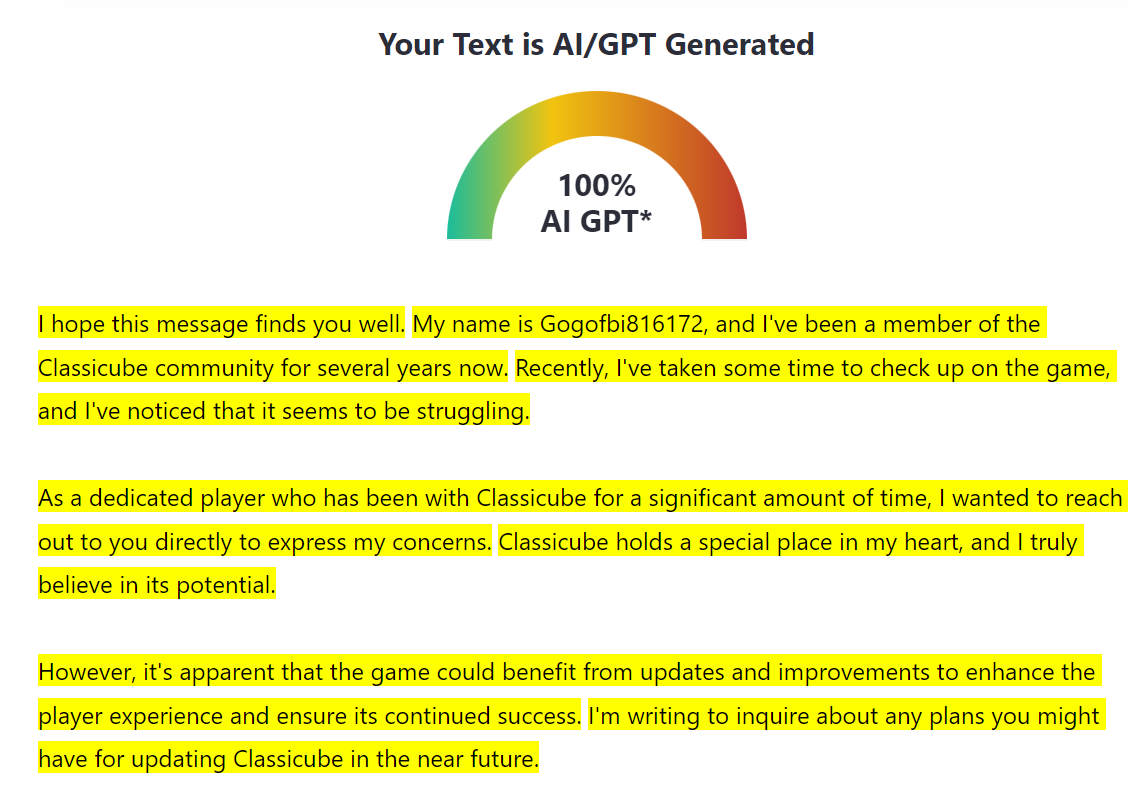
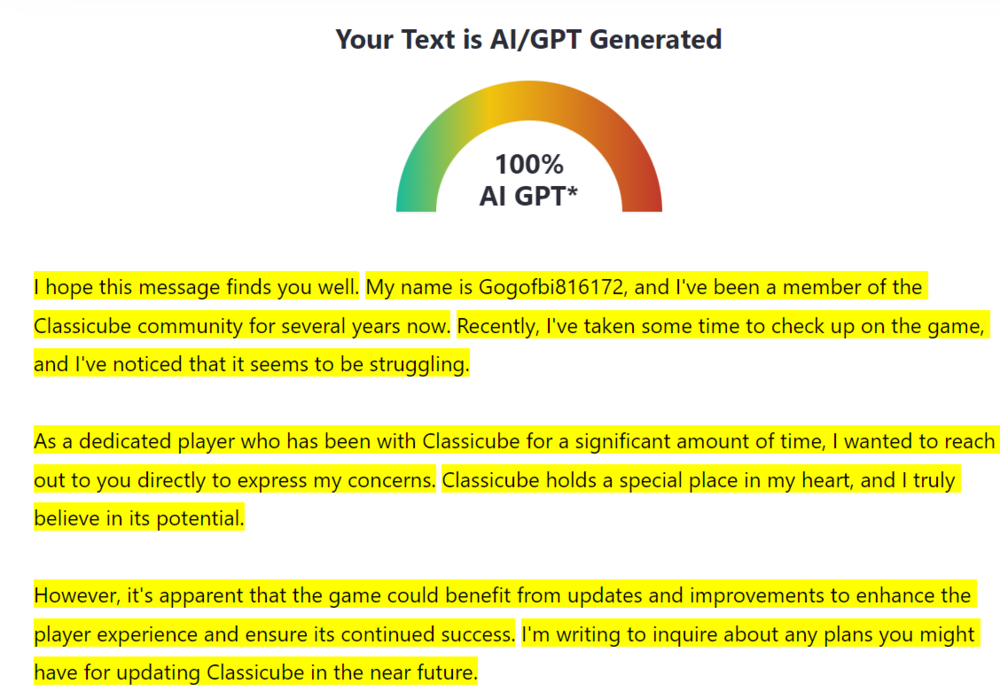
Hopefully Classicube isnt AI generated
-
if you bord plat classic cube it engayging and a gam. tha gmae is good and its a gaem. it cool!
-
-
Recent commits on the ClassiCube GitHub shows that this is coming :)))