Rubiktor012
Glod Menbie
-
Joined
-
Last visited
Everything posted by Rubiktor012
-
 Sad Rubiktor012 noises
 -
I think of reactions like Reddit votes, but pro mode. And reputation like Karma.
-
Because i need 🅱.
-
-
This Ratings ↑ Not Stonks
-
-
-
Neutral i guess
-
pls tel meh
-
Oh OK.
-
No, really, i just don't know...
-
We're sorry Classicube crashed. Reason: failed to compile shader Full details of crash have been logged to 'client.log' Please report to the ClassiCube foruns or to UnknownShadow200
Wow, it's like... WHY?! I don't know what's the issue with using the PC! "o da pc be me sooooooooo yes do not use it forr u!!1!" That's exactly how I would live your live.
I don't know if this counts as advert.
It's on the post.
Sry i forgot lol Anyways, same thing. They are more special
You can share your IPv4 adress and use MCGalaxy to host
Yep, but the old ones were more unique, since they were made only by unknownshadow
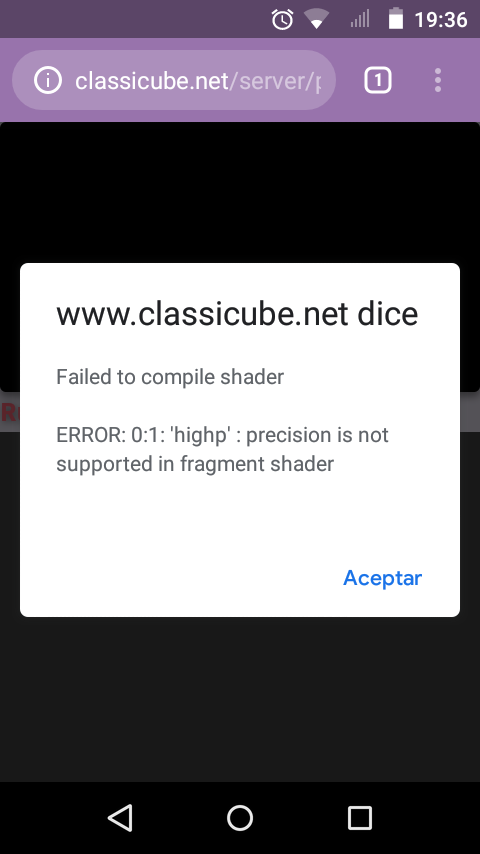
I cannot access the web version on my phone (fails and tells me to see logs). I have got Android 5.1 on my 3 years phone. Is there a solution for this?