Jump to content
View in the app

A better way to browse. Learn more.

ClassiCube Forum

A full-screen app on your home screen with push notifications, badges and more.

To install this app on iOS and iPadOS
  1. Tap the Share icon in Safari
  2. Scroll the menu and tap Add to Home Screen.
  3. Tap Add in the top-right corner.
To install this app on Android
  1. Tap the 3-dot menu (⋮) in the top-right corner of the browser.
  2. Tap Add to Home screen or Install app.
  3. Confirm by tapping Install.

zeevn14

Glod Menbie
  • Joined

  • Last visited

Everything posted by zeevn14

  1. i love to scape and run mod its hard but fun
  2. thanks cyan for your help
  3. it keeps saying failed to connect to 167.114.174.122:25556 please help i wanna make sure my maps ain't destroyed
  4. what is that kawaii
  5. i logged in to classicube and not awesome 2 is gone goodlyay what happend
  6. dude just stop playing and admins dont just ban for no reason you must of did something wrong
  7. plz help me i dont know anything to do adveture maps!
  8. im looking for ww2 vehcles to build a battle feild the would is called na2 ok
  9. i will get a bunker and live in cyrosleep for about 284739254 years
  10. we aways go to alabama to spend time with my great grand mom and great grandpaw
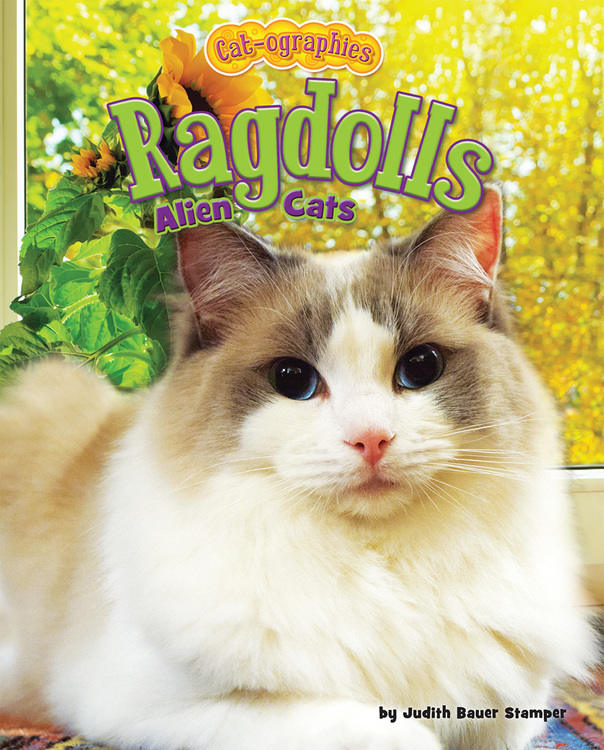
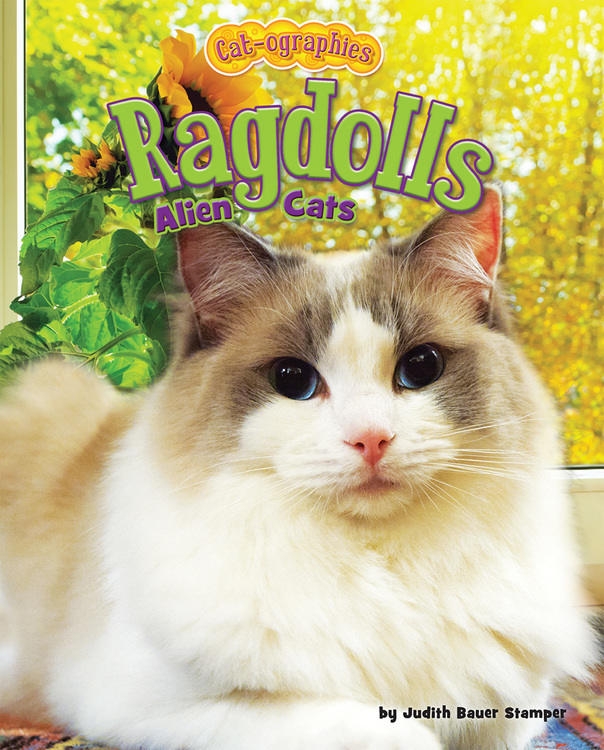
  11. this my cat yeet boi

Configure browser push notifications

Chrome (Android)
  1. Tap the lock icon next to the address bar.
  2. Tap Permissions → Notifications.
  3. Adjust your preference.
Chrome (Desktop)
  1. Click the padlock icon in the address bar.
  2. Select Site settings.
  3. Find Notifications and adjust your preference.