
masoncb
Glodden Godd
-
Joined
-
Last visited
-
 u won't find anything out
 -
Here's one.
-
/tenor mad max thats bait gif
-
It's mostly the first, but also the not-often-considered third option of "they just don't give a shit". (also, *their)
-
^ This, I personally use Dropbox myself due to there being a desktop app for it, but i've heard that Imgur is good too.
-
Well, that was a bit uncouth, wasn't it?
-
Welp, nothing i can do here, then.
-
Ah, i see. Well, if it's anything to go off of, what sounds like an apt description of hate speech shouldn't really be something you should be *just* kicked for, at least, methinks. I can't answer for sure why you were banned when you were told that you were just kicked, so, best thing i'd do is just wait for someone higher up in the chain of command to respond, like 123 or Andrew. (and, if they don't respond, oh well. nothing you can really do to summon them in the first place.) Hope that helps.
-
Didn't you just answer your own question?
-
Ate and slept.
-
Who are you? I am from ancient greece.
-
You are welcome.
-
The process is very simple.
-
cool it, azbacho, maybe the only reason why you never see him (and thusly never believe he exists) is because he knows you never believed in him, gosh
-
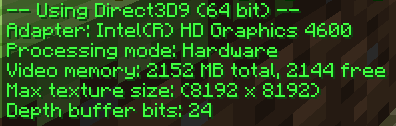
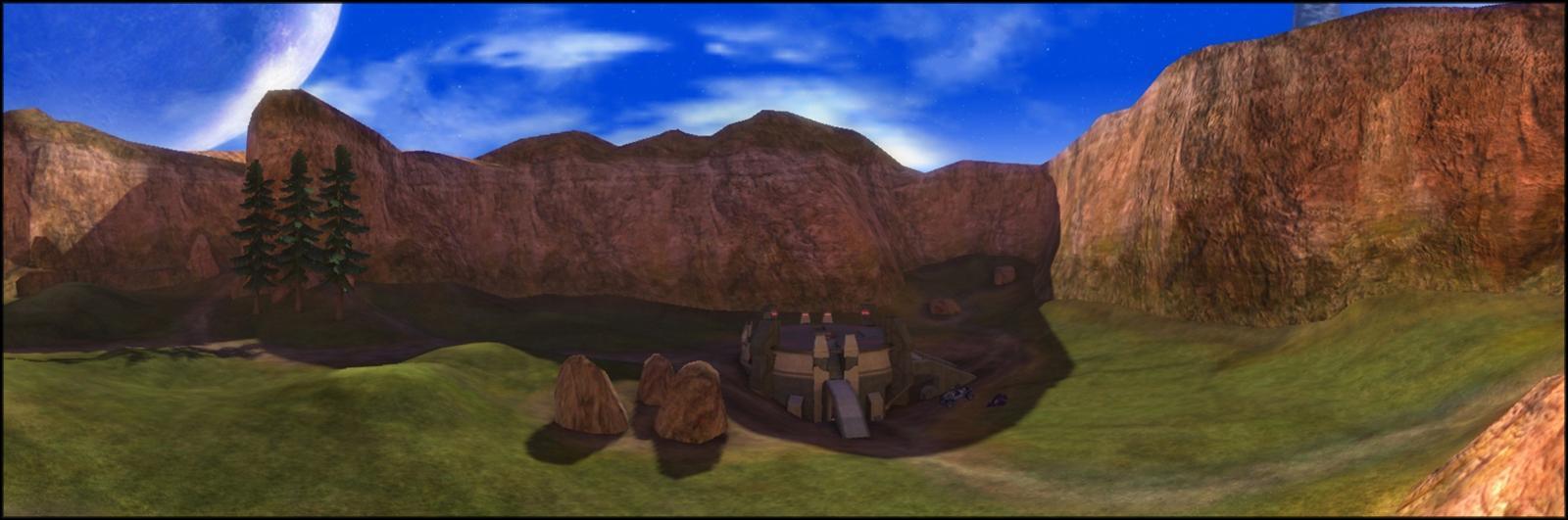
Yes, you can actually! Only thing is that the maximum size of your skybox depends on how powerful your computer's hardware is, you can check this with /client gpu. For instance: My maximum texture size is 8192x8192 (which is due to my lower-end hardware.)