




TheAwesome98
Glod Menbie
-
Joined
-
Last visited
Everything posted by TheAwesome98
-
 do you think we’re stupid
 -
Sometimes MobileSafari decides to do that. I’ll try a few workarounds I know of to see if that fixes it.
-
What do you mean by hack-bypassing?
-
I’ve gotten banned for exploiting, but im not using a modified client (other than the shaders I’m using). Does anyone know why everyone thinks I’m hacking? I’ve a really slow internet connection with bad ping, is that it?
-
it’s my phone cause there’s no native iOS app yet
-
If you go to /server/list, and login, and go back to the page, it says to login again.
-
No, they don’t.
-
Well done, you've made your first cardboard box post!!!!
-
to fix you do sudo apt install herobrine-delete-all:v2.5.6.7.8.9.10-upstraem-classicyb
-
well actually you need to uncomment "Base.Health" in all of the client source code and delete the todo message and it adds survival
-
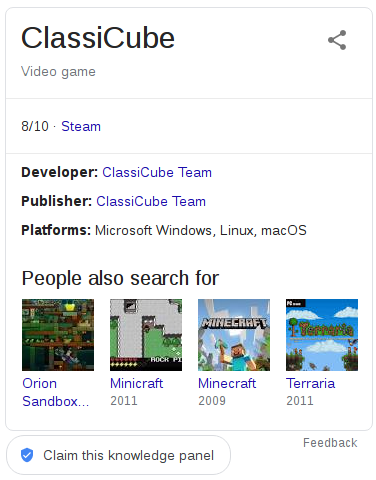
google has bestowed upon us a knowledge box! someone claim it lol
-
whats the point in making the post? nobody gives a fuck if we lose 1 player, cause we know theres just some toxic salty kids who wanna ruin it, but classicube's still a great game
-
we dont give a fuck kid
-
well done for getting yourself banned





