ClassiCool
Glod Menbie
-
Joined
-
Last visited
Everything posted by ClassiCool
-
 Thanks Goodly!
 -
But I do not have an MCGalaxy_infid.dll file, but I have an MCGalaxy_.dll one.
-
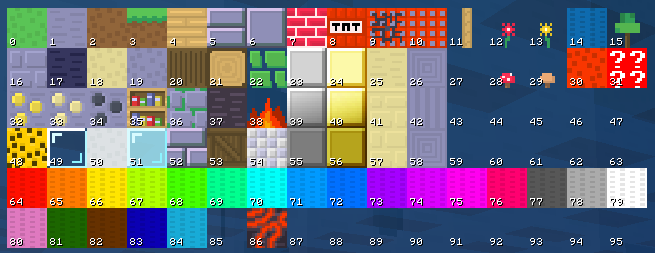
So I recently started my own server, Sico Lounge, and I was wondering if there was a way for me to get more custom block IDs in my server. I do not need this now, but I want the range of custom blocks to expand from 1-255 to 1-767, just like in NA2. Is there a plugin for this? Edit: I am using MCGalaxy 1.9.2.7
-
I'm not sure if this works but in your MCGalaxy settings, type in as the server MOTD: -hax +ophax This is global across all maps. However, people can still turn hax on if they are on their realm.
-
I want you to make some obfuscated code that does one simple task: creates a password protected document. There are two ways you can do this... Option 1: Make your own code. The document can be about anything, but it should not be stored as a file. Instead, you type in a password into the command line and then the program checks for a file, with the name being the second password and the file's contents being the first password and the third password together. The passwords can be any length you want, but I'd recommend going for more than 16 characters. However, you can create as many password files as you can. The more, the safer. See an example of this below, using three passwords, two contained in a file. Option 2: If you are unsure, you can start off with my C++ example. Obfuscate it however you want, port it to whatever language you want, but keep the document, password file and command line password the same. RULES: In your submission, make sure to show: the original non-obfuscated source code, the obfuscated source code and two programs each compiled from the said code. You can pick any programming language that supports reading and writing files, such as C++, Python or Java. Try to put in some effort into your submission. EXAMPLE: C++ compiled with G++ non-obfuscated.cppobfuscated.cpp You'll need this file in the same directory as the EXE: fIYElya1HOAetOy2QI9di1Jr8FbaawFSXuNkEtYQRQ4JZLoFvbSvgNwOVbpBwAQfpoiO0ovwHZFebTgBkAw8x1bM8kbh5C9xgt1POTz1hGzLglwr8mX3DaCVIDsbGFoe.txt I can't wait to see what you can make up! Go compile them yourself. EXEs are banned. g++ name.cpp -o name.exe
-
Sorry, henry, but that was the wrong thing to do. I meant to REPLACE a letter, not TAKE AWAY one. Sorry for the inconvenience.
-
All you have to do is choose a programming language, replace one letter from its name and format your post like this: modified name (original name) I'll start: No (Go)
-
Well, that was the reason why I quit C. I moved onto C#.
-
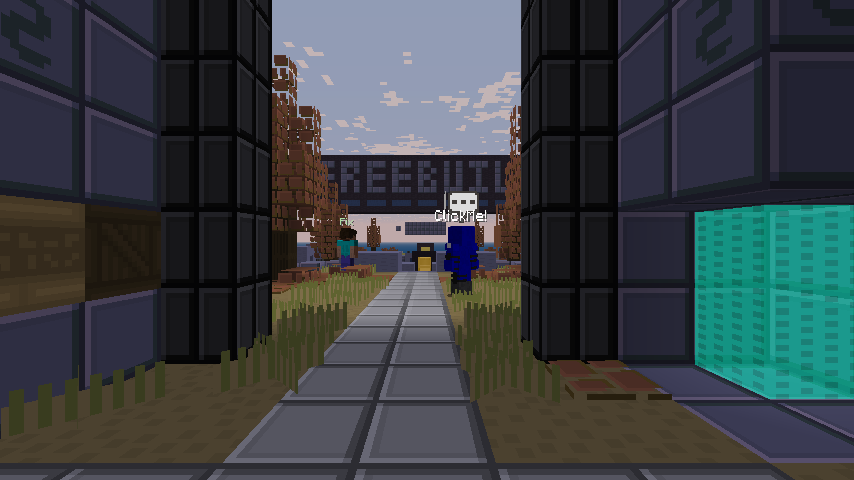
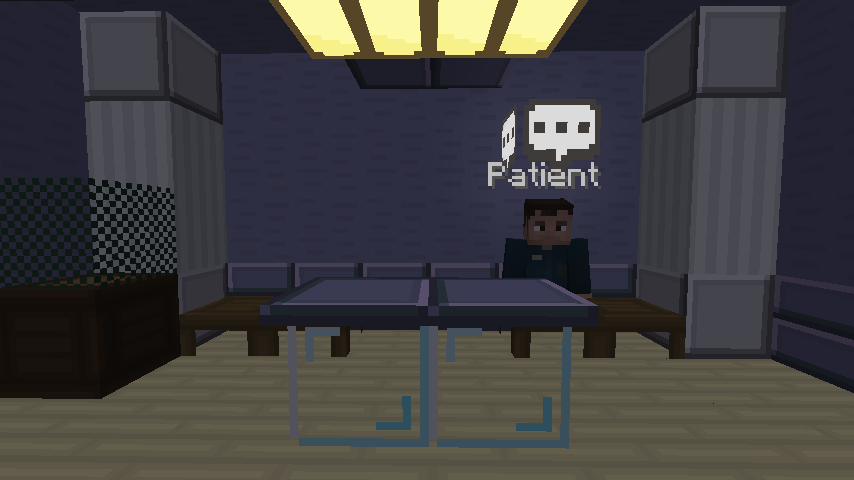
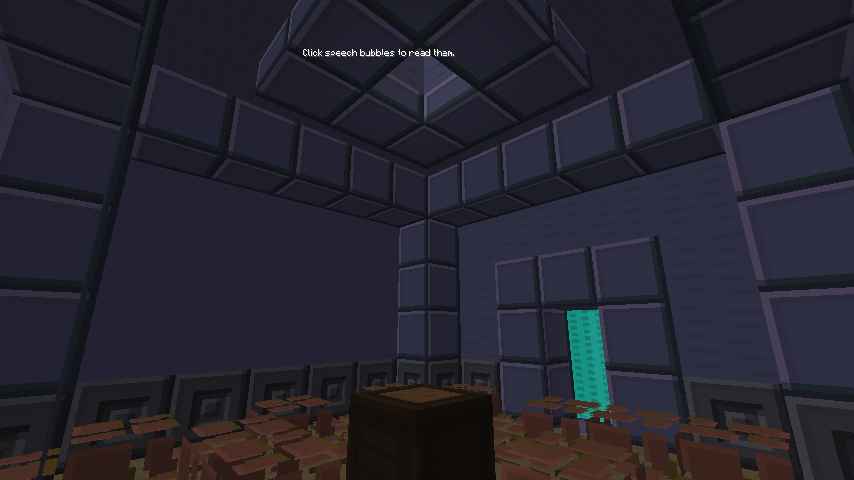
I guess the textures are too bright, so I guess we should go for something a bit more StagStyle. What is that you're saying? StagStyle doesn't work on Not Awesome 2? Well... I've got a solution... Oompa Staggo Style! Come and get it here! stagstylena2.zip If you want to download the original for servers with classic textures or for singleplayer use, go here: https://f.classicube.net/topic/353-stag-style!
-
I say you're right. Python is an excellent choice for starting to code. Or, if you prefer, Lua, a similar programming language. If you're just a kid who never coded in any way before, I'd suggest Scratch.
-
-
No need. I think http://pcworld.com/article/244314/how_to_forward_ports_on_your_router.html/ (I found this article from the server creation guide) should tell me how.
-
Hmm... how do I port forward manually then?
-
Well I'm pretty sure that MCGalaxy said that my port forwarded successfully using UPnP
-
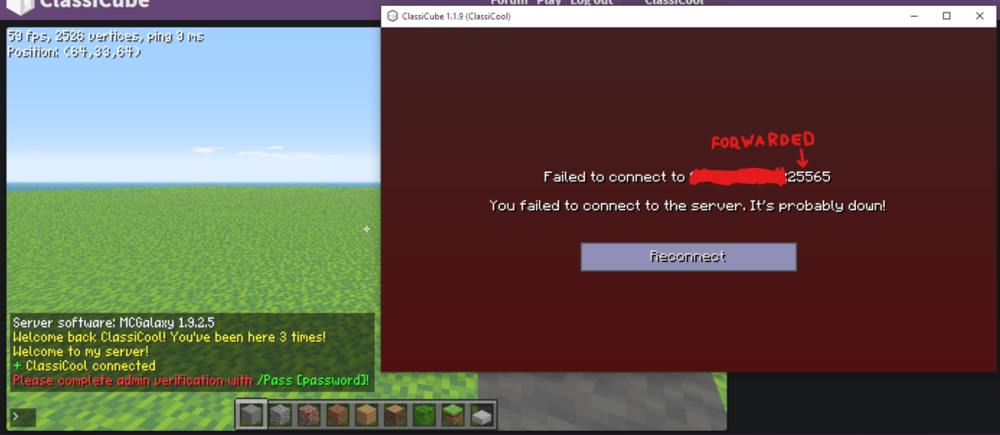
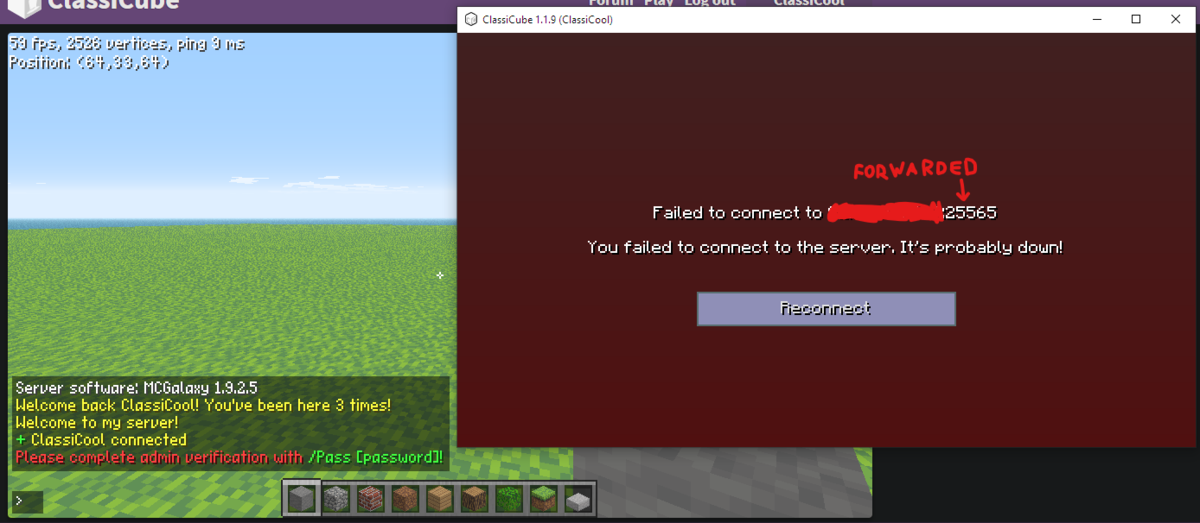
I have port forwarded using UPnP. I just don't understand why my server only works on the browser.
-
I was trying out MCGalaxy for the first time (version 1.9.2.5), started it up and tried to join in from the offline executable. I put in my server code and it didn't connect me. However, if I enter that code into Chrome, I can get into the server normally! Does anyone have an explanation for this? I am the host of the server.