
aleksb385
Glod Menbie
-
Joined
-
Last visited
Everything posted by aleksb385
-

-
Why bother retrying when it tells you exactly why you can't register? Also for any issues I'd recommend not asking in this forum, because it's unrelated to eddynet.
-
This is the fifth time you've asked and you always got an answer. Privately message an admin.
-
that's the point
-
You can add ranks from the server's configuration files. You can find texture packs on many different places, such as doing /mi env on maps or looking through collections online. To change command permissions, use /cmdset
-
If you are only planning on using IRC to connect your ClassiCube server to Discord and you are running MCGalaxy, you're better off just using its inbuilt Discord relay bot. More info can be found here. This tutorial is still valid, however, and you can still use IRC if you wish. Hello! In this tutorial, I will be showing you how to set up a bridge between a ClassiCube server, IRC, Discord and back. Prerequisites: A server running software which supports IRC (MCGalaxy is the most common one) A computer which has a terminal prompt and supports Node.js/npm (this is unlikely, but possible to work on chromebooks) A Discord account (so you can create the bot) A brain 1. Set up IRC on your ClassiCube server On MCGalaxy, this is somewhere in properties/server.properties. Just enable IRC, keep the server and port as they are, don't put anything in OP channel and put whatever you want for channel. (Make sure that it starts with # though). I'll use #example for this tutorial. 2. Install npm (what is npm?) On Linux, you can use your package manager of choice to install npm. Examples: Ubuntu (and other Debian-based distros) sudo apt install npm Arch: sudo pacman -S npm Note: you may need to additionally install Node.js as well, haven't tried it myself. On Windows and macOS, you will have to download and install it from Node.js's download page. It is recommended that you use the LTS version, but "Current" works as well. 3. Create a configuration file for discord-irc Go to a new directory which you'll use for your bot and create a new .json file. Here is what you'll put in it (explanations for the numbers will be given below): { "nickname": "1", "server": "2", "discordToken": "3", "channelMapping": { "4": "5" } } 1 - Replace this with the nickname of the bot. This will be seen in-game and from the IRC channel. It is recommended that you just set this to "Discord". 2 - Replace this with the IRC server you're using. MCGalaxy uses "irc.esper.net" by default. 3 - Replace this with your Discord bot's token (NEVER SHARE IT WITH ANYONE ELSE!). More instructions in step 4. 4 - Replace this with the Discord channel's ID. Essentially, all messages will be sent in that channel. To get a channel's ID, right-click it and click "Copy ID". If you don't see this, enable Developer Mode from the Advanced section of the Discord settings. 5 - Replace this with the IRC channel's name. If you set your MCGalaxy server's IRC channel to #example, put #example there. Note: you can expand this file with more options if you want. This is just the very minimal version. 4. Create a new Discord bot and get its token Creating a Discord bot is easy, you just have to go to My Applications on the Discord Developer Portal, create a new application, then create a bot for it. Once that is done, click the button to copy the token and insert it into the json file you made above. Once again, do NOT share your token with anyone, ever. 5. Install discord-irc and run the bot Open a terminal prompt (cmd.exe or powershell works on Windows) and cd to the directory in which the .json file is located, then install discord-irc using npm by writing this: npm i -g discord-irc and pressing Enter/Return. After this, wait until it's installed. If it doesn't let you install it, try putting sudo before npm. (so sudo npm i -g discord-irc). This will give you root permissions and works only on Linux, you will also need to input your user password. Once discord-irc is installed, make sure that you are in the .json file's directory and run this from the terminal: discord-irc --config <name>.json The bot should be running and should be relaying messages to/from the IRC, which by itself is connected to the ClassiCube server. To stop the bot, press Ctrl+C. You can also run discord-irc from different directories, just use --config /path/to/<name>.json as the arguments. That's it! If you have any questions, extra tips or have anything to say about this, please let me know. Have a nice day and I hope this helps you! ~Alex
-
wholesome 100 keanu chungus chonker breathtaking reddit moment instagram bad reddit good
-
You can't apply to become a moderator on ClassiCube (mostly forums), you have to be approached by the admins, but they don't seem to have plans to accept new moderators. If you want to apply to be staff on a server, ask whoever runs it.
-
You should go into your email, verify your account (by opening the email from classicube.net and clicking the "Verify" button) then click on the "Play" button on the website. Also, NEVER share your password online.
-
On servers with custom model support, /help cm should show you the basic commands on how to add and edit a custom model. If you want to add custom model support on your own server, this might help you - https://github.com/NotAwesome2/MCGalaxy-CustomModels
-
Here's some of my screenshots as well:https://imgur.com/a/MHR4MEe https://www.dropbox.com/sh/7395jjftc87znoz/AAApwavPQGoTONLF58Sc0z4-a
-
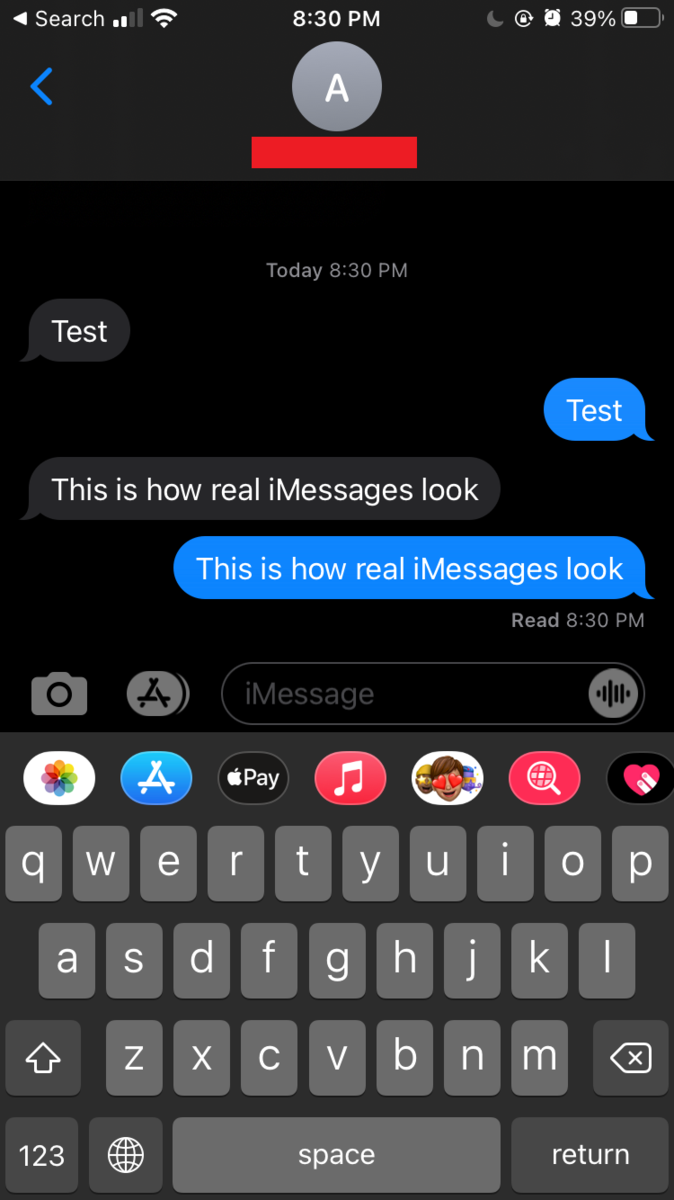
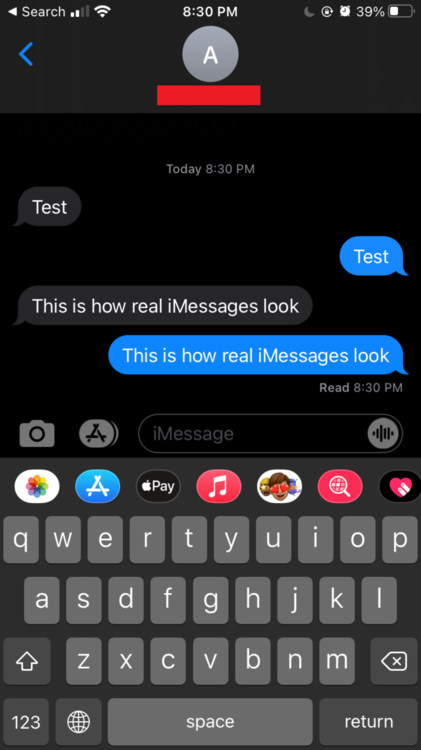
I was originally going to just reply with "What" but now you've decided to push it further, and I thought I'd have some fun. That screenshot is fake. Let's get to why: -The speech bubbles shape is just wrong -It says your name on the top while it's supposed to say the other person's name -The font is absolutely awful, it doesn't look anything like the font used in iMessage -That version of iOS is ancient, indicated by the message box, camera icon, text button, cell signal strength and "Contact" button -The scroll bar is t h i c c and it's at the top - if you were chatting with a friend, I'd assume you had previous conversations? There's someone who probably understands more about this, but this should be enough to debunk your attempt at faking a text message to seek sympathy. For comparison, here's a real screenshot: You can probably tell the difference. Next time actually try to learn your lesson and stop constantly lying and throwing a fit when someone is telling you the truth. Take your time to reflect on your actions, grow up and come back once you're ready. You were the one who got yourself banned from ClassiCube on your original account the IRC, accept it and move on. Another tip - don't share your personal information on the internet, it's very dangerous. I told you this and you promised to change your YouTube channel's name, but when I checked the next day it remained the same.
 "classicoins" do not exist in the game itself as a currency (in fact, there is no currency), however servers are free to name their own currencies however they want. There's plenty of different ways to earn money on servers - perhaps you could ask someone on the server how?
You should talk about that with the staff of Omegabuild, ClassiCube doesn't control what goes on inside the servers hosted on it.
Fallback block means what players see if they dont support custom blocks. It has to be the closest block from 1-65
Your laptop could have some weird keyboard setup or it might be a browser extension, idk
Unfortunately accounts cannot be deleted, just set your email and password to random stuff if you want to make it inaccessible.
classicube. it sucks.
cmdautoload.txt exists
/title &4fire &0boy /xnick (or shortname if on NA2) &4az&7bacho&410 Although I wouldn't recommend using &0, since it's too dark. Try something like &8 or check out all the colours by pressing Alt while the chat is opened.
Then probably don't run a server, or rather, use someone else's server as yours
...check error.log?
"classicoins" do not exist in the game itself as a currency (in fact, there is no currency), however servers are free to name their own currencies however they want. There's plenty of different ways to earn money on servers - perhaps you could ask someone on the server how?
You should talk about that with the staff of Omegabuild, ClassiCube doesn't control what goes on inside the servers hosted on it.
Fallback block means what players see if they dont support custom blocks. It has to be the closest block from 1-65
Your laptop could have some weird keyboard setup or it might be a browser extension, idk
Unfortunately accounts cannot be deleted, just set your email and password to random stuff if you want to make it inaccessible.
classicube. it sucks.
cmdautoload.txt exists
/title &4fire &0boy /xnick (or shortname if on NA2) &4az&7bacho&410 Although I wouldn't recommend using &0, since it's too dark. Try something like &8 or check out all the colours by pressing Alt while the chat is opened.
Then probably don't run a server, or rather, use someone else's server as yours
...check error.log?