



aleksb385
Glod Menbie
-
Joined
-
Last visited
Everything posted by aleksb385
-
 only done one playthrough but I think it's great
 -
what exactly are you trying to achieve? spreading information about this is good, but the way you still pretend to be a staff member even though you got tempbanned (and acknowledged it!) makes me think you're 8 years old or something
-
They were wrong. Some versions of ClassicalSharp, an obsolete client, had a half-broken implementation of Survival Test that was never supposed to be used. However, the ClassiCube client does not have such thing. If you want to play Survival Test, use the old Minecraft client for it.
-
What steps would I take to become German??? pls help
-
the person above you might not, but the person below you sure is
-
/help PerBuild for per rank and player restrictions. /map buildable & /map deletable for disallowing people from placing/breaking blocks (although they can still use draw commands such as /cuboid, /mark, /place)
-
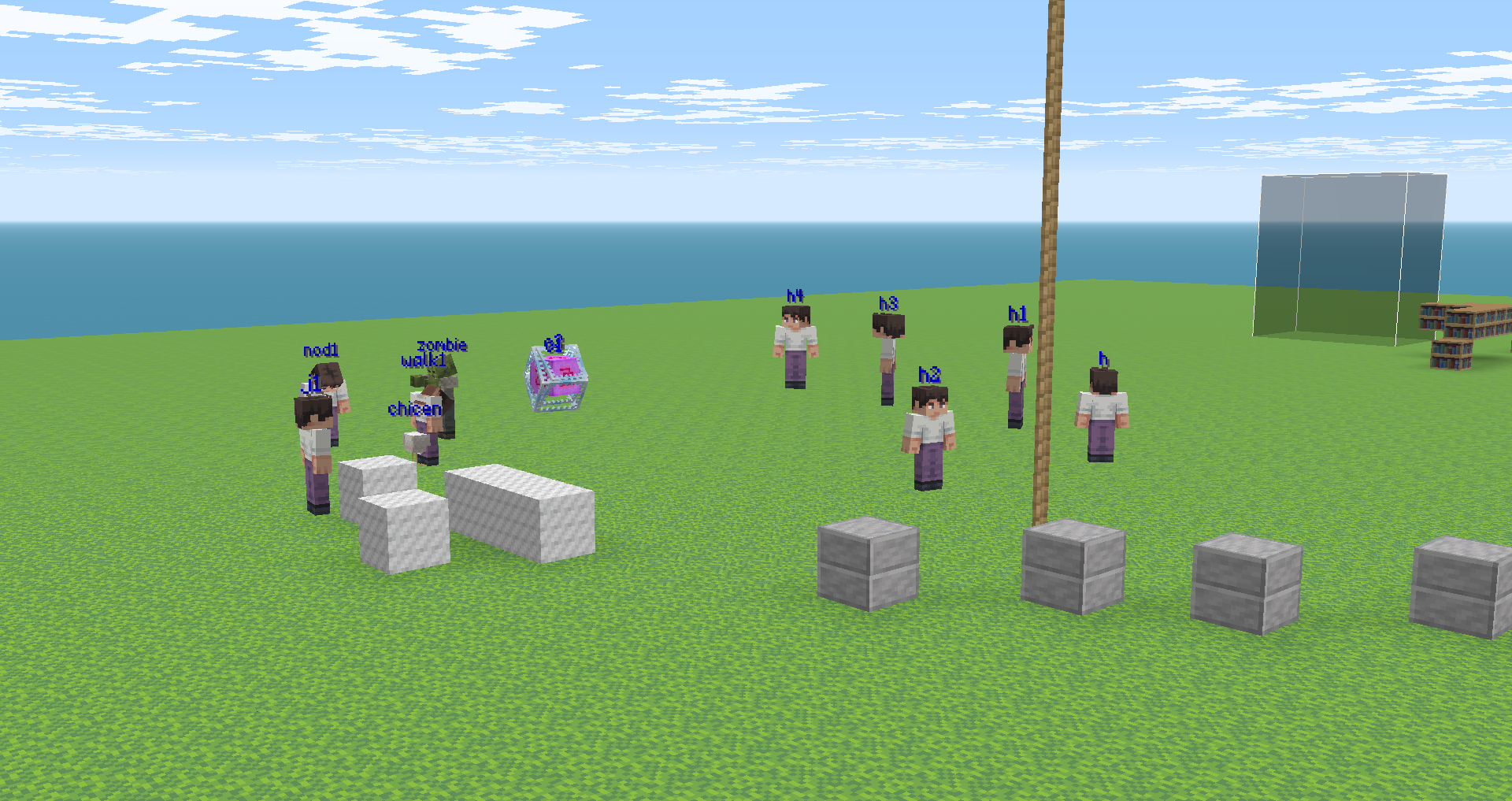
Can entity 01 be found in DN?
-
if you want your server to appear on the list, try making it public using /server public (or from server.properties). Also read the README of the MCGalaxy repo for other useful information: https://github.com/UnknownShadow200/MCGalaxy/blob/master/README.md
-
-
Have you by any chance put ClassiCube into the Program Files folder? If so, move it somewhere else or spend 10 hours figuring out how to fix the permissions. Managing permissions in Program Files is absolute hell.
-
I'm not sure why you're expecting to be able to run an entire server if you can't navigate through files...? Find the MCGalaxy download link on https://classicube.net/server/host, unzip it in a folder and run MCGalaxy.exe (or the CLI version optionally). Basic further instructions can be found on https://github.com/UnknownShadow200/MCGalaxy and more in-depth stuff can be found if you search around the forums.
-
-
Texture packs cannot have custom blocks by themselves - you'd have to define them in a server, or download a world with defined custom blocks and load it into singleplayer or import it onto a server.
-
If a server is highlighted, it means that the ClassiCube administration considers it more unique than the rest of the servers, either because of a certain gamemode it offers or something else that's noteworthy enough to make it different to other servers
-
make useful and helpful posts instead of ones like this
-
In that case, maybe you need to follow a specific set of instructions to open a port on your router. A useful site to use is https://portforward.com/, but do not purchase any software shown there. Some ISPs just (b)lock access to the router configuration page so you'll be completely out of luck. For example, I can't access mine, so my server is ran from a VPS I'm renting.
-
Are you expecting to be able to join a server you didn't port forward? If it's a local server, you can connect via direct connect, follow the instructions on MCGalaxy's GitHub page. If you want others to connect, you'd have to port forward.
-
1. in properties/server.properties you'll find something about it, set it to true 2. properties/ranks.properties 3. /pervisit <level> +username
-
Keep in mind that alts are often easily detectable by server staff and they will not let you play for too long on a server your main account is banned on
-
custom blocks ≠ custom textures, if your friend wants blocks you should either give them the file from /blockdefs or have them save the map and import it to their server. As for the link to the textures, /mi env
-
Note: Since Discord relay support was added to MCGalaxy natively, you might be better off just using its built-in relay bot instead of routing messages through IRC. More information on how to set that up can be found here: https://github.com/UnknownShadow200/MCGalaxy/wiki/Discord-relay-bot
-
Go on a server and look for them, some servers provide modern MC textures. Keep in mine that they're redistributing Minecraft assets which they aren't really allowed to, but you likely won't get in trouble
-
Make your own blocks using the amazing /gb or /lb commands, don't steal others' work
-
/map motd -fly -noclip +speed /ra grass lava
-
/help zone. More specifically, /zadd <name> <build permission>. You could set the world's permission to the default player rank and allow them to use /zone by using /cmdset zone <rank>, but it can be abused very easily. Would be better if you let players have their own /os realms. You can do that by going into properties/ranks.properties and changing the overseer worlds limit (maybe it's worded differently, idk) to whatever you want. Then, ingame, do /cmdset overseer <rank>. That way, every player can have their own realm which they have full control over. I'm pretty sure solid blocks won't work as killer blocks. You'd either have to put nerve_gas above the grass, make the grass have collide 0 (/lb edit 2 collide 0), or enable survival death with falling (not recommended, a bit buggy). Ask around ingame, on the forums or on Discord, use /help, look at past discussions on the forums. For more technical stuff look at the source code if needed.




