



CutieQueen
Member
-
Joined
-
Last visited
Everything posted by CutieQueen
-
 SeatifySeatify is a seating plugin for MCGalaxy that lets players create and manage seats around the world. Originally started as a simple sitting system, but later expanded with extra tools like cuboid seat creation, ownership protection, nearby seat lookup, teleporting, bulk removal, preview overlays, and admin utilities. FeaturesSeat placement at player position Click-to-place mode Cuboid seat creation/removal Seat ownership system Admin override support Seat information lookup Teleport to seats Nearby seat search Seat preview overlay Freeze/protection system Bulk seat management commands Commands/seat add /seat add click /seat add cuboid /seat remove /seat remove click /seat remove cuboid /seat info /seat tp <index> /seatnear <radius> /myseats <page> /listseats [level|all] /seatfreeze <level> /seatstats /seatview /clearallseats confirm (to view more, on github readme.md)GitHubhttps://github.com/CutieQueenXZ/Seatify Releaseshttps://github.com/CutieQueenXZ/Seatify/releases made in home because i was bored and wanted chairs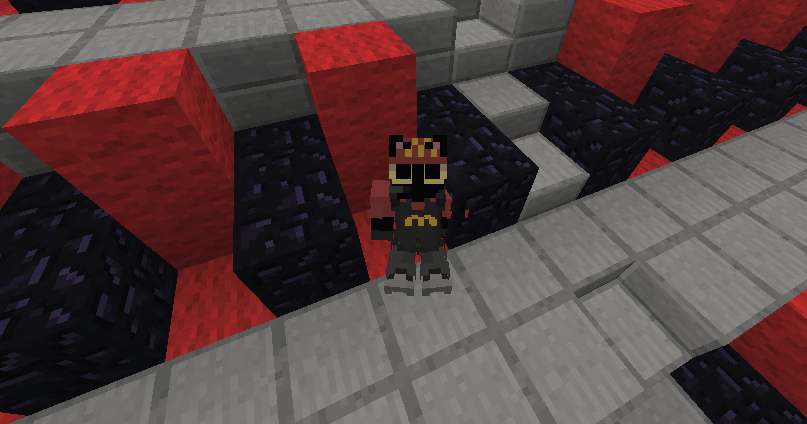

-
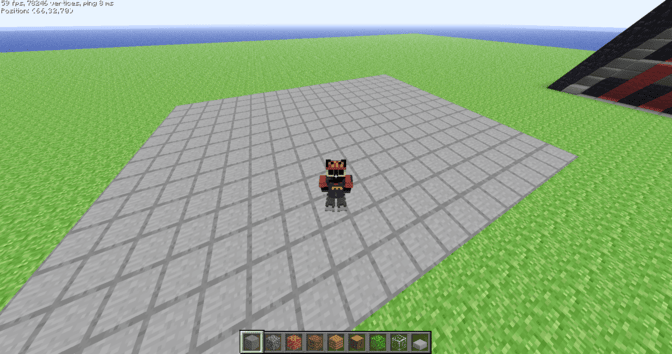
like on mcgalaxy, not other softwares. i still dunno how to make it...
-
-