



Gabriel___
Member
-
Joined
-
Last visited
-
 Gabriel___ changed their profile photo
 -
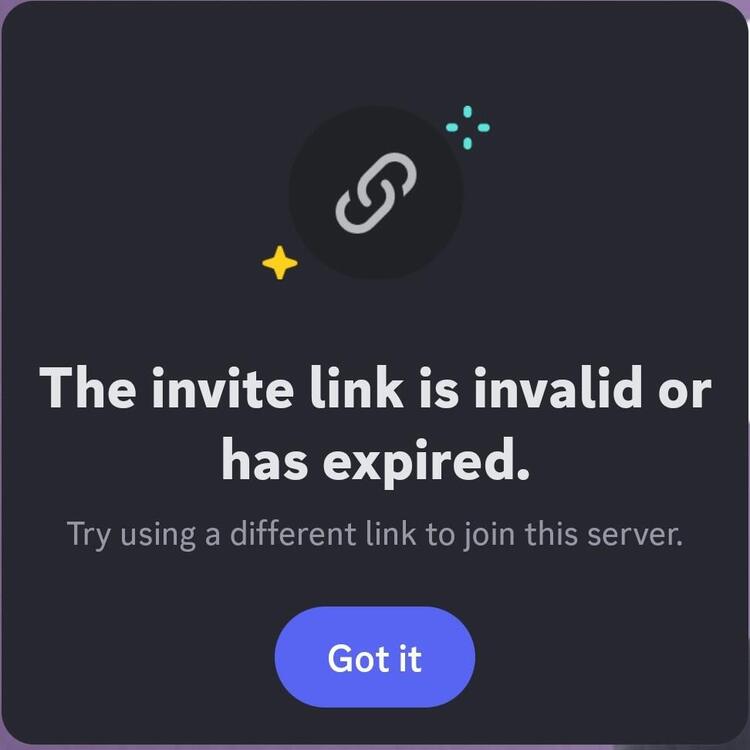
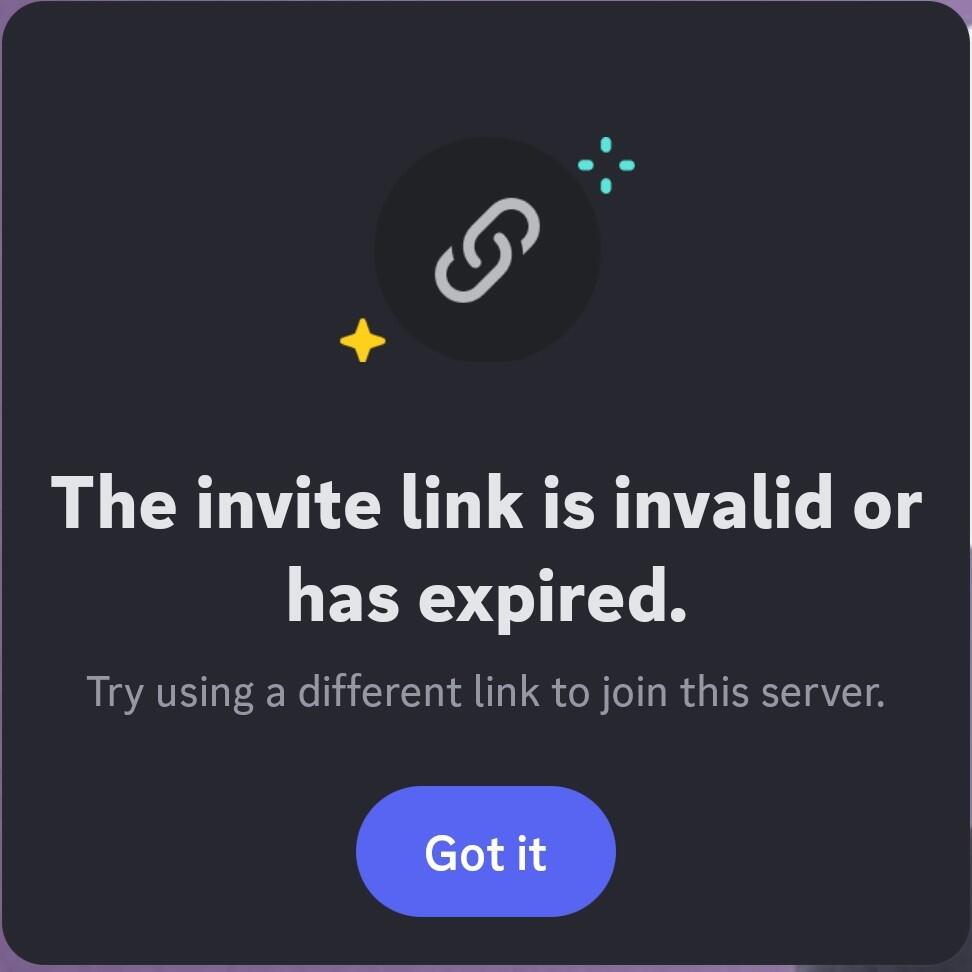
So, The classicube discord server didn't pop up on my discord. And, when I try to join, it says "invite link expired" can someone help me?
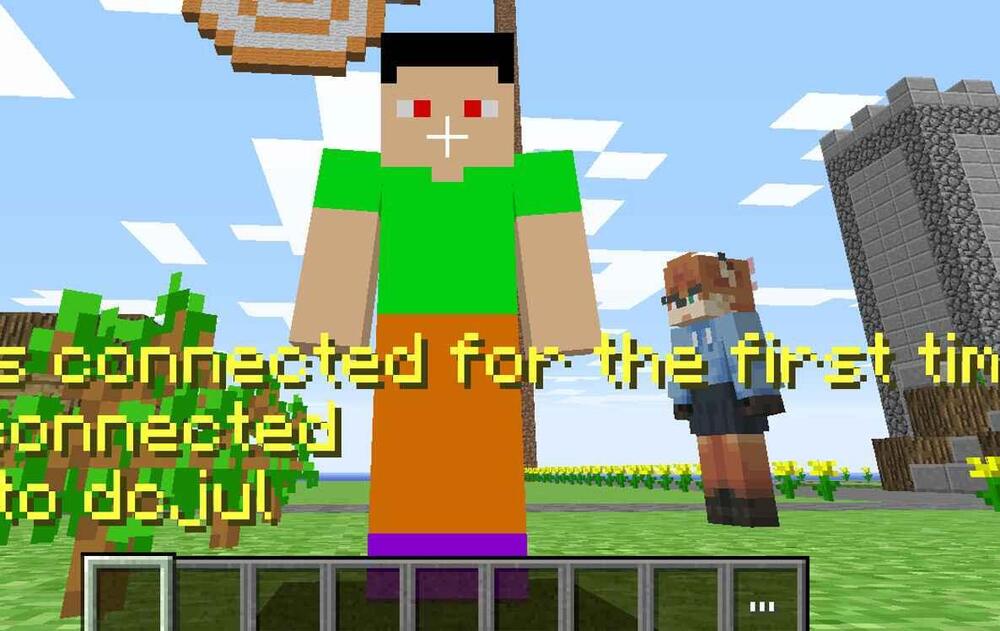
 So I was in the sega dreamcast server and guesss who joined today : Goodly
 So Actually i can't join servers on a different device & Can Somebody Fix/help me
.thumb.jpg.8a7aed7a7844f143ad9d8ce222aa693a.jpg) SO i want Na2 Waiting room. Can Somebody make Na2 Waiting Room pls?
So i wanted to play but i can't Even play Na2 SO yeah gimme updates (I'll give You A Lil video that is not related to the forum)
Idk how to get unbanned from Na2. Could Goodlyay Give me a second chance???
Like i want My account to a different device
SO yesterday i was trying to sync My account to a different device but it said "this username is Taken" Can someone help me?
SO yesterday i was trying to sync My device to a different device but it said "this username is Taken" Can someone help me?
SO i cannot sync with My computer and says "error this username is Taken"
SO i want Na2 Waiting room. Can Somebody make Na2 Waiting Room pls?
So i wanted to play but i can't Even play Na2 SO yeah gimme updates (I'll give You A Lil video that is not related to the forum)
Idk how to get unbanned from Na2. Could Goodlyay Give me a second chance???
Like i want My account to a different device
SO yesterday i was trying to sync My account to a different device but it said "this username is Taken" Can someone help me?
SO yesterday i was trying to sync My device to a different device but it said "this username is Taken" Can someone help me?
SO i cannot sync with My computer and says "error this username is Taken"
.jpeg.6323e5c50d2eb3b0c53a9b38a2615348.jpeg)



.jpg.cc7c4025e9b994b921acab400b32826b.jpg)
