




AndrewPH
Administrator
-
Joined
-
Last visited
Everything posted by AndrewPH
-
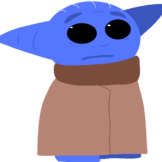 that's what discord is for buckarooni
 -
that is really not nice of you to say.
-
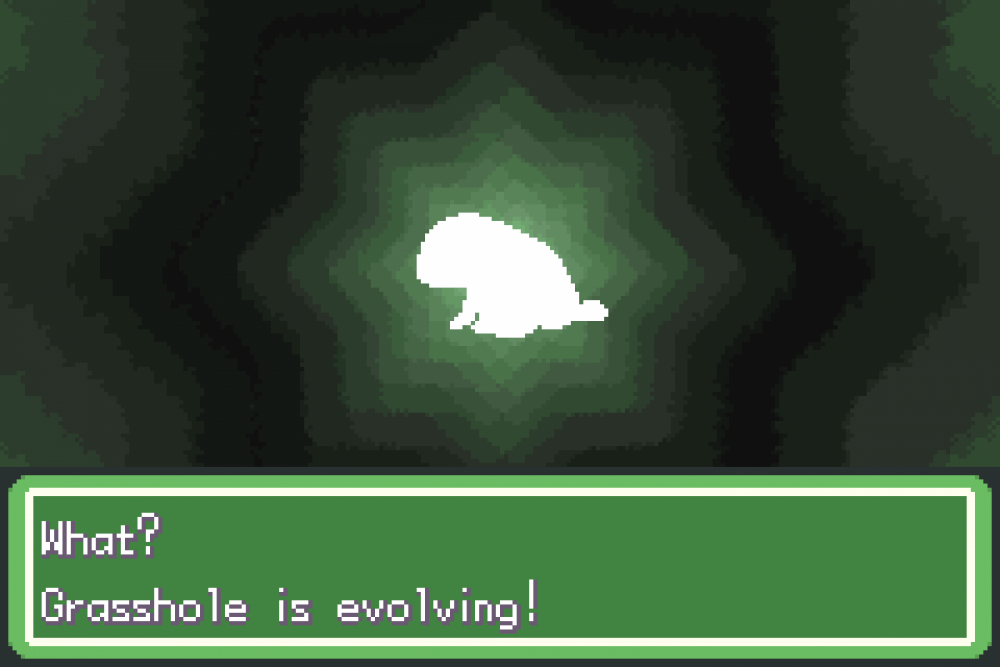
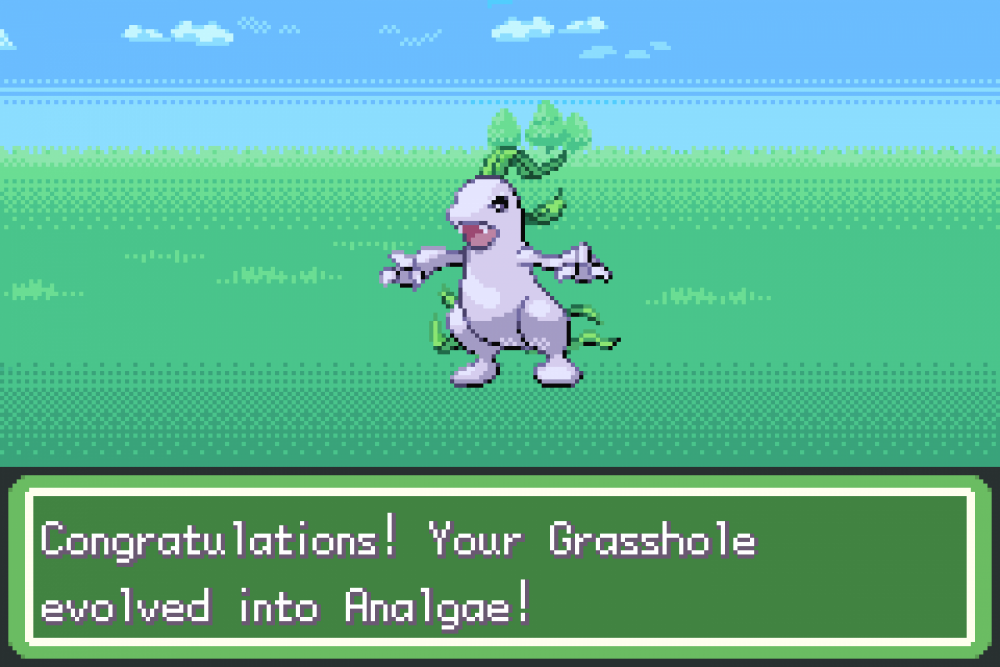
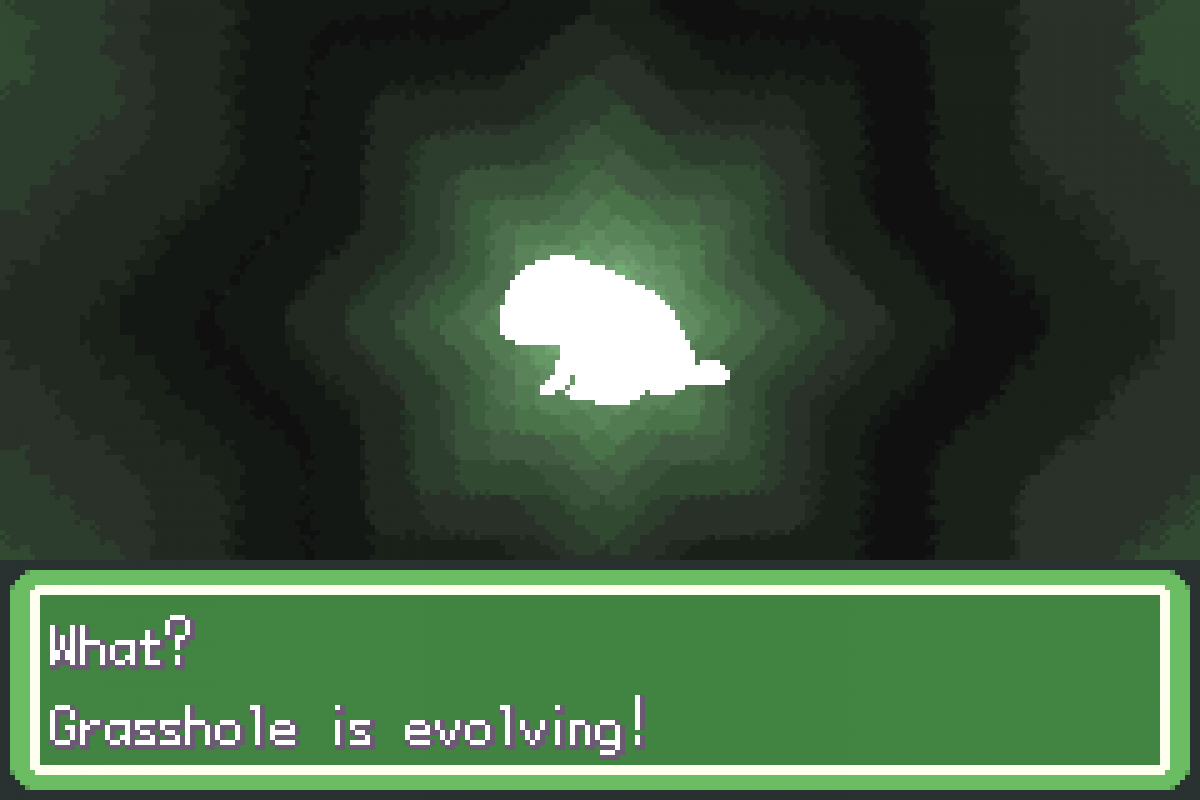
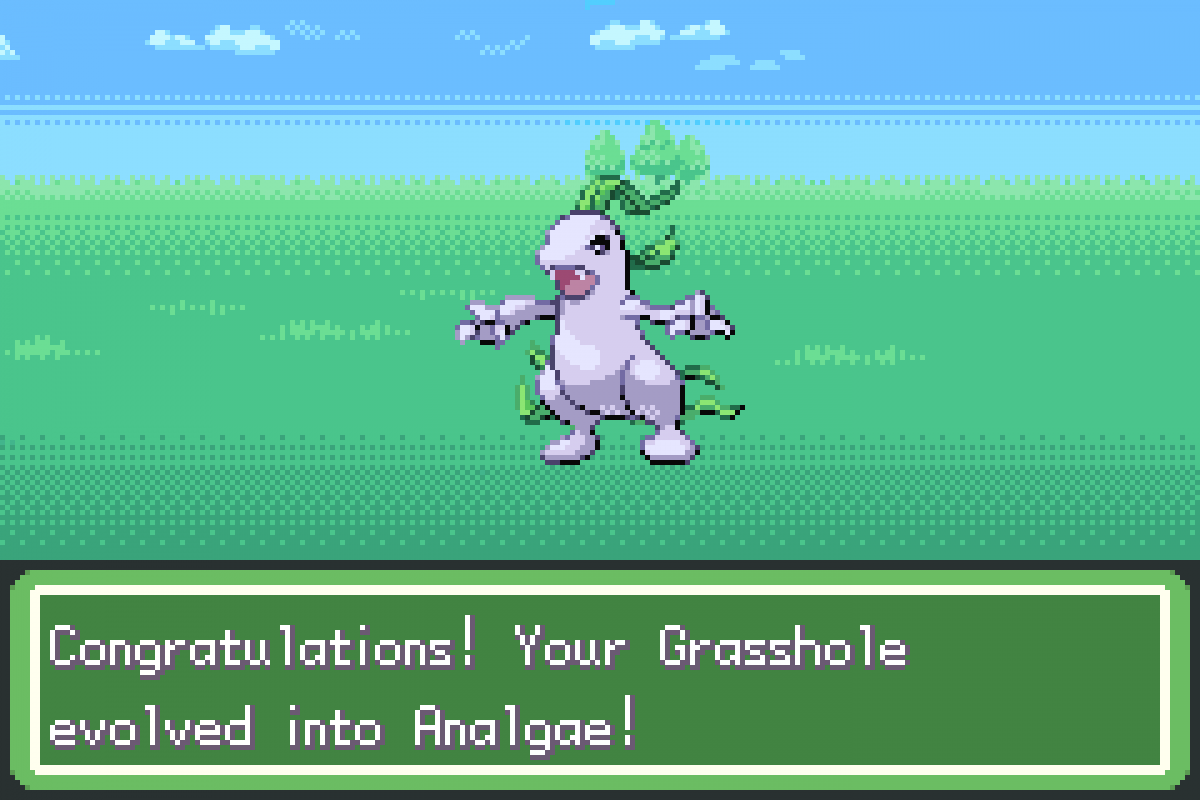
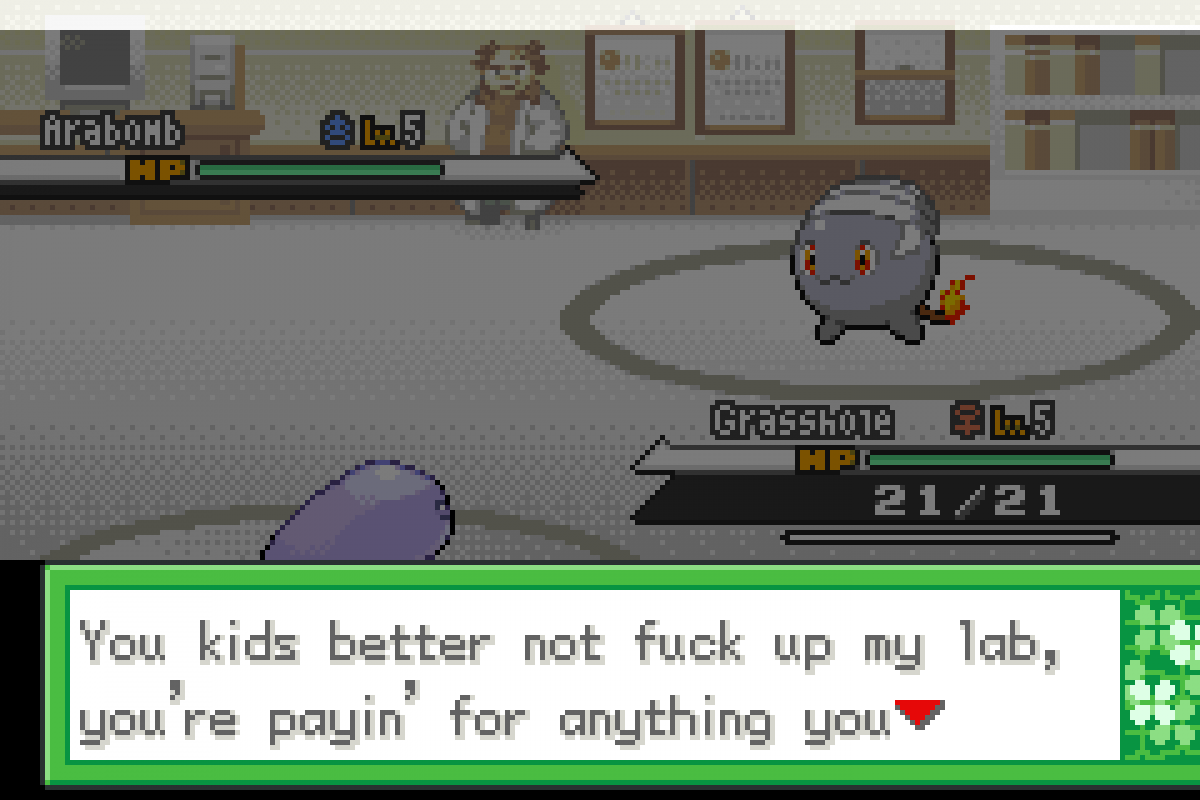
Grasshole is evolving? Oh hell yeah, I wonder what into... ... I see.
-
Now that's what I call a lizard
-
His teeth make me nervous for the future of our country
-
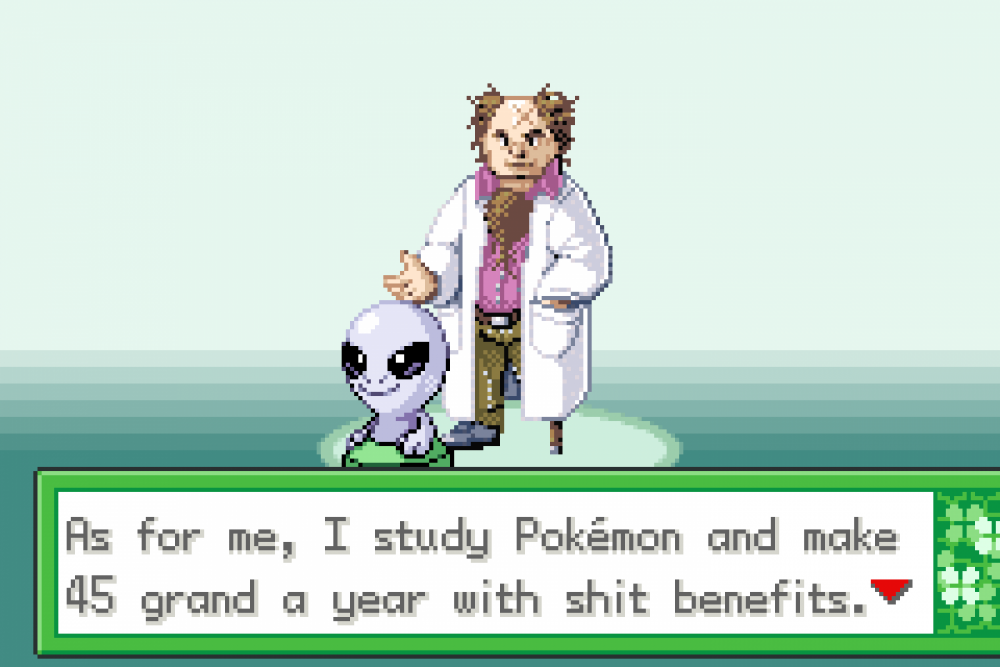
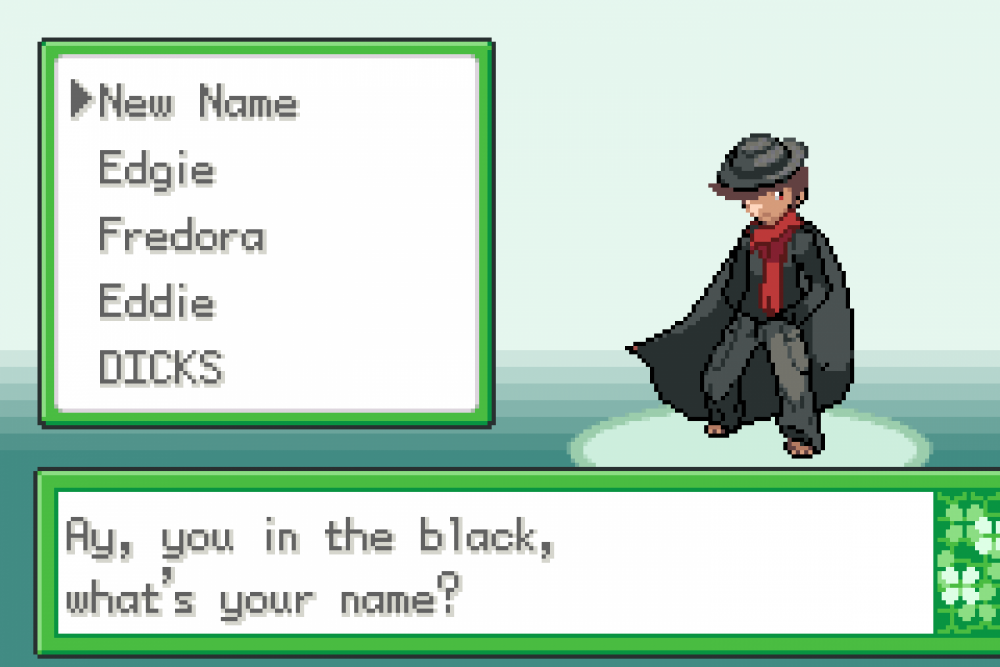
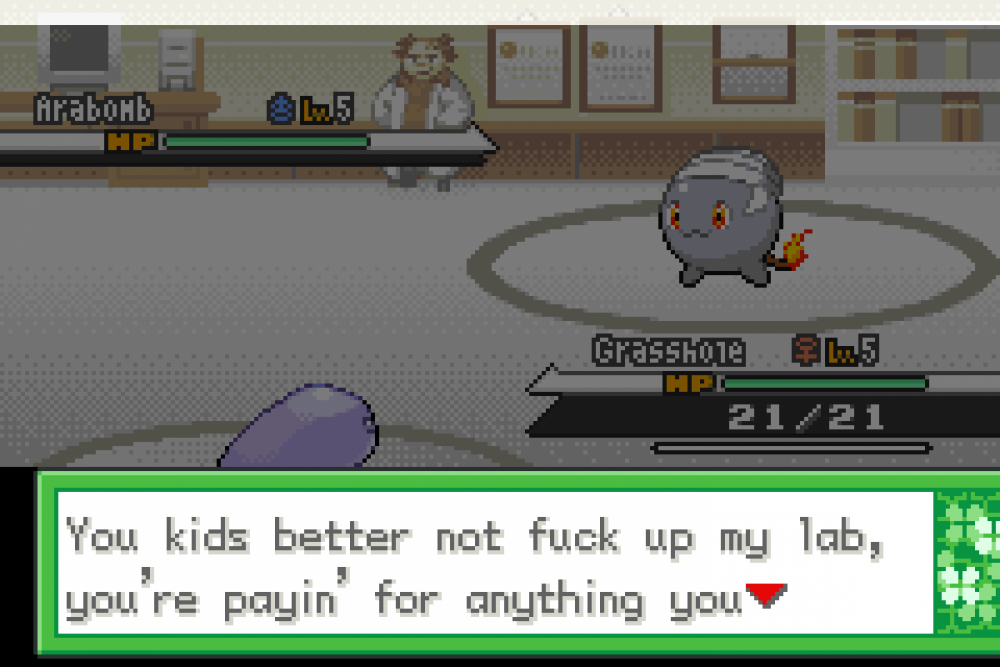
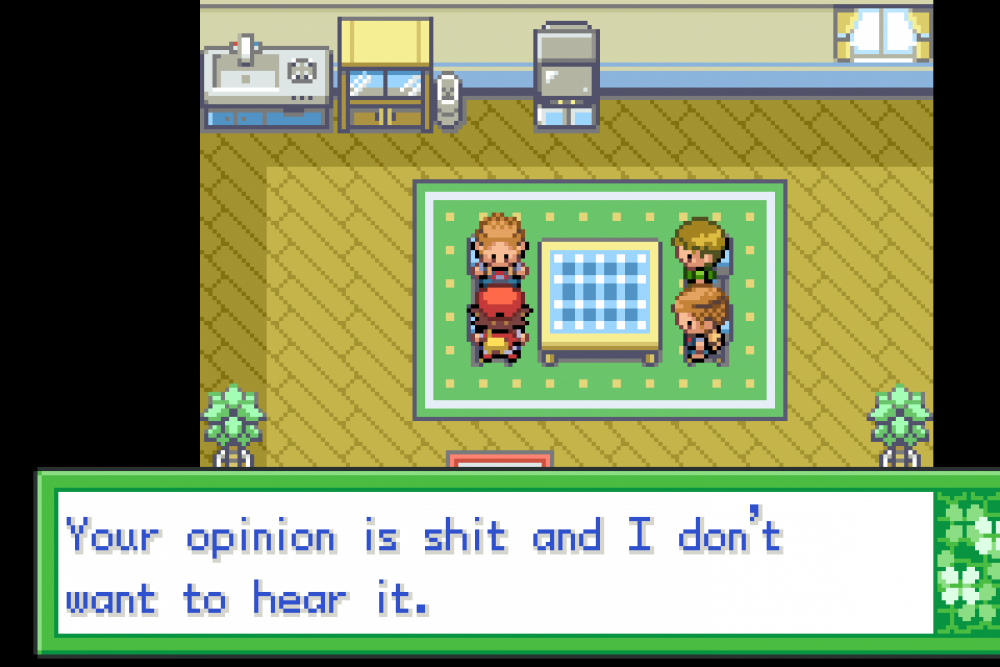
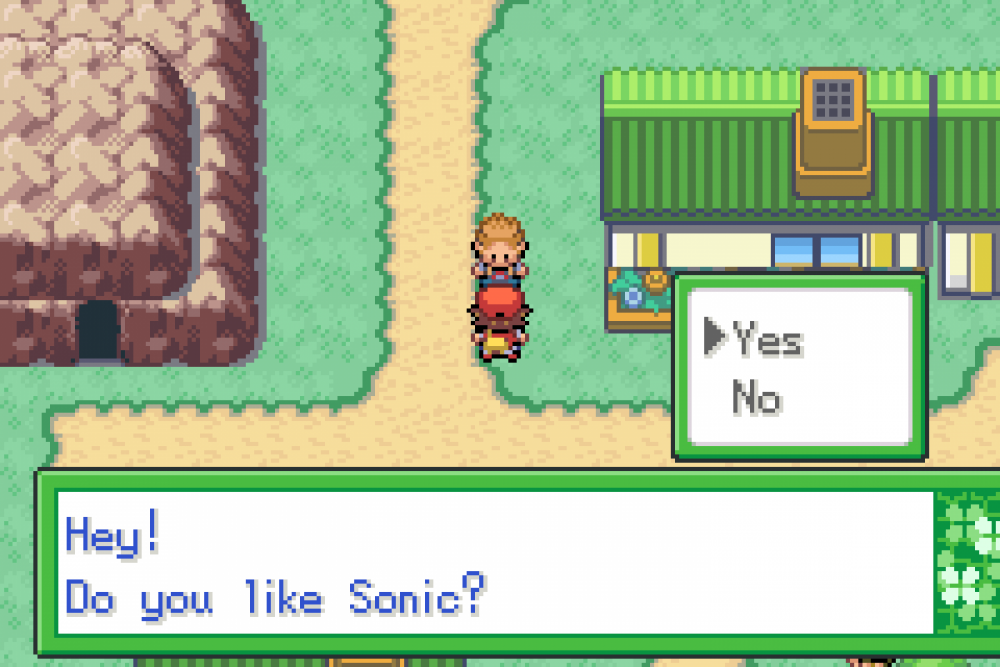
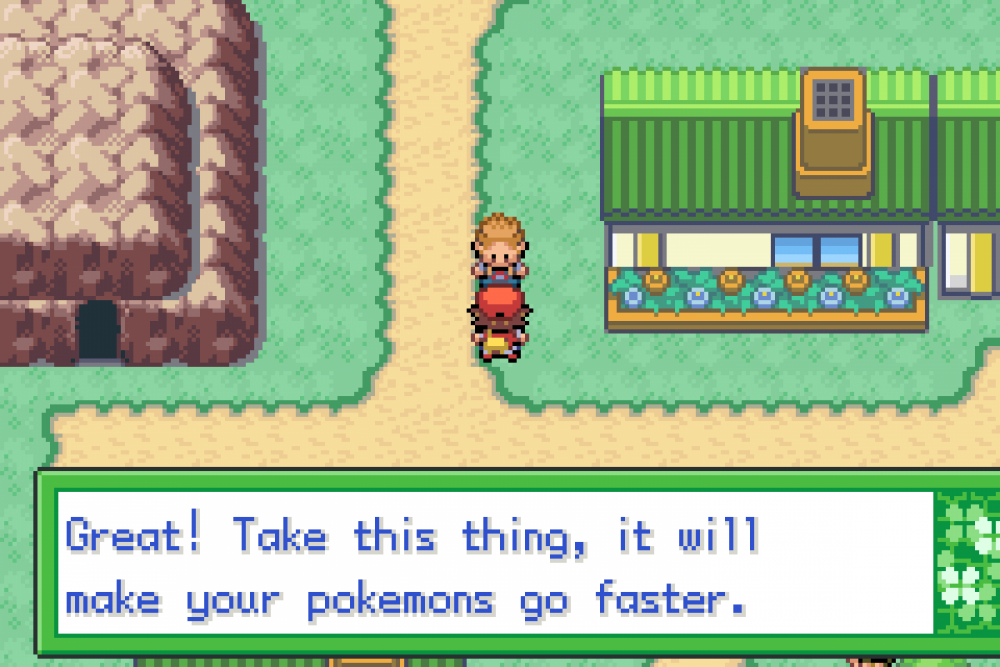
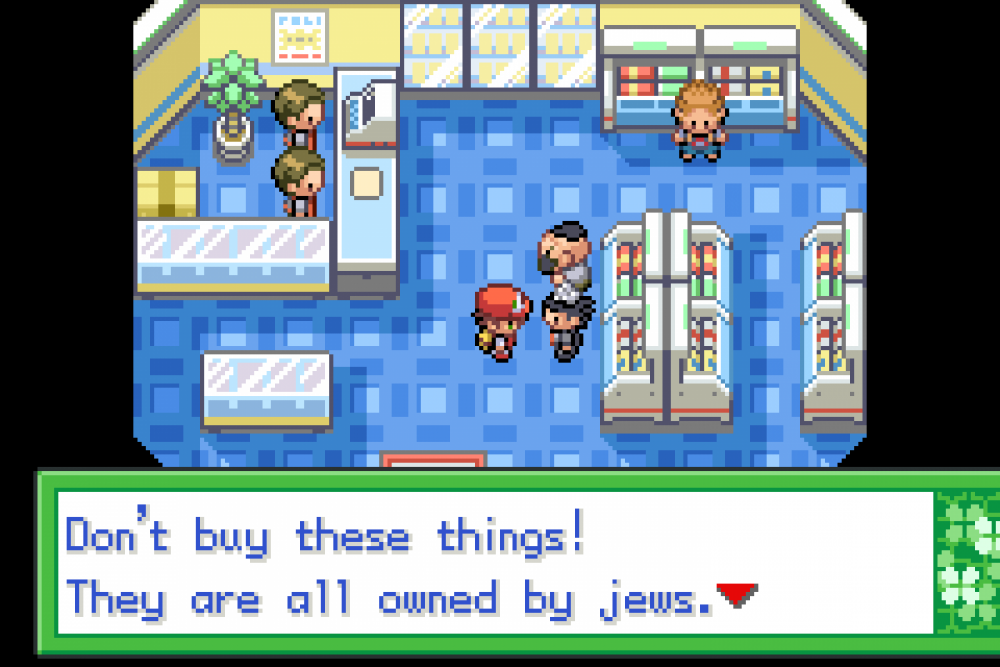
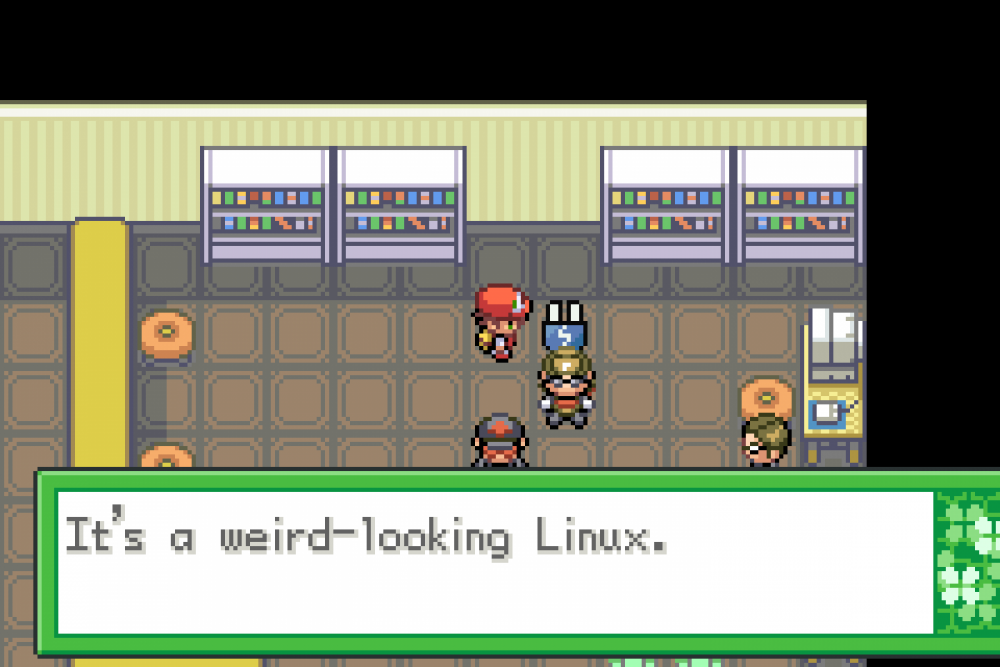
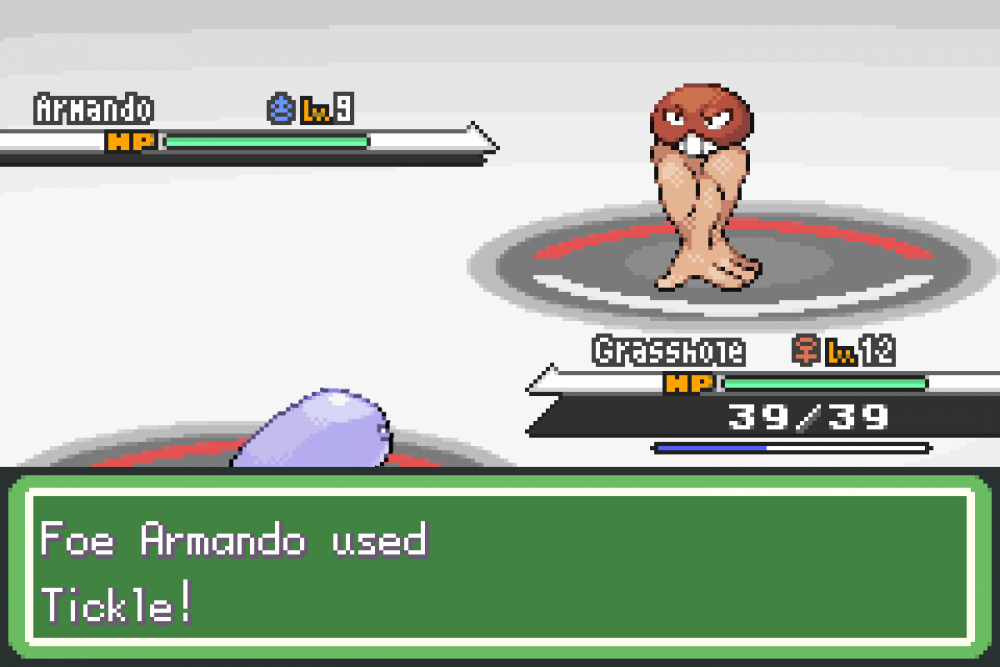
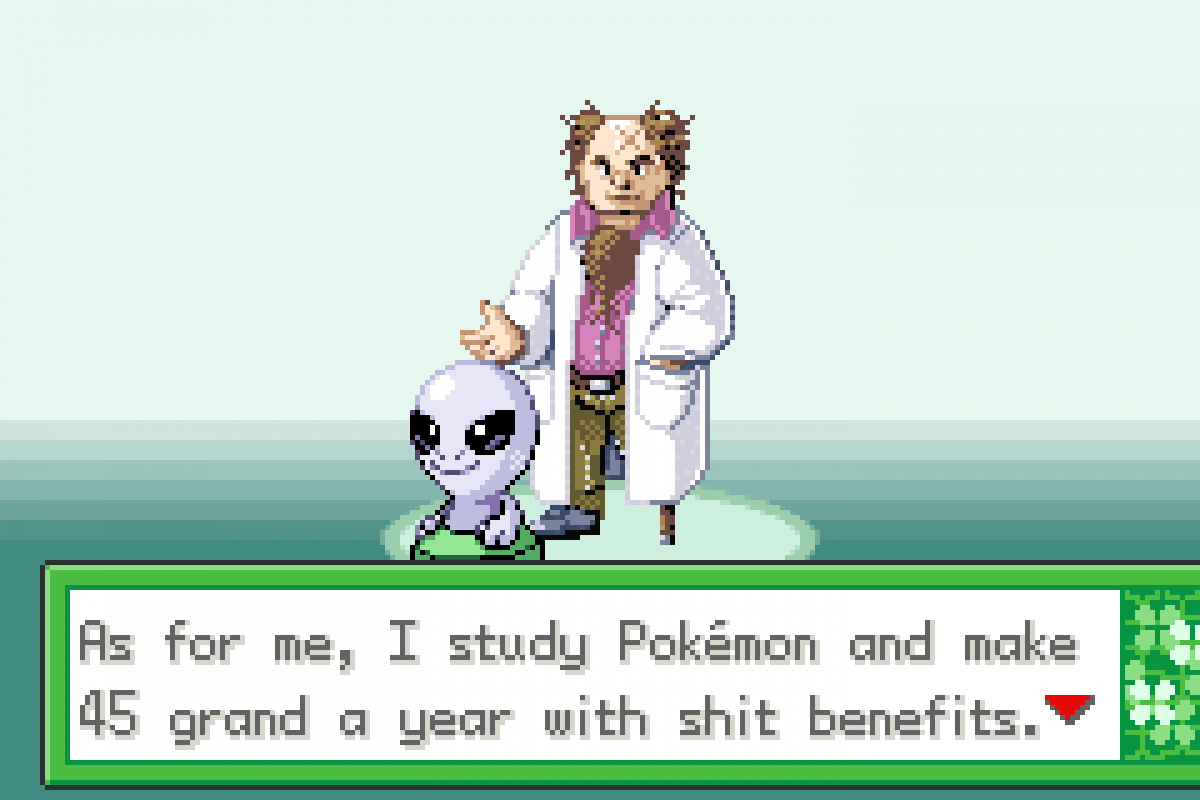
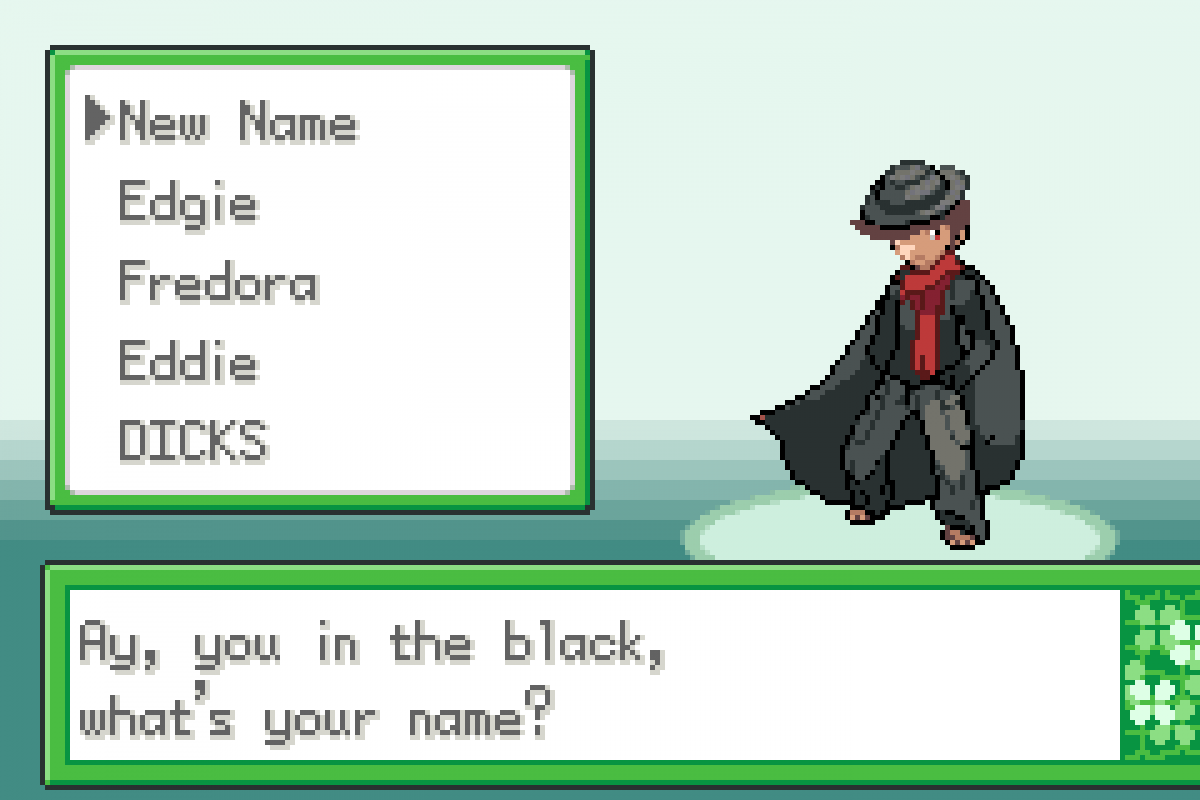
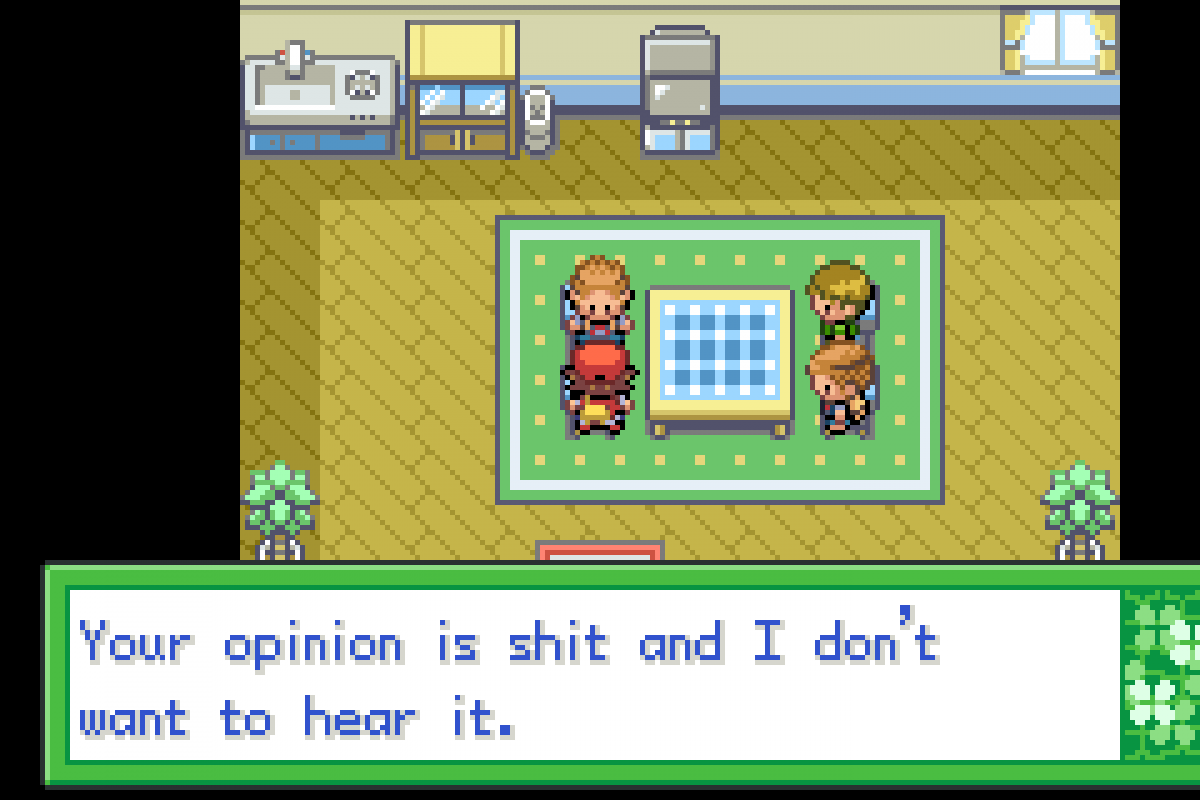
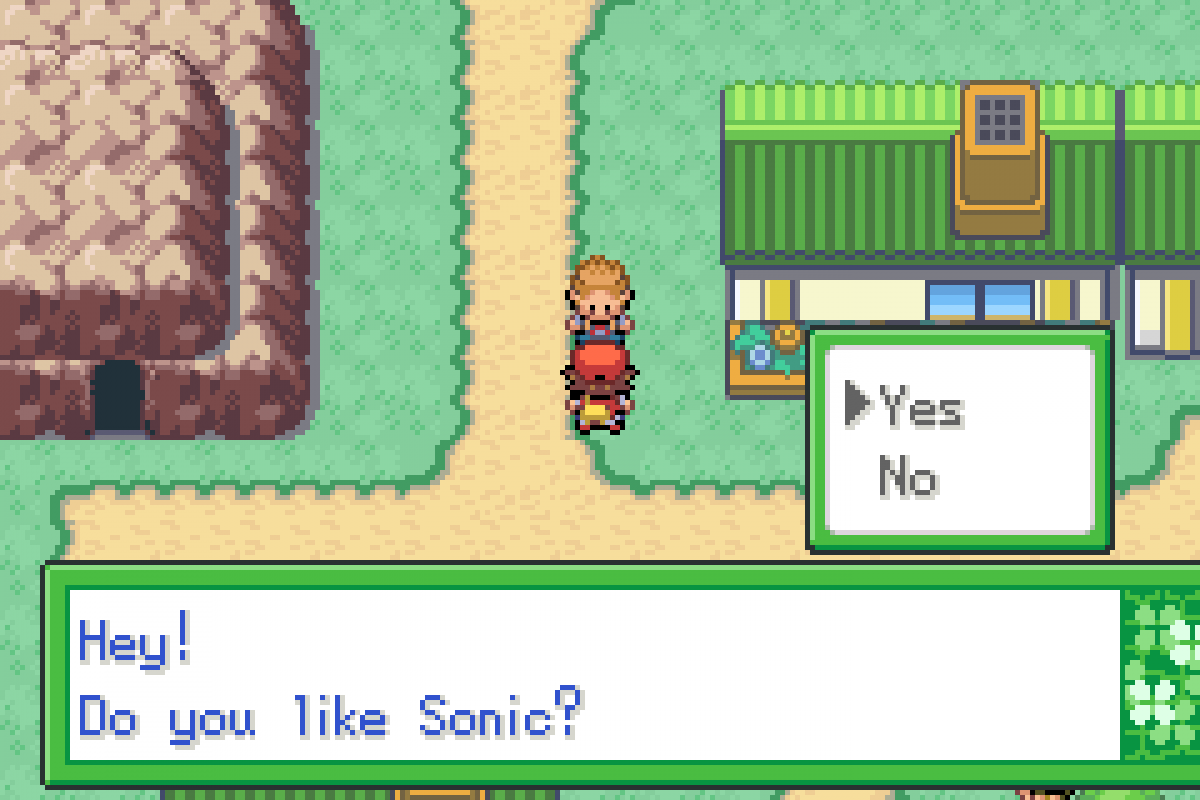
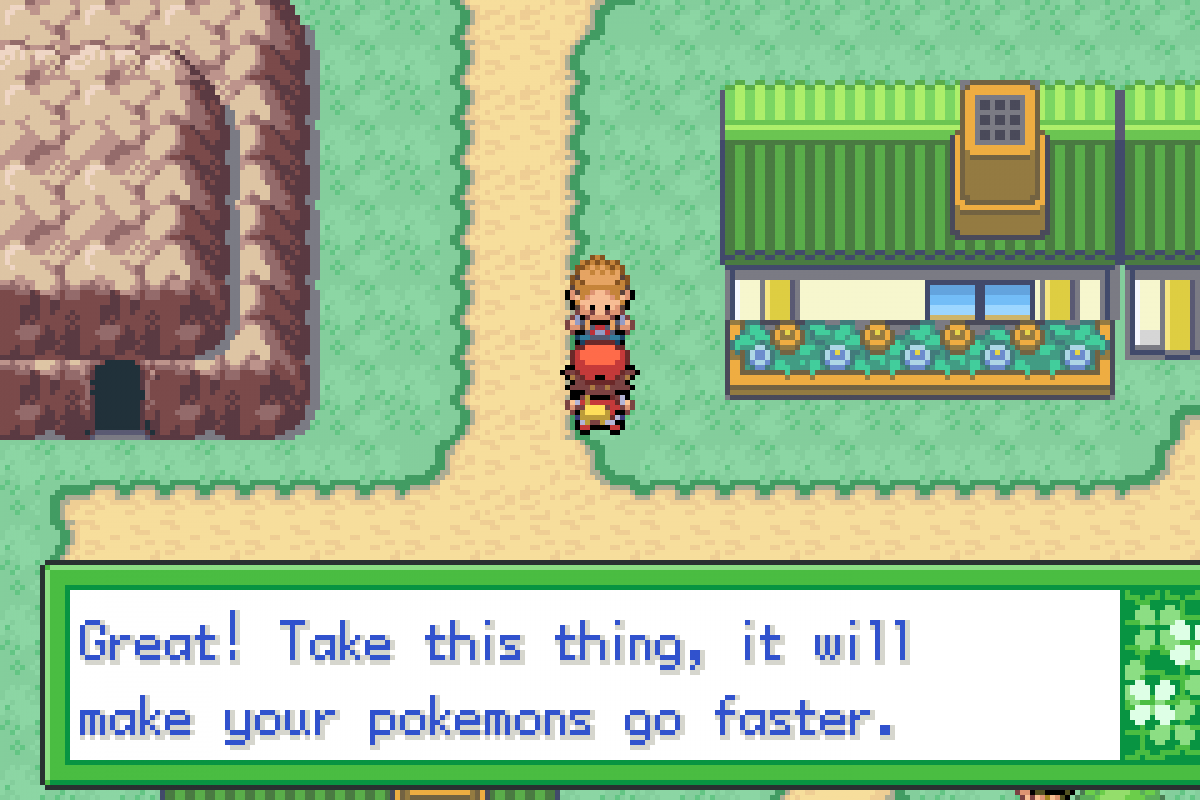
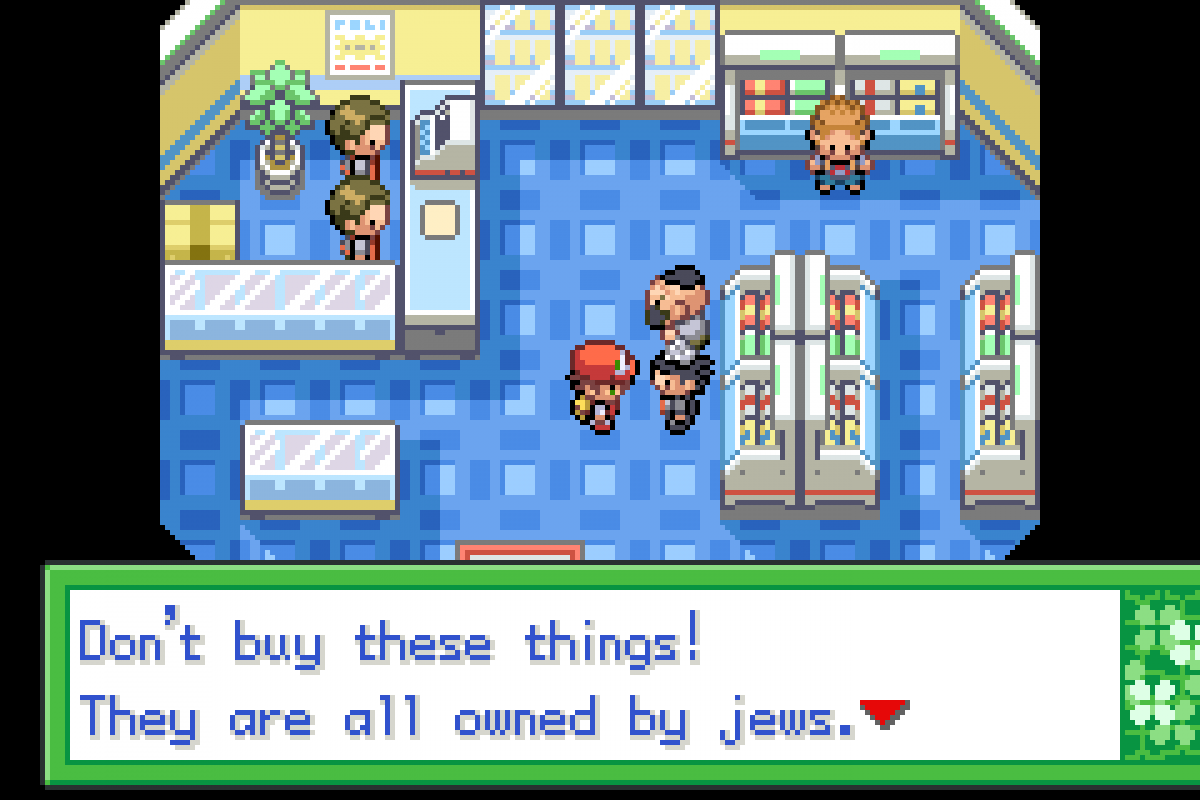
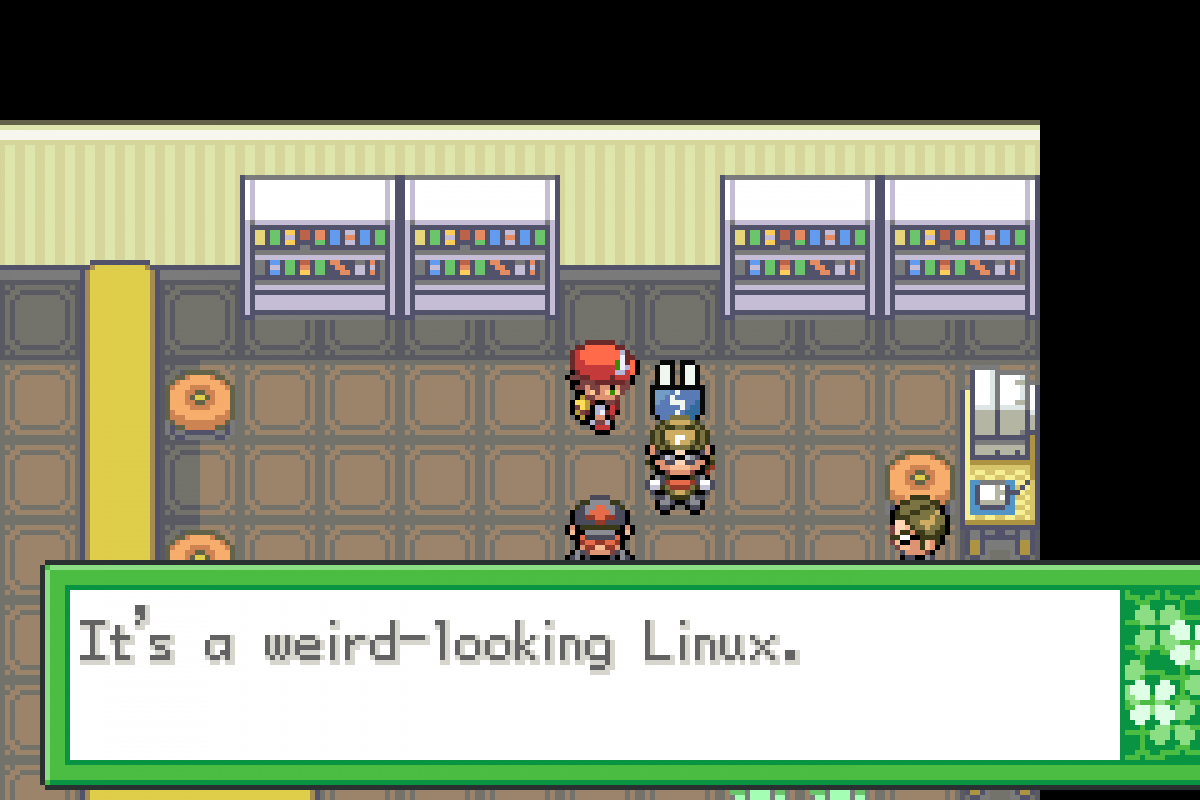
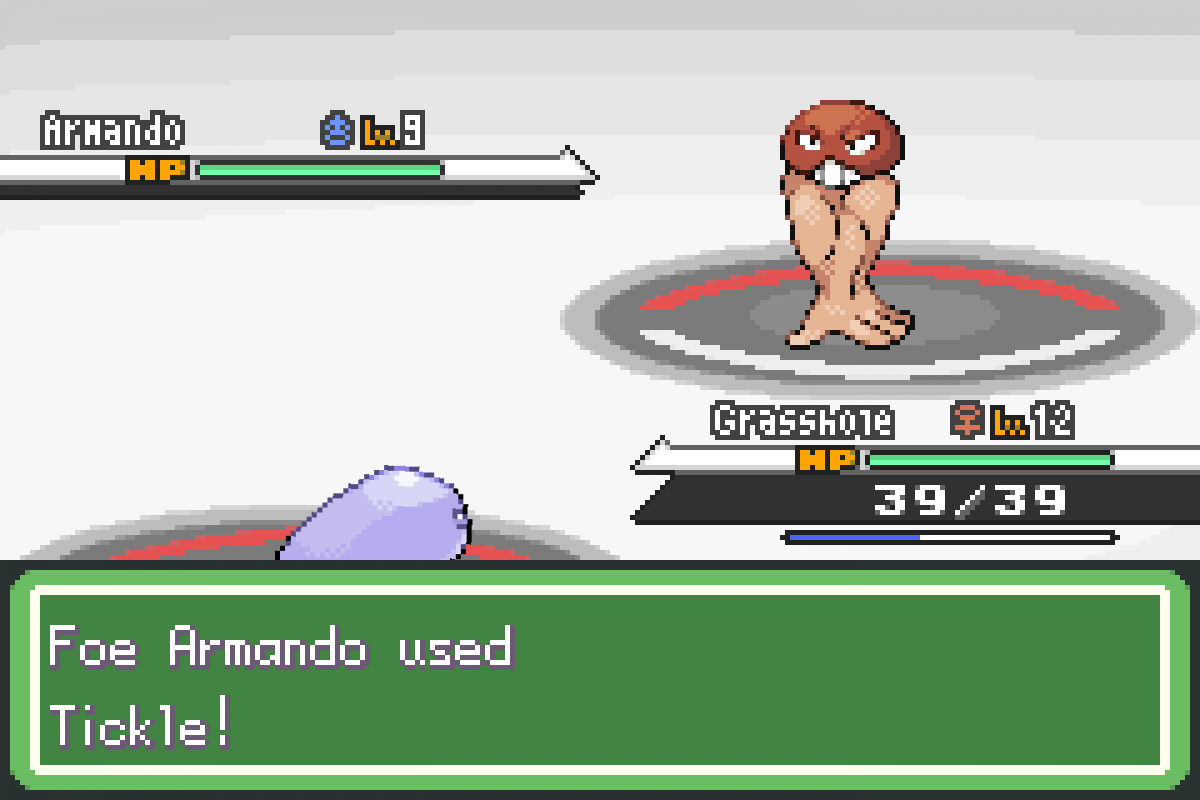
A fan romhack of Pokemon Firered was just released the other day, it's a non-stop flood of shitty memes from the last 2 decades. if you like memes, here's the romhack for you. check it out while you still can here's some highlights from what I've played of it so far it's a little over the top and has that classic edgy humor that 4chan is/was known for, so it's not for everyone. the fakemons are pretty well made though, and the difficulty curve so far is really good.
-
bruh it'll all be over soon
-
not really a recap, but today we played jackbox party pack 2 and 4 via discord! tune in next saturday when we play ??? something else ???
that's a good point.
There, I tweaked the css so the editor is dark. it's kinda hacky, since all the icons are images and there's no way in hell I'm making dark mode versions of those. so I just filter:invert(); the shit out of it
don't worry, that's been there since the switch.
You can switch to an experimental, possibly somewhat broken dark theme at the bottom of every page btw.
sick kickflip numero uno: you can hover over the reaction button in the bottom right to show a list of reactions you can use. negative reactions will take away from the user's points, positive will add, and the more neutral/joke-y reactions don't do anything. epic kickflip dos: you can switch between the default theme and an experimental dark theme at the bottom of every page post more sick kickflips here and maybe i'll add them to the list
it just worked so I did it yeet.php
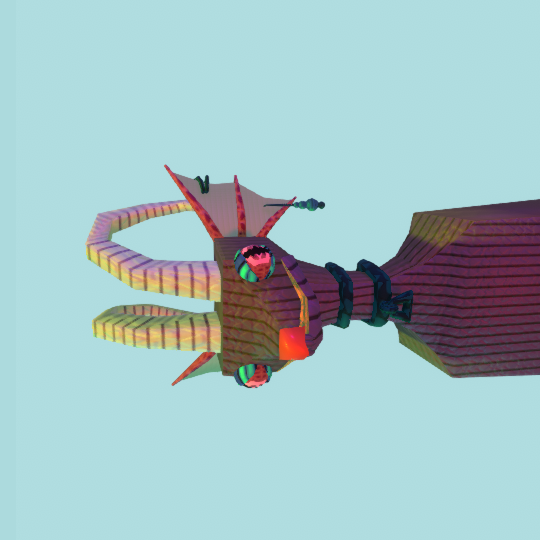
I found this stupid lizard making game where you can make sex offender lizard fursonas make one and show the class what you've done. give a sentence or two to act as their dating profile headline. https://thanaorchard.itch.io/lizard-maker here's mine, his name is lizard, I spent over 40000 hours developing him he enjoys eating shredded cheese right off the floor and short walks near the beach
 These are some super important guidelines to follow when making your dirt house tutorial. If your thread is found to be of low enough quality, it will be expunged with extreme prejudice. Perhaps you'll even get a temporary ban, to sate our thirst for bans. Jk we won't ban you (probably). Title Guidelines Your thread's title must describe what the tutorial is about and be about the length of a short sentence. As an example: How to make a dirt house in 3 easy steps! Once you've got the title out of the way, you must make sure to set the tags. It's not super important that you add more than one, but that one is a doozy. It must categorize what the tutorial is for. As an example, if your tutorial pertains to a particular server software, add that server software name to your tags and then set it as your Item prefix. Here's an example: Tutorial Guidelines Make sure your tutorial ticks the following boxes: Has clear, easy-to-follow steps. Descriptive descriptions. Images for clarification A point (no, "how to get OP on my server" is not a good tutorial) Good luck making tutorials!









Account
Search
Configure browser push notifications
Chrome (Android)
- Tap the lock icon next to the address bar.
- Tap Permissions → Notifications.
- Adjust your preference.
Chrome (Desktop)
- Click the padlock icon in the address bar.
- Select Site settings.
- Find Notifications and adjust your preference.
Safari (iOS 16.4+)
- Ensure the site is installed via Add to Home Screen.
- Open Settings App → Notifications.
- Find your app name and adjust your preference.
Safari (macOS)
- Go to Safari → Preferences.
- Click the Websites tab.
- Select Notifications in the sidebar.
- Find this website and adjust your preference.
Edge (Android)
- Tap the lock icon next to the address bar.
- Tap Permissions.
- Find Notifications and adjust your preference.
Edge (Desktop)
- Click the padlock icon in the address bar.
- Click Permissions for this site.
- Find Notifications and adjust your preference.
Firefox (Android)
- Go to Settings → Site permissions.
- Tap Notifications.
- Find this site in the list and adjust your preference.
Firefox (Desktop)
- Open Firefox Settings.
- Search for Notifications.
- Find this site in the list and adjust your preference.