Mr.anonymous_z
Member
-
Joined
-
Last visited
Everything posted by Mr.anonymous_z
-
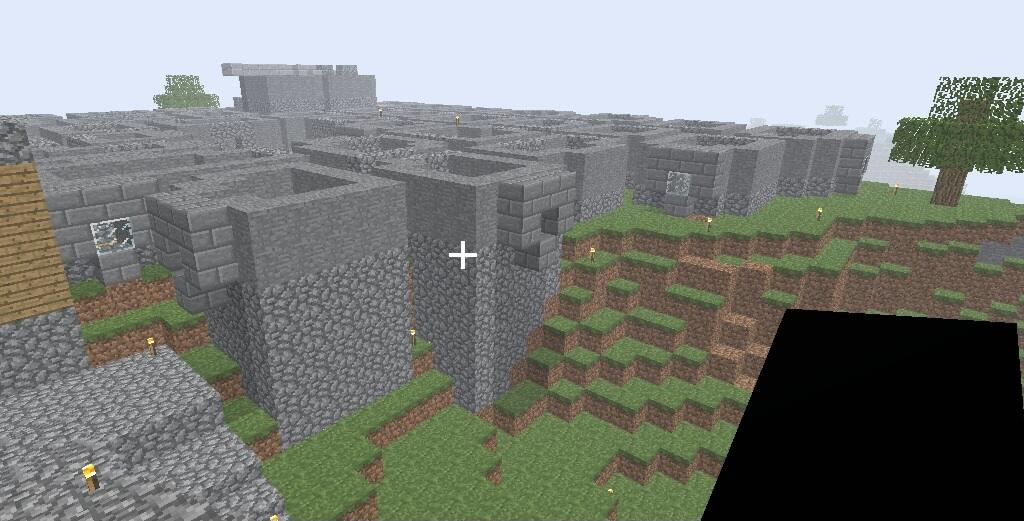
 This pic goes hard 🗣🗣💯 very 🔥 screenshot of a cabin in the woods
 -
-
Wait wha (Also yes I'm referring to those public school chromebooks)
-
-
A classicube port for Raspberry Pi I5, RedstarOS, and maybe even a port for those nyc public school laptops if its possible to get passed its blocking system
-
-
-
-
-
Chicken🍗😋
-
ah duduye dodoud enwo9w82h djzjjshehe 👍👍
-
Ah yes correcting ones grammar because no one is allowed to be anything but a perfect ai, thanks for letting me know that. Learning something new every day, also just so you know I WILL keep myself safe 😊
-
That would be true if I'd only mentioned the abandoned environment of these dead games. Also yes I've joined most of these if not all of them and they all feel like I'm playing another freebuild server made in vanilla or it's that one anarchy server that has everyone automatically banned and/or the other exception I mentioned earlier. (The reactions increasingly becoming more delusional is quite the spectacle to bear witness and yet the hypocrisy doesn't seem to end lol 💔)
-
Ah okay I thought the servers were down or I got banned but non the less thanks for the clarification.
-
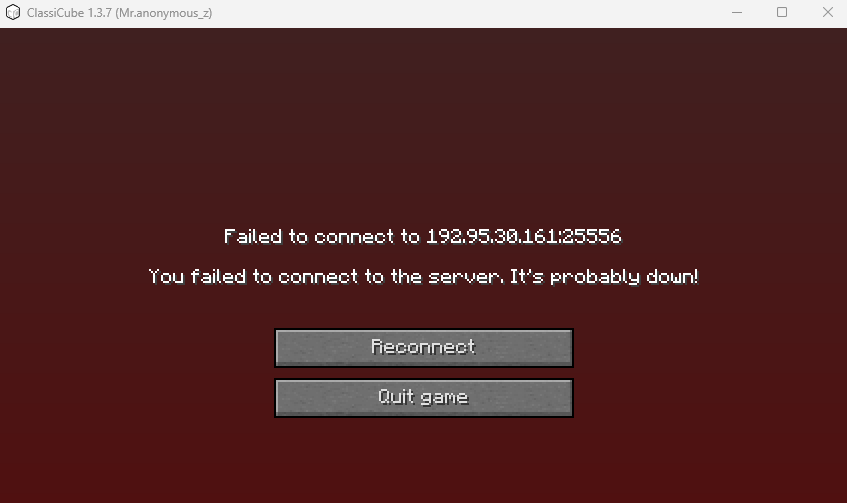
I was playing the game just casually building upon my pyramid thing made of bricks until suddenly this appears and each time i tried clicking off of it to rejoin it just keeps popping back, I haven't played this game in half a year what did I do to disserve this ;-;
-
I said anarchy servers where dead, and all of those are just freebuild servers with a slight amount of rules in a nutshell, I mean you join one its no different from any other basic freebuild server apart from like the 2b2t one but wouldn't you know that game is dead/inactive and I wonder why...
-
Looks like your only proofing my point 💔💔 (replying to me with reactions doesn't magically resurrect dead servers 🙏)
-
Too bad anarchy fell off because there aren't anymore anarchy servers "without rules" and function as a "anarchy" server 💔💔💔 (edit: the foolish reactors don't know how dead anarchy is...)
-
Oh okay I see well thanks again for all the info I could ever ask for I really appreciate it but if it's possibile is there any way you can re-open the server just one last time so I can take one last look at it?
-
Hello also i was just wondering if anyone here knows who created the BIG Anarchy 1024x1024 Map server due to the fact that theirs little information on that so uh yea if anyone knows who it may be well uh please tell as im really eager to meet them here in the forums.