matthilde
Member
-
Joined
-
Last visited
-
 matthilde changed their profile photo
 -
Oh this is interesting. I've been lurking around in the forums today because sometimes every now and then I come back here. I actually made two projects that I made either to do stuff in anarchy servers or learn more about security stuff implemented in MC Classic servers. Unfortunately I do not have any screenshots because they're super old projects but they're cool nonetheless and I am open to questions (if i come back here eventually) https://codeberg.org/matthilde/tfbot - This was a bot written in C to get more familiar with low-level socket programming, parsing and multithreading. It is capable to connect to ClassiCube and list servers to join, join them, you can also spawn "slave" bots that will build stuff for you. It can build schematic files and do other stuff. Docs here: https://codeberg.org/matthilde/tfbot/src/branch/master/SHELLDOCS.txt https://github.com/pyclassic/pyclassic - Goofy ahh python library to write your own minecraft classic bots. I think it was somewhat known when I was actively developing it.
-
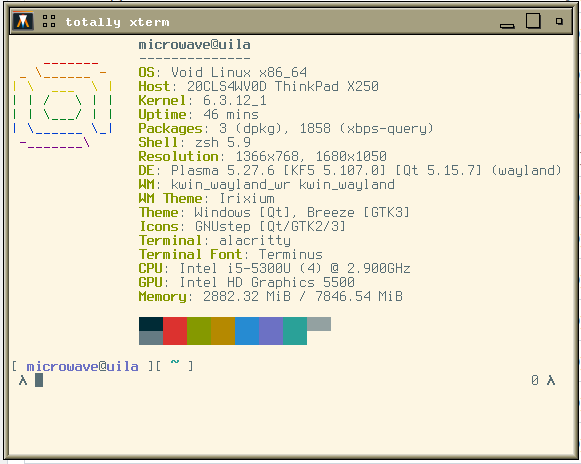
i'm just gonna drop my fetch here