



sussussus
Member
-
Joined
-
Last visited
Everything posted by sussussus
-

-
Yes,i bought the game on steam.Thanks!!
-
So i had an old non wireless logitech controller and tried to use it with classicube but it didnt work,does just the logitech controller support doesnt exist or are the controllers not supported?
-
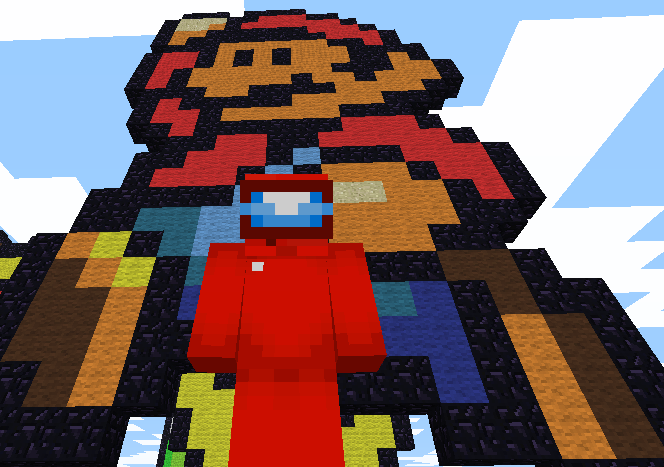
Nice map! I think its really high quality to be done only in 4 days,but you could have added more characters and there were a lot of blank spaces near the end.But its a lot better then what can i do.
-
yes you must need to reprogram to it,you cant just copy paste codes you know
-
-
GDScript from Godot Engine could be a good choice since godot can also run C++ scripts and has Asset Libraries for demos and useful plugins. Also its UI is simple and has a lot of languages for the engine.
-
So this is not a question or anything but since Super Mario 64 PC Port and ClassiCube uses a similar amount of C coding,is it possible to borrow over some features from SM64(such as BLJ for speedrunning ClassiCube)? By the way,anyone here satisfied with the SM64 OST much as i do?
-
Thanks!!
-
Yes i know that,i didnt mean to import or copy the code from it but maybe get the basics of how something similar could be rewriten in C. Still thanks for correcting me over there.
-
I checked up for this but could not find any results. I tried to rename the extension or open up the schematic in MCEdit but i failed. So is there anything else i could do?
-
Maybe you could use some code or details from the old ClassicalSharp client located in the ClassiCube source code. Beacuse when you edit the options.txt file to have "survivalmode=true",then when you open the ClassicalSharp launcher and launch singleplayer you would get a incomplete remake of Survival Test. This might be useful for survival development.

