



DimeDimovski
Member
-
Joined
-
Last visited
-
 DimeDimovski changed their profile photo
 -
nothing happened
-
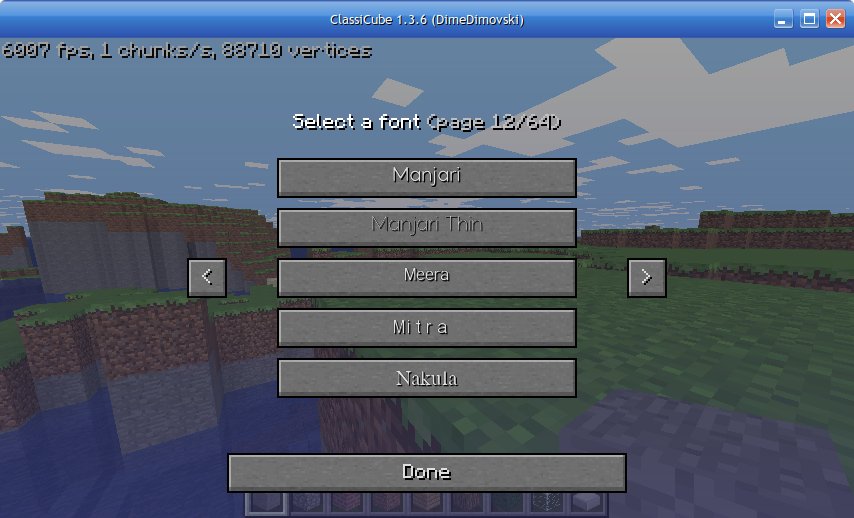
I tried installing the Minecraft font today to use in the system fonts for the menus since I kinda grew sick of Arial. I tried installing the Minecraft font, and while it is installed it doesn't show it anywhere on classicube. Is there any way I can add it?
-
Knowing how you have a schoolkid ranking on this forum you'd blend in with all of the above
-
goodbye bro you will be missed
-
Saw this guns plugin for classicube and the not awesome 2 player model where the player holds a gun. What's the name of it, and would it work in Singleplayer?
-
-
-
-
It looked cool, and it would've made it a bit more fun for me to play singleplayer classicube as I would have more content
-
During school I found out about this plugin called more models which is really cool, but the file for it is a DLL rather than a .so file, and it doesn't seem that a Linux version exists.
-
-
-
Looks gorgeous, much nicer than the shaders in official minecraft you absolutely should.
-
My condolences go to the victims of his bullying. Good riddance the mod left the community too
-



