Jump to content
View in the app

A better way to browse. Learn more.

ClassiCube Forum

A full-screen app on your home screen with push notifications, badges and more.

To install this app on iOS and iPadOS
  1. Tap the Share icon in Safari
  2. Scroll the menu and tap Add to Home Screen.
  3. Tap Add in the top-right corner.
To install this app on Android
  1. Tap the 3-dot menu (⋮) in the top-right corner of the browser.
  2. Tap Add to Home screen or Install app.
  3. Confirm by tapping Install.

Idea for new blocks

  • Replies 30
  • Views 7.8k
  • Created
  • Last Reply

Top Posters In This Topic

Most Popular Posts

  • These are not necessary as custom blocks can be made for a server (Global Blocks). You can also make Level Blocks, which are custom blocks for a certain map.

  • KawaiiCube
    KawaiiCube

    game_homing

  • Are you actually contributing to this or are you just quoting previous discussions?

Posted Images

Featured Replies

8 hours ago, home_gaming said:

tl;dr: people are just calling good enough good

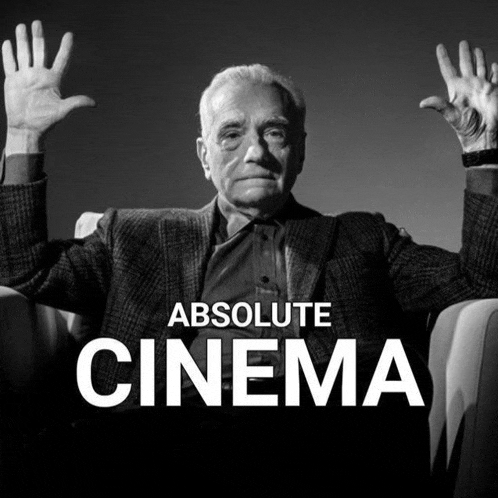
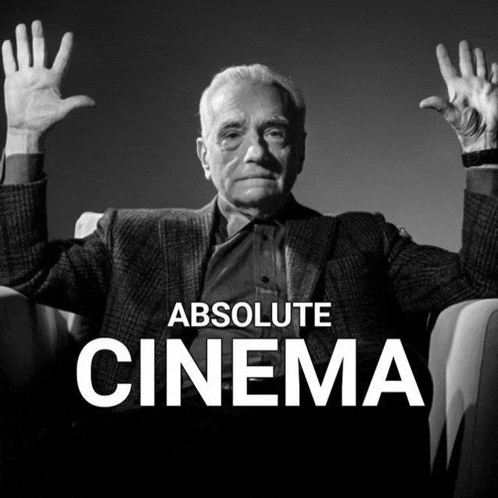
cinema-absolute.gif

It's ironic that you call this "absolute cinema" whilst having close to -300 reputation. Classic chromebook kid.

she/her

  • Author
6 hours ago, classicdirt said:

What the fuck is this

i dont even know lol

6 hours ago, koy said:

It's ironic that you call this "absolute cinema" whilst having close to -300 reputation. Classic chromebook kid.

False, check the PC specs thread.

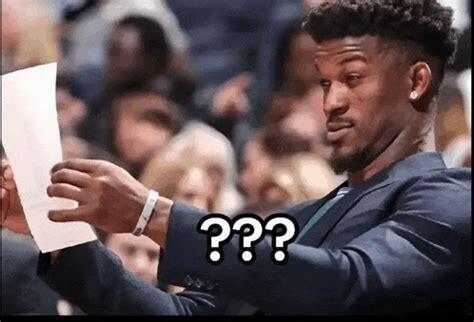
ezgif-3cb8a85ad219ce.gif

/reactall agree

^ snowflake fr

READ THE RULES BEFORE YOU POST

Create an account or sign in to comment

Configure browser push notifications

Chrome (Android)
  1. Tap the lock icon next to the address bar.
  2. Tap Permissions → Notifications.
  3. Adjust your preference.
Chrome (Desktop)
  1. Click the padlock icon in the address bar.
  2. Select Site settings.
  3. Find Notifications and adjust your preference.