



Jump to content
View in the app

A better way to browse. Learn more.

ClassiCube Forum

A full-screen app on your home screen with push notifications, badges and more.

To install this app on iOS and iPadOS
  1. Tap the Share icon in Safari
  2. Scroll the menu and tap Add to Home Screen.
  3. Tap Add in the top-right corner.
To install this app on Android
  1. Tap the 3-dot menu (⋮) in the top-right corner of the browser.
  2. Tap Add to Home screen or Install app.
  3. Confirm by tapping Install.

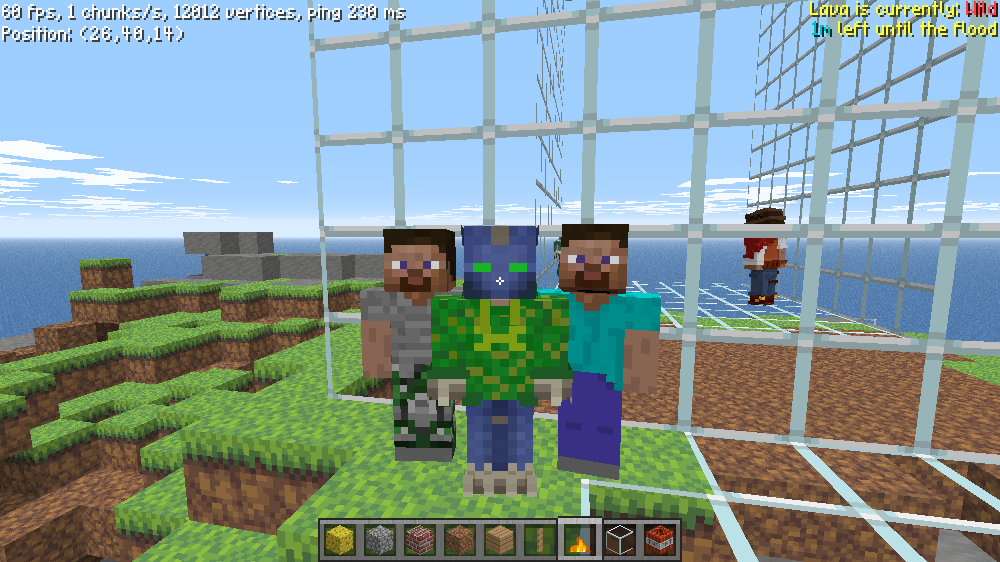
Got a selfie from Jack Black and his stunt double

Featured Replies

  • Author
3 minutes ago, KawaiiCube said:

thats not jack black

Trust 🙏

  • 7 months later...
  • 5 months later...

67f8eb2ab238e.jpeg

one of the most theater moments in human history

I believe in Jesus Christ as my personal Lord and Savior. If you do, put this in your signature.

Disagreement =/= Hatred.

On 9/26/2025 at 8:13 AM, TeamOf1 said:

67f8eb2ab238e.jpeg

one of the most theater moments in human history

🍿 If I didn't have access to marketplaces, this would have happened... Or just toilet paper

I still don't understand why the Mojang didn't take advantage of the moment and try sell popcorn and things to throw with Minecoins...

"I try to 🅰️lways be positive and create good stuff.shader..."YneonCraft [squared]


ResizedImage_2025-10-14_09-59-52_1.gif


READ THE RULES BEFORE YOU POST

Create an account or sign in to comment

Configure browser push notifications

Chrome (Android)
  1. Tap the lock icon next to the address bar.
  2. Tap Permissions → Notifications.
  3. Adjust your preference.
Chrome (Desktop)
  1. Click the padlock icon in the address bar.
  2. Select Site settings.
  3. Find Notifications and adjust your preference.