win7user
Member
-
Joined
-
Last visited
-
 win7user changed their profile photo
 -
-
-
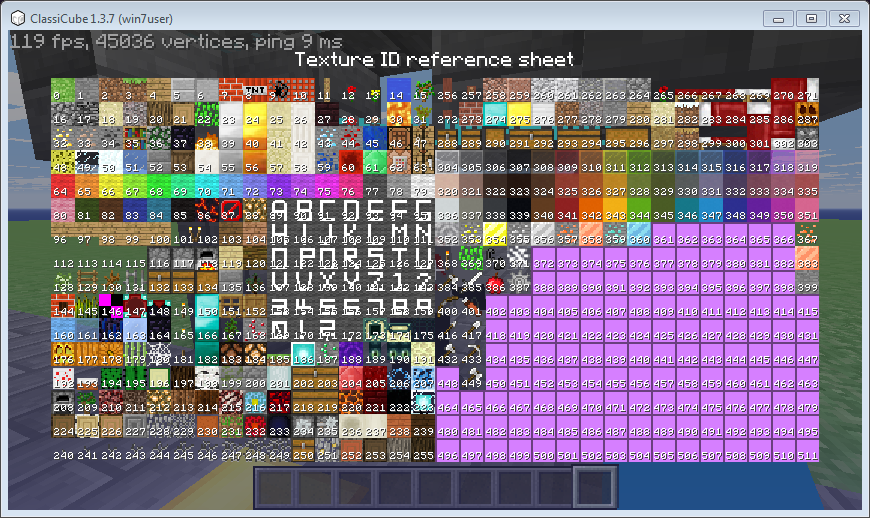
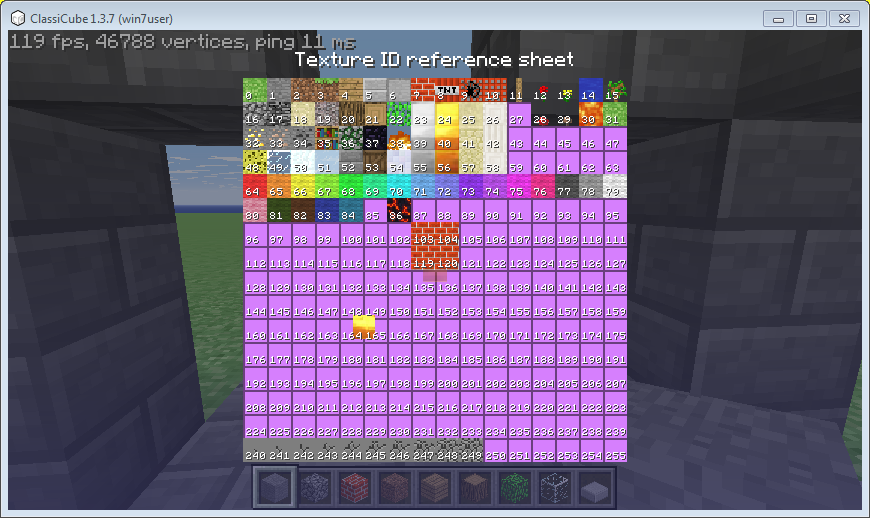
hello everyone! so i have heard that there is a version of mc galaxy that has up to ~700+ texture id but i couldn't find the latest version since the one i downloaded from the official mc galaxy website has an old version does anyone have the latest version of the inf-id app/server so i can add my texture pack ?
-
-
-
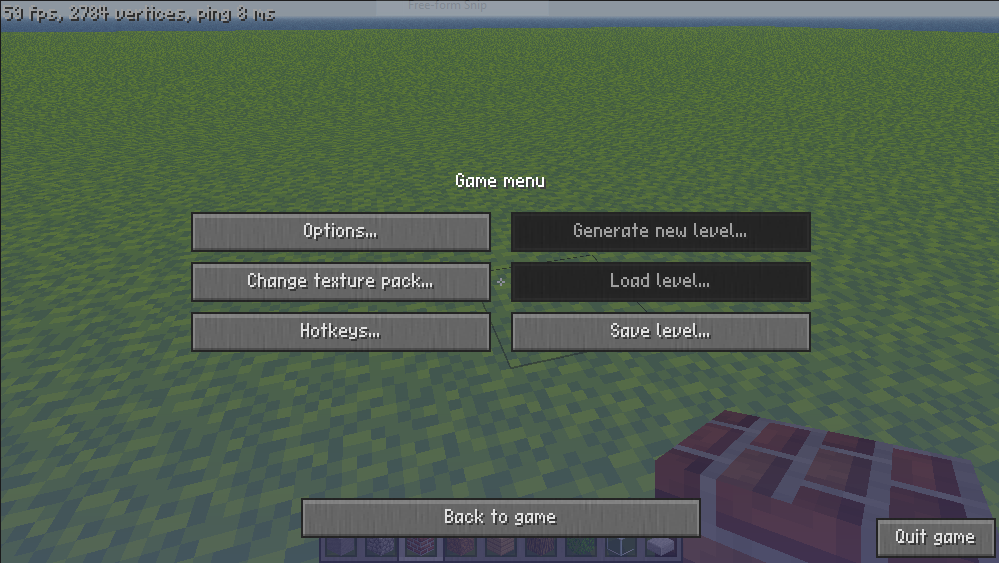
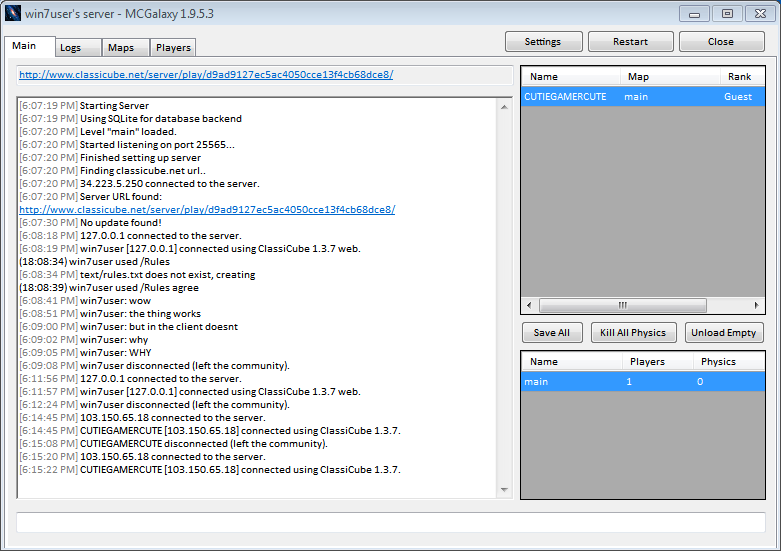
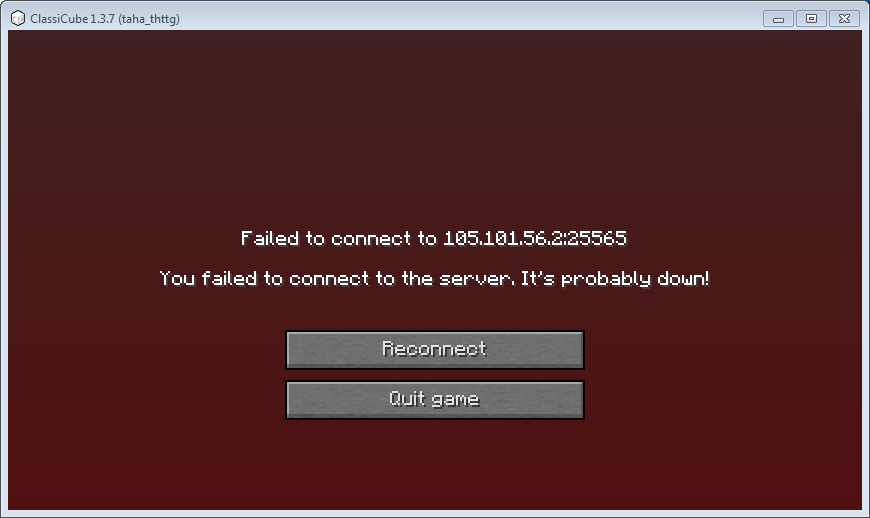
Uploading Attachment... as shown in the pics the server works fine but i cant join on my client but i can join if i use the web version of cc you can also see that a player joined using the client is that a host issue or smth else and if theres any solution to this problem i couldn't type anything in the body bc of the attachments filling up the space to type in