Jump to content
View in the app

A better way to browse. Learn more.

ClassiCube Forum

A full-screen app on your home screen with push notifications, badges and more.

To install this app on iOS and iPadOS
  1. Tap the Share icon in Safari
  2. Scroll the menu and tap Add to Home Screen.
  3. Tap Add in the top-right corner.
To install this app on Android
  1. Tap the 3-dot menu (โ‹ฎ) in the top-right corner of the browser.
  2. Tap Add to Home screen or Install app.
  3. Confirm by tapping Install.

TheErkaswyMC

Member
  • Joined

  • Last visited

Everything posted by TheErkaswyMC

  1. Yes, the textures above don't seem to be the same
  2. 1.0.1 UPDATED VERSIONChanges/FixesA bug was fixed where the pig's textures were reversed on the nose. Change the textures of the grass on the sides and the saturation of the leaves to make it look like Minecraft 1.21.10 default 1.21.10.zip
  3. Ah no?, yo pensรฉ que algรบnos espaรฑol fueron banearon, pero porque?.....estoy un poquito confundido :v
  4. por favor hable ingles, puede tener graves problemas, el cualquier momento.... te va banear tu cuenta
  5. Well, that's Like The Trailers, more like the trailer. ๐Ÿ˜
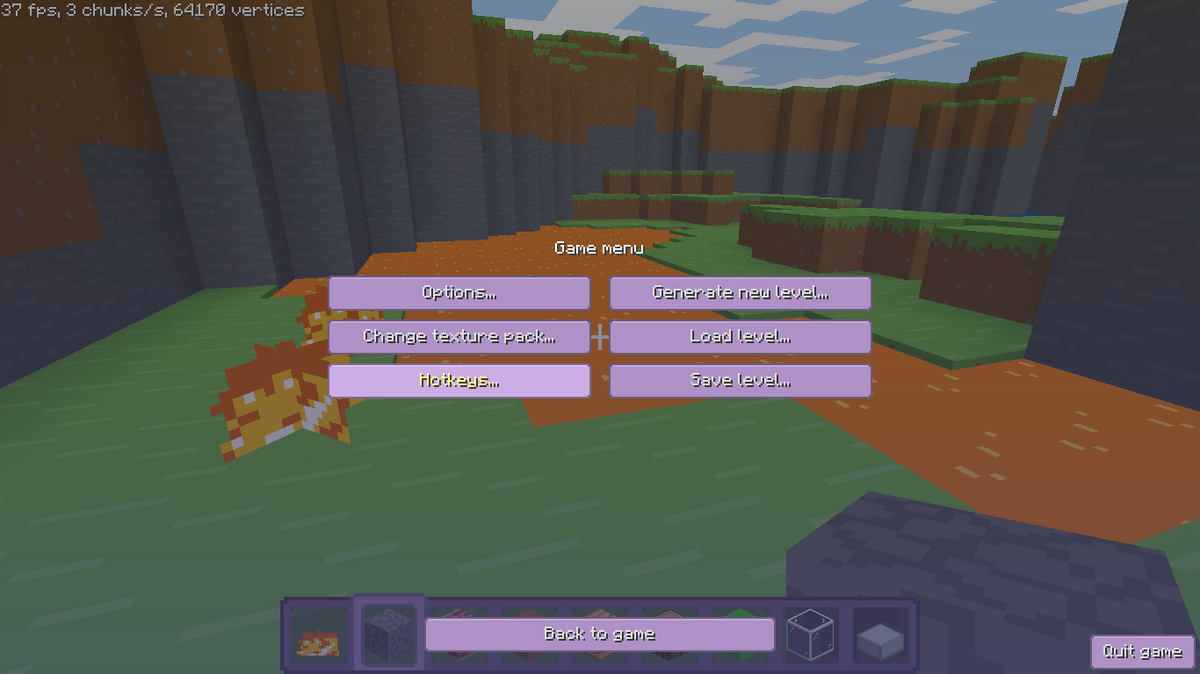
  6. My new texture pack for version 0.30 to 1.21.10 and there will be an update soon, TOO BAD I CAN'T SHOW IMAGES, I HAVE 500 KB SPACE โ˜น๏ธโ˜น๏ธ You can discover for yourself default 1.21.10.zip
  7. 15.9.0 UPDATED VERSIONChanges: new gold and iron block Renamed the Bare Bones Classic texture pack Download in the attachments! Bare Bones Classic.zip
  8. I do know how to make animations, but I'm already making another animated texture.
  9. What is that texture made of? The lava and water don't have animations.

  10. My new bare bones classic trailer-style texture pack, For singleplayer play, this version of the texture is not configured for servers. Bare Bones Classic v15.8.0.zip
  11. Ah ok, I prefer an animations.txt and png, it's difficult for me to create a file
  12. animatewater? I don't know how that works. ๐Ÿค”๐Ÿค”๐Ÿค”
  13. Oh yeah, my texture pack works now. At first I didn't understand, but now I figured it out.๐Ÿ˜๐Ÿ‘
  14. help, I don't know how to do it ๐Ÿ˜“๐Ÿ˜“๐Ÿ˜“๐Ÿ˜“

Configure browser push notifications

Chrome (Android)
  1. Tap the lock icon next to the address bar.
  2. Tap Permissions โ†’ Notifications.
  3. Adjust your preference.
Chrome (Desktop)
  1. Click the padlock icon in the address bar.
  2. Select Site settings.
  3. Find Notifications and adjust your preference.