Richi2
Member
-
Joined
-
Last visited
Everything posted by Richi2
-

-
-
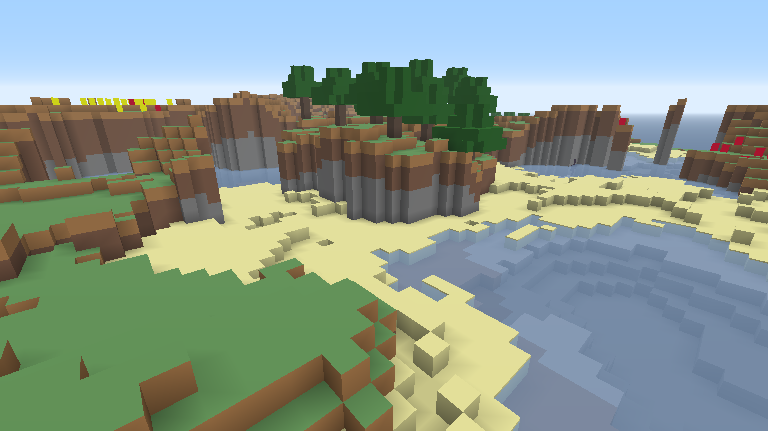
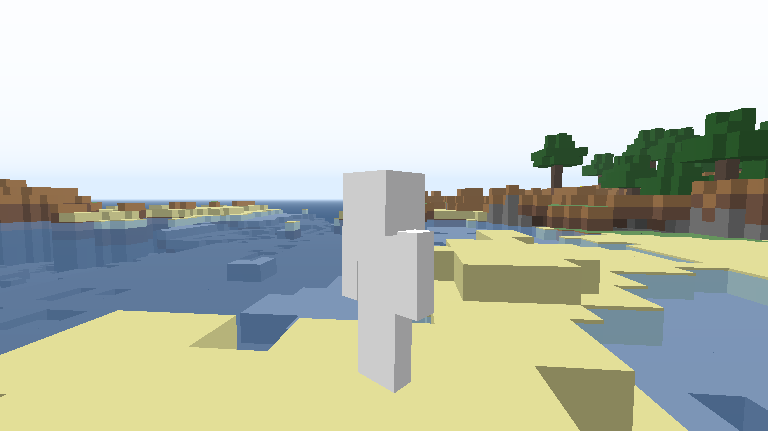
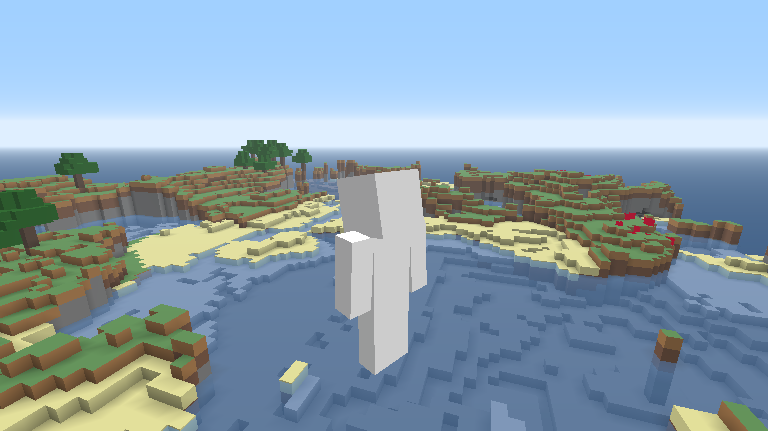
First version (V1): Well, i was bored while playing classicube so i haved the idea of make the "no textures" textures into actually a texture! (Really confusing, not?) Of course this isn't perfect because things like the ice or the water textures aren't 100% accurate to the original ones But other things like the fonts, mobs and other textures, i think they are 100% accurate Screenshot: Texture: no_textures (Almost accurate).zip Second version (V2): Well, im back with the new V2 of this texture pack CHANGES AND FIXES: 1-The water and ice textures are now (I think) 100% accurate to the original ones 2-The terrain.png (Textures of blocks) was updated 3-The char.png (Texture of player with no defined skin) was updated (Maybe this is going to be the last update for this texture pack) New screenshots: Texture: no_textures (V2).zip Third version (2.1): Just a fix of the zombie texture, not so important update Texture: no_textures (V2.1).zip Fourth version (V3): I back with this!, After 9 MONTHS IM BACK WITH THIS CHANGES AND FIXES: 1-Fixed mobs textures crashing the game 2-Updated clouds.png to be 100% accurate (Maybe this is going to be the last update for this texture pack, im going to start doing more texture packs after this :> ) Texture:no_textures (V3).zip