




Jump to content
View in the app

A better way to browse. Learn more.

ClassiCube Forum

A full-screen app on your home screen with push notifications, badges and more.

To install this app on iOS and iPadOS
  1. Tap the Share icon in Safari
  2. Scroll the menu and tap Add to Home Screen.
  3. Tap Add in the top-right corner.
To install this app on Android
  1. Tap the 3-dot menu (⋮) in the top-right corner of the browser.
  2. Tap Add to Home screen or Install app.
  3. Confirm by tapping Install.

Seriously

Glodden Godd
  • Joined

  • Last visited

About Me

I do stuff sometimes now, I made a copy and paste function that reads/writes csv files because it would be funny to play from excel. Also, it can kinda do logarithms. Can't post because I did bad stuffz :P will treat about me like my own thing. uhh might change this every so often. if I am allowed to link my neocities I will, dunno
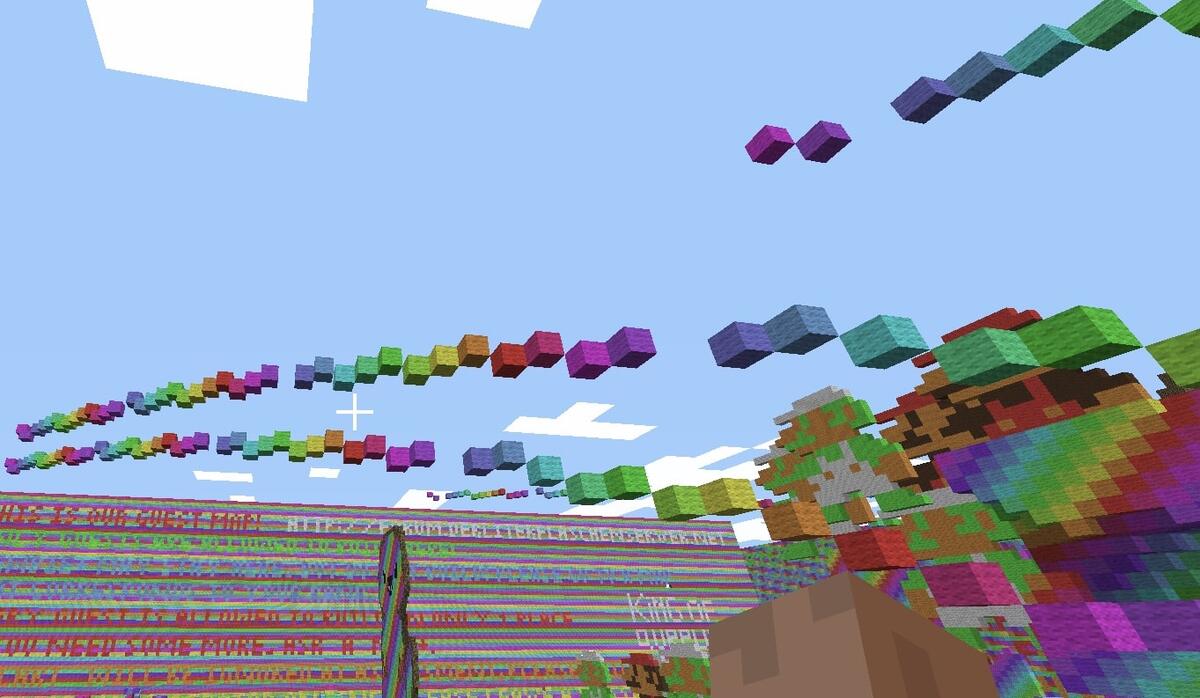
2025_316_231403_CET.jpg

Intel m-5y71, 8 gigs of ddr3 ram (I think) and whatever intel puts as a graphics card on said cpu, freebsd with a custom dwm (as in source code modding, not config.h, to force 4:3 while on native res, no custom bar but custom bar looks and uhh, ig solid color wallpaper? but that's mostly a meme since you can do it through xsetroot, but gotta have fun programming and reading doc)
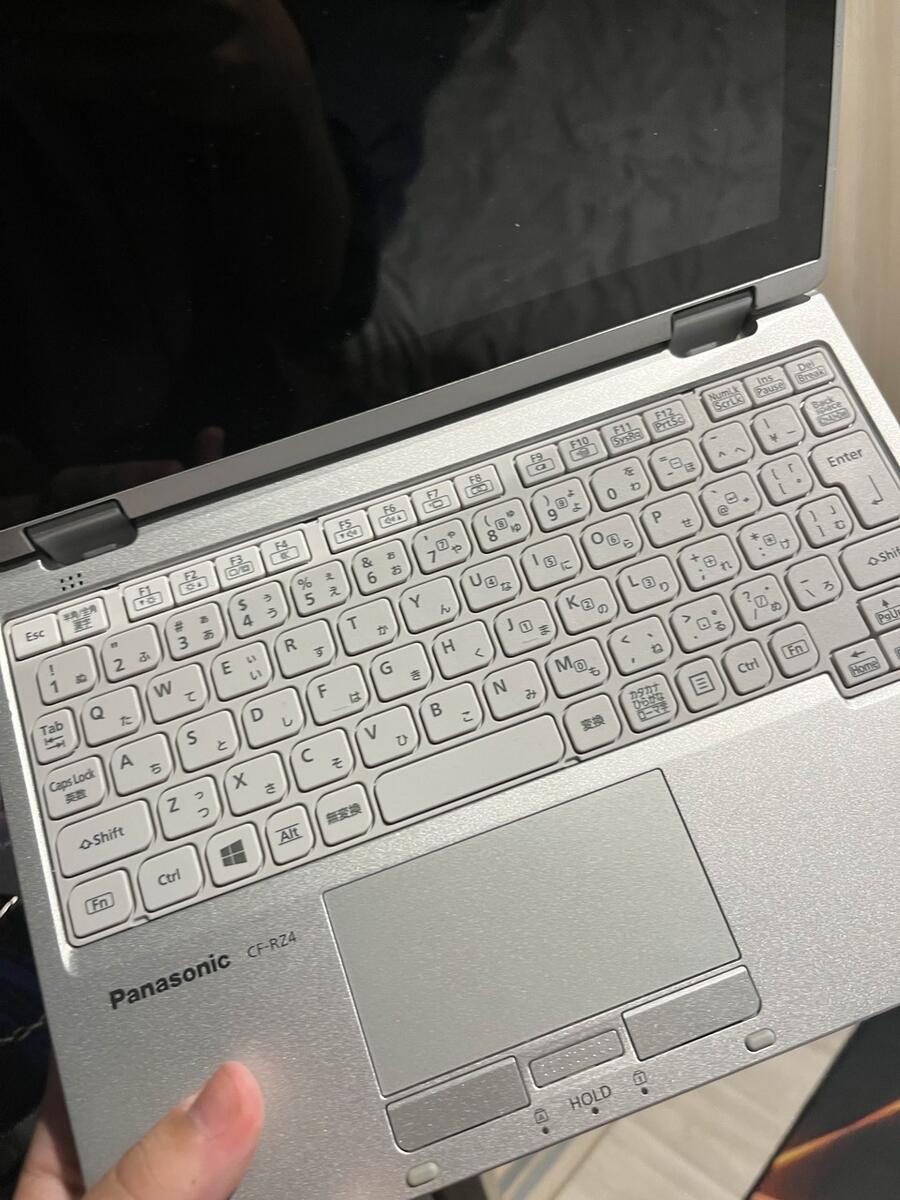
IMG_3276.jpeg

You'd be surprised at how little pc you need to do pc things.

Configure browser push notifications

Chrome (Android)
  1. Tap the lock icon next to the address bar.
  2. Tap Permissions → Notifications.
  3. Adjust your preference.
Chrome (Desktop)
  1. Click the padlock icon in the address bar.
  2. Select Site settings.
  3. Find Notifications and adjust your preference.