SuperZPMax
Member
-
Joined
-
Last visited
Everything posted by SuperZPMax
-
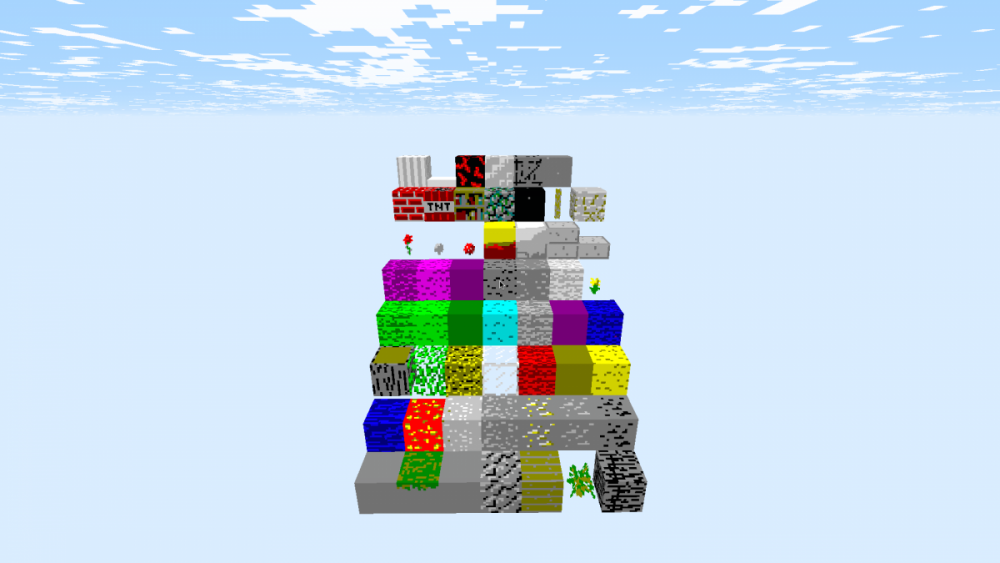
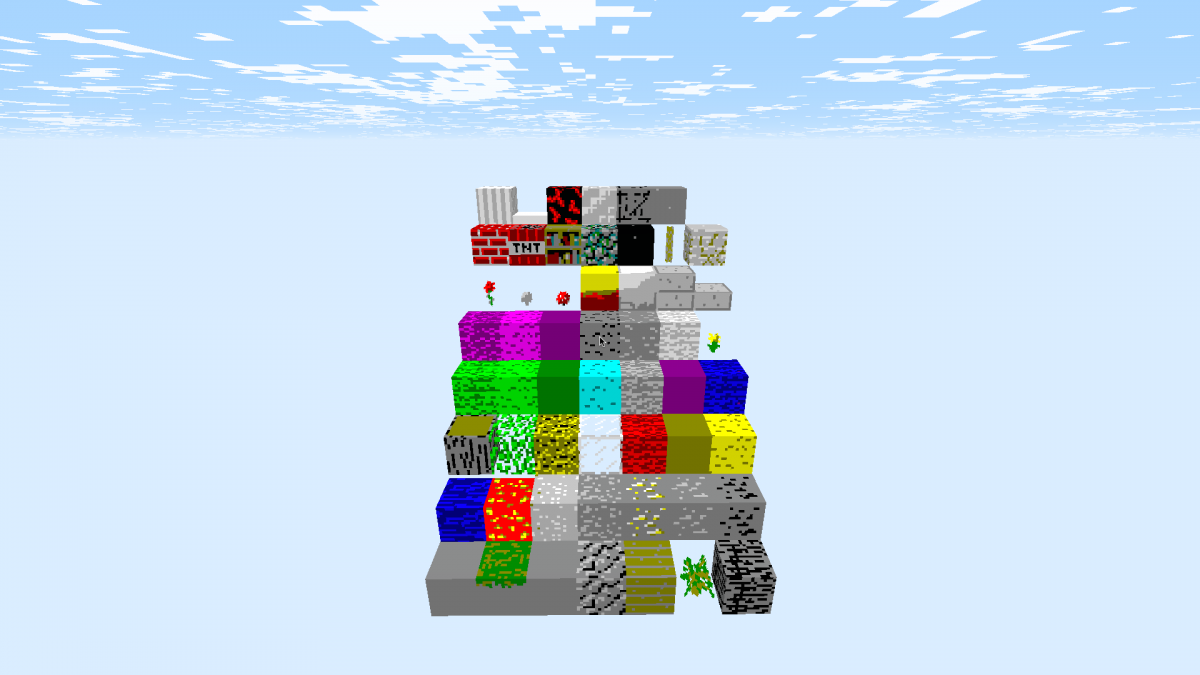
 Hello guys, I got an idea a week ago, about making a 16 color texture pack, I was thinking how I could make it, but I realised that GIMP can help with that. I haven't did other textures like animation of fire, this is how it looks. I thinking of making the sky color of the original Aqua color.