decor74
Member
-
Joined
-
Last visited
-
 decor74 changed their profile photo
 -
What do you mean
-
hmmm i remembered it since 2017
-
And my favourite word is "asterdam"
-
Where is HMX?
-
okay, thank you for telling me
-
Hello. This is decor74 here, i need help to ask you if cef is safe for low-end PCs. I hope you respond 🙂
-
yes i never received
-
How did you get shaders from classicube?
-
Then can i download it?
-
Um, This is a joke, Right?
-
-
Yes, i Agree what MESYETI said
-
No, It will only work for minecraft java or bedrock, Not ClassiCube, Because it don't have Shader Performance Button And Plus, Shader really won't work if its on ClassiCube...
-
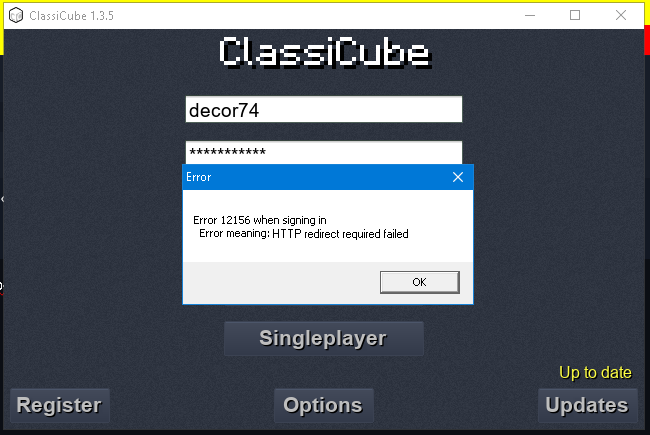
Hello, Today when i go to classicube launcher and sign in here is what happened: Hope you respond!
-
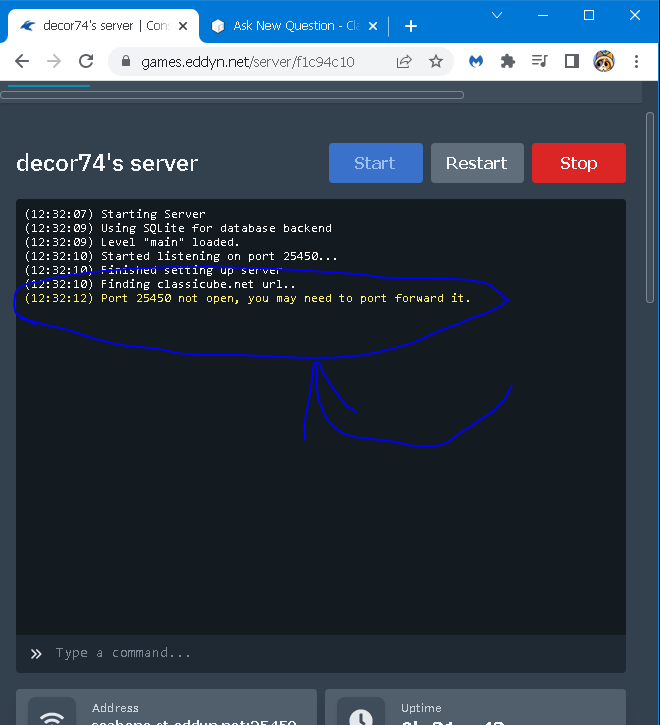
Hello! Today i just created my eddynetweb server when i started it says that i must port forward my eddynetweb srever, so can you help me port forward it.