Sonic2fan
Glod Menbie
-
Joined
-
Last visited
-
 Sonic CD is trash
 -
Yeah maybe people who like games that are trash
-
Dude literally no one likes it lol
-
-
Of course it’s Friday night funkin’ but with a twist

-
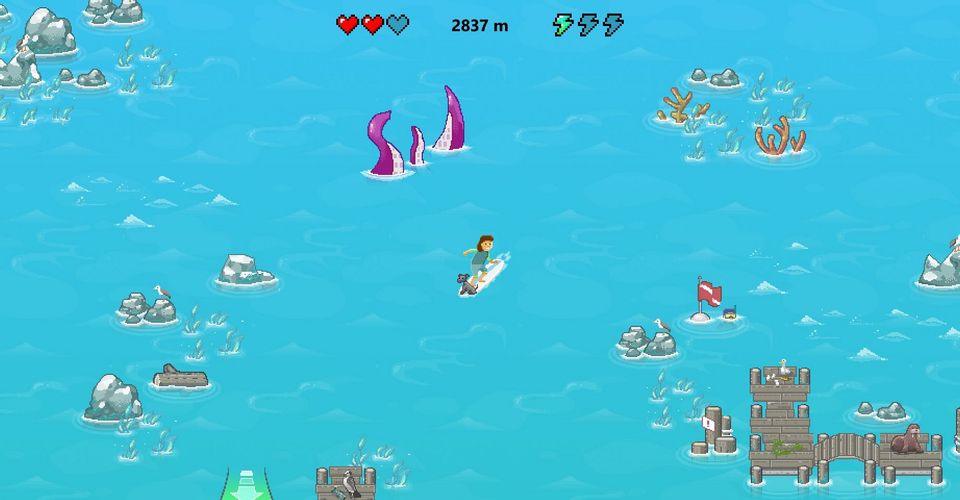
I would just play a offline game until the Wifi comes back like Microsoft surfer or the google Dino game
-
I’m just asking why did you say 2016
-
Ya the boss gives me trouble because I get trapped in the corners thus I get a game over
-
Bruh it’s 2021
-
Sonic2fan changed their profile photo
-
Nice I only got to Wing fortress and got a game over
-
-
I don’t like any Mario games the sux besides smb3 and 2 Oh so your saying mm2 sux?
-
Yeah they are pretty fun my favorite is Sonic 2 Oh and btw you can get my Sonic skin here


-
Finally it’s on Steam
-
Just talk about Sonic here ppl