Jump to content
View in the app

A better way to browse. Learn more.

ClassiCube Forum

A full-screen app on your home screen with push notifications, badges and more.

To install this app on iOS and iPadOS
  1. Tap the Share icon in Safari
  2. Scroll the menu and tap Add to Home Screen.
  3. Tap Add in the top-right corner.
To install this app on Android
  1. Tap the 3-dot menu (⋮) in the top-right corner of the browser.
  2. Tap Add to Home screen or Install app.
  3. Confirm by tapping Install.

SF1NX

Glod Menbie
  • Joined

  • Last visited

  1. SF1NX changed their profile photo
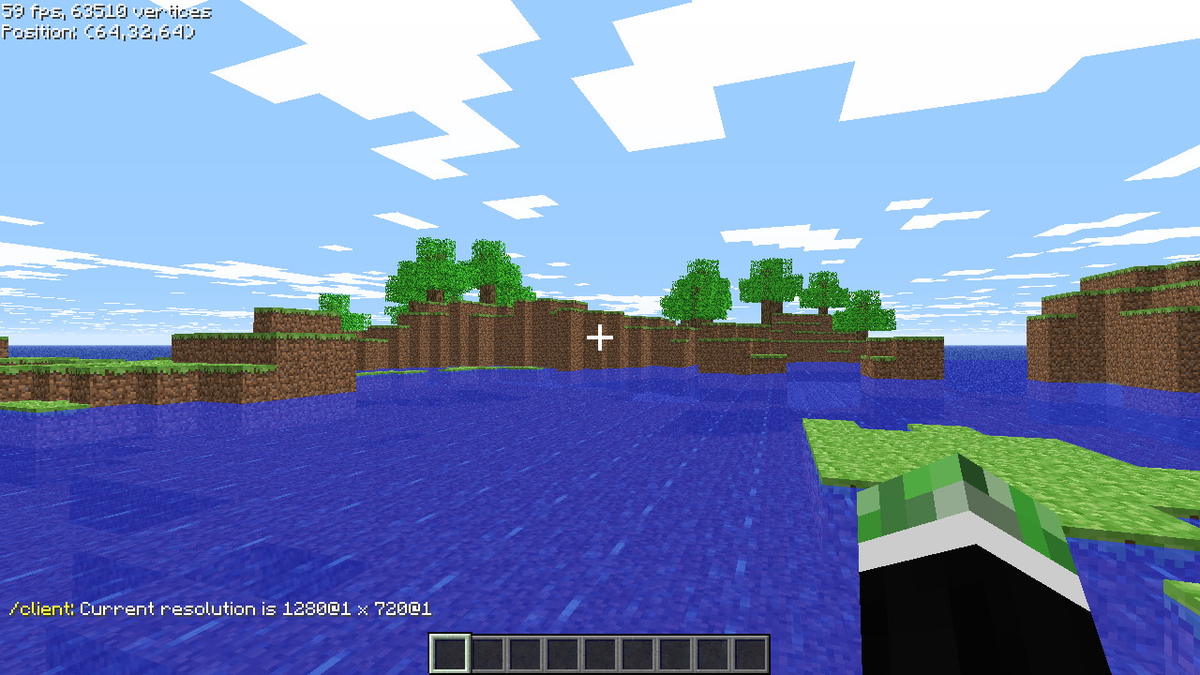
  2. I disabled scaling and the game now runs at a proper resolution. Thanks!
  3. Unfortunately that didn't help me. When in fullscreen or even just maximized window the game still only runs at 1280x720. And when I set the resolution to 1920x1080 with commands the resolution is still only 720p except both numbers are increased by 4 pixels.
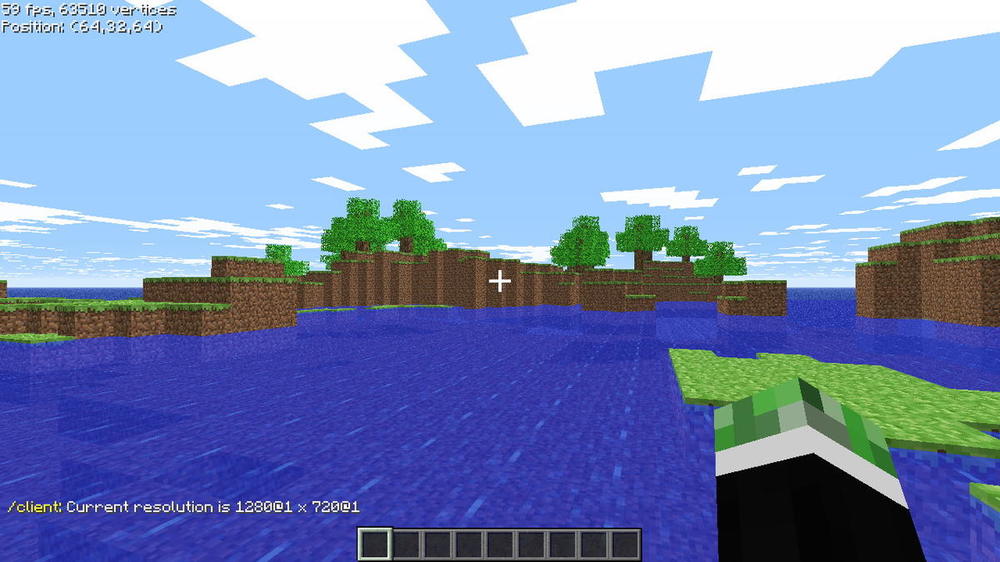
  4. Hi! I've recently bought a new laptop and it has a nice and crisp 1080p panel. However, the game looks very blurry. I think it's only running at 720p. Is there a way to change the resolution?
Configure browser push notifications

Chrome (Android)
  1. Tap the lock icon next to the address bar.
  2. Tap Permissions → Notifications.
  3. Adjust your preference.
Chrome (Desktop)
  1. Click the padlock icon in the address bar.
  2. Select Site settings.
  3. Find Notifications and adjust your preference.