stoutsytail
Member
-
Joined
-
Last visited
Everything posted by stoutsytail
-
 Omg I have been looking for this, this is a neat idea, especially since that would make it ultra portable and could run anywhere! For the missing textures, could you tell us how you shoved the entirety of classicube in a HTML file? So that maybe I can track down the string for locating texture data and replace it with an encoded BASE64 string? Thats basically it, otherwise I’ll make the surroundings of the game box look nicer and we’re good to go!
- 14 replies
-
- classicube
- android
- client
- copy
-
Tagged with:
-
-
Bump ^ I won’t do this again
-
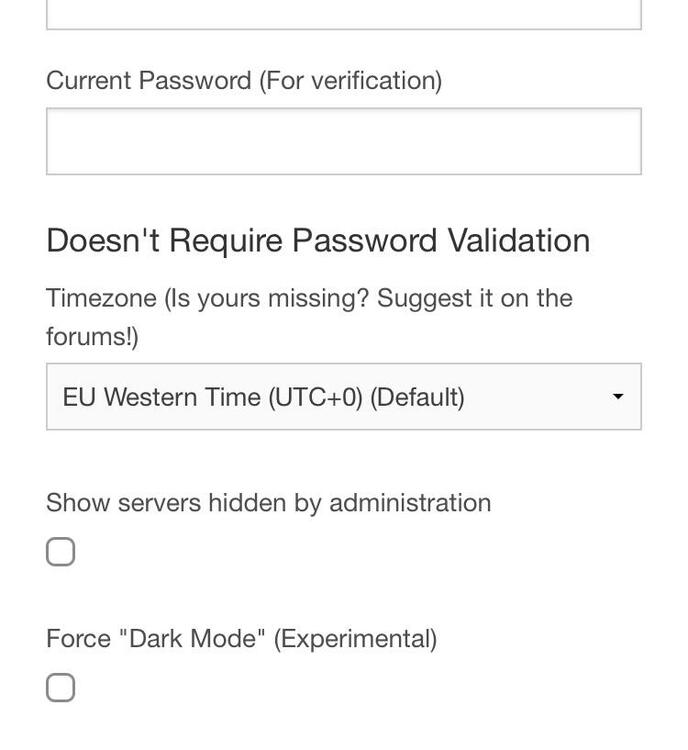
Could you guys add the Hawaiian Timezone in the account menu? Thx! **the Timezone UTC-10:00
-