XYZ_Nobdy_XYZ
Member
-
Joined
-
Last visited
-
 XYZ_Nobdy_XYZ changed their profile photo
 -
Processor/CPU: Intel(R) Celeron(R) N4020 memory/RAM: 4GB DRR4 GraphicsCard/GPU: intel(R) UHD graphics 600 storage: slow NVMe below 200GB PowerSupply/PSU: 30-45W monitor/display built-in display at 60hz in 720p keyboard: i-JMB gaming keyboard mouse: i-JMB gaming mice
-
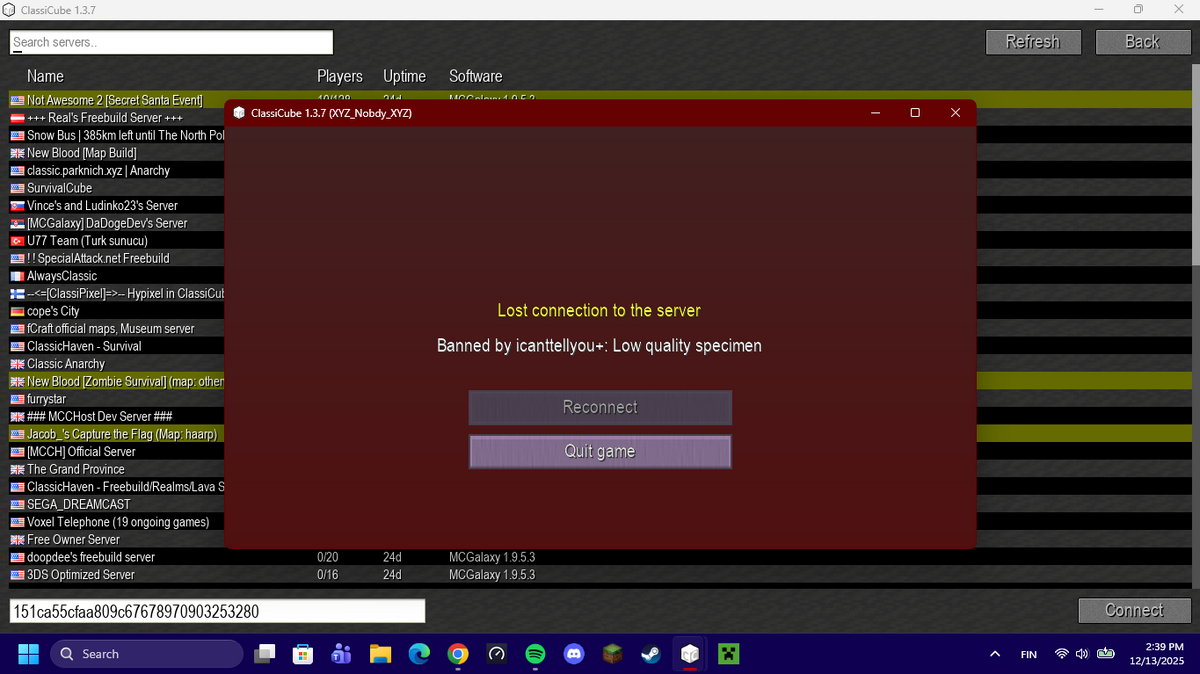
so i think this was like... last year or something when i decided to join lava survival,only to find out the owner permanently banned me with an insult instead of an actual reason,which pretty much made classicube start getting boring because of this. to the lava surival owner: if your seing this,i wouldnt expect such a bad server owner would ban a player with an insult...
-
Fabric+sodium+lithium+starlight+ferritecore for 1.14.4-1.21.10. and ForgeOptifine for 1.8.9-1.13.2
-
-
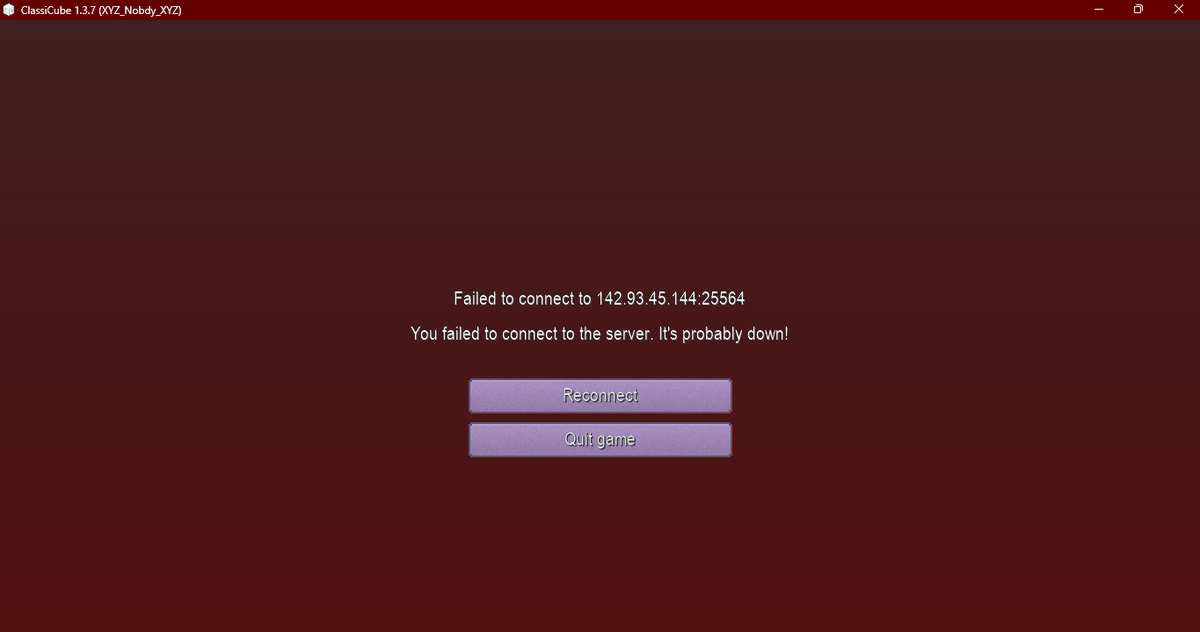
i was just recently playing in ZS (Zombie Survival) and i randomly got disconnected saying that i failed to connect to the server and that it was down. i tried multiple re-tries,asking ChatGPT for any help or advise,updating my client,LITERALLY EVERYTHING I THOUGHT OF,and yet still i couldnt connect to the server
-
CPU/Processor: Intel Celeron N4020 GPU/Graphics card: Intel UHD Graphics 600 RAM: 4GB DDR3 or DDR2 idk storage: NVMe Disk With 199GB Space PSU/Power Supply: 30-45W Adapter Monitor: 720p@60hz wifi/network: 2.4Ghz OS: Windows 11 runs classicube 60-90+ fps on highest settings