debugboii
Member
-
Joined
-
Last visited
Everything posted by debugboii
-
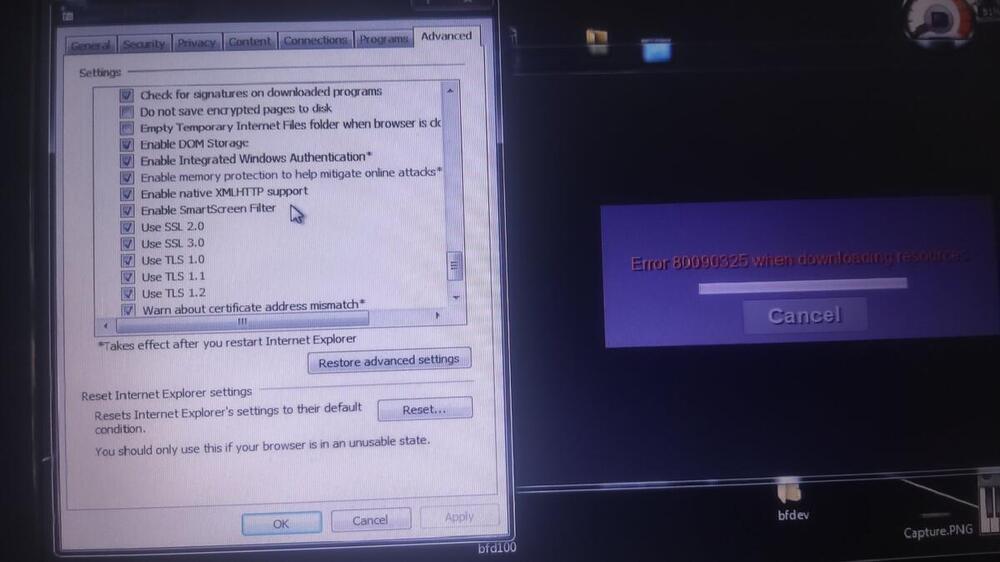
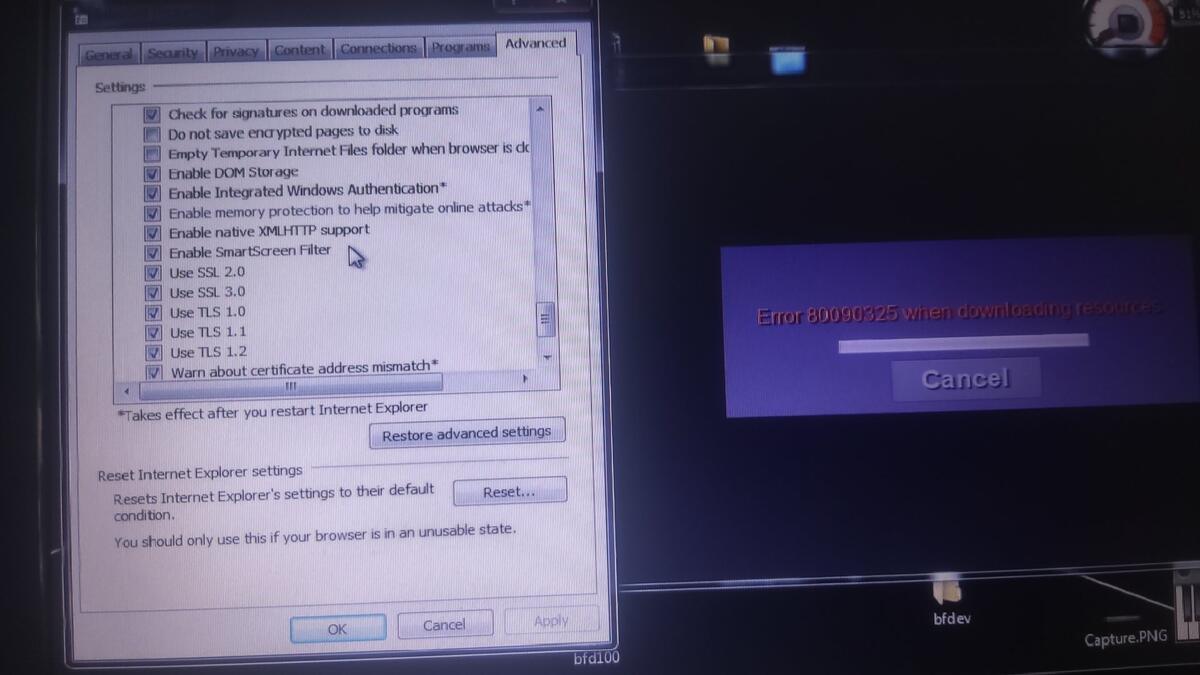
 I am on Windows 7 and when I start ClassiCube, it asks to download optional resources and when clicked yes, it seems to be downloading but gives an error seconds later. I read a different Question, I did enable all "Use SSL/TLS" options in Internet properties. Maybe there is another way? (Sorry if the image quality is bad)