Beratu77
Member
-
Joined
-
Last visited
Everything posted by Beratu77
-

-
I cannot use commands such as /z command and /botset on the map named lab on my own server.
-
How can I use the /gun command on my server? myserver=MCGalaxy
-
There is an actor named Bigben and he looks a lot like me, my red self. Even if I forbid it, it always comes back and if there is no owner, it happens again and says "I am from the other universe and I am always in you!" says.
-
How can I open it? I use MCgalaxy
-
On my server, there are doors, zombies and sharks on the parkour2 map, but there is no movement on other maps.
-
Ok but after using the walk command I use reset, it doesn't work, it doesn't follow me.
-
-
I have seen bots moving and following us on some servers, I wonder how it is done?
-
This is required for u77 team
-
We will play with my friend via direct connect (on my server)
-
There is something like this on page 192.168.****

-
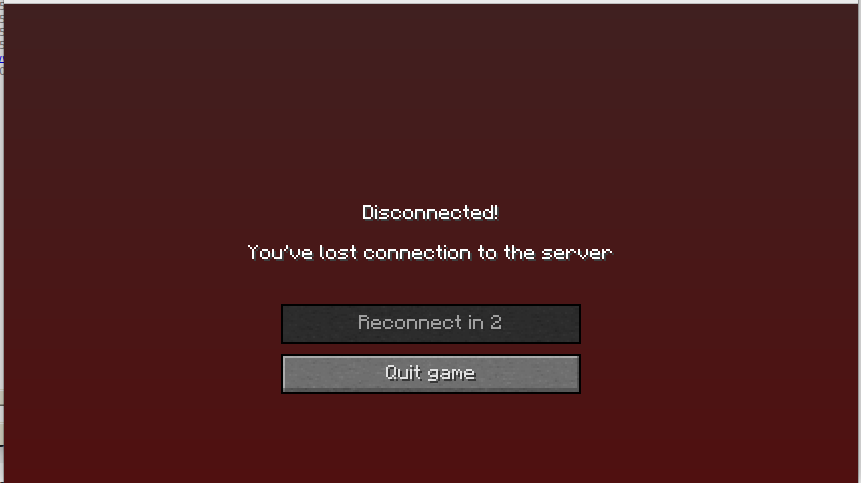
Excuse me, the server was opened but a screen like this appeared.
-
I did what you said but it doesn't appear in classiccube.
-
instead I opened McGalaxy and set how do I publish?
-
How do we name it?
-
I came across such a link, can I click it?