



FireSniper11
Member
-
Joined
-
Last visited
Everything posted by FireSniper11
-

-
-
-
ok, did u install necessary files? This error message inidcates that the sound card, or external device you are using, is not configured correctly or some drivers are missing. check if ur sound card playback is set to 24 bit 48000 kHz (Studio quality) in the wndows, Soud settings.
-
is dis on web browser or downloaded client? if on downloaded client, have u installed da files which appeared when u firs opened classicube? if u did all, there is probably a problem with how ur sound card is placed/installed.
-
hello
-
U CAN PLA ON 3DS???????? HOWWWWWWWWWWW
-
worked. hank u so much!
-
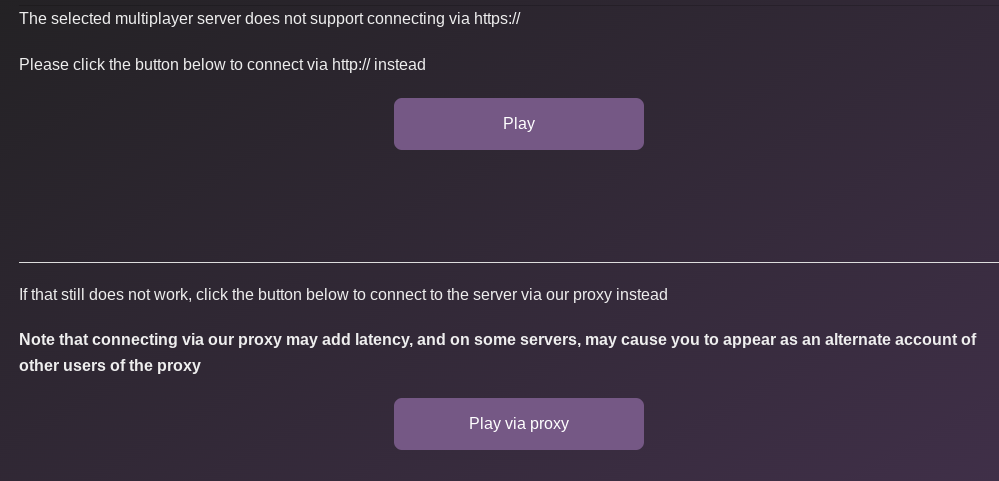
any way to have fullscreen in classicube web browser? also, why do i always have to connect through proxy? In ze image I added, even if u press connect through http, I doesn't work.
-
that ain't no Chromebook, that's a monster boi :-; electroBOOM is the best power supply ngl
-
microsoft flight sim is good, even if yer PC ain't beefy, u can always use Xbox cloud game.
-
when did the na2 waiting room come? like what year
-
YOOO TY SOOOO MUCH!!!! it takes a little getting used to but works :DDDDD
-
sup nerds, I was wondering if there is any way to play without mouse because I'm on chrome book and the trackpad is an annoying brat. I was wondering if its possible to play without keyboard? helpppp


