whatsay429_new
Member
-
Joined
-
Last visited
Everything posted by whatsay429_new
-
 Guys I need help! I play on the browser cuz I dont have a pc that can run exes and I want to play but I need to play in proxy always because it always loads texture packs and my game doesnt run like dogwater! sorry i called it idea i just want them to make a button on normal or proxy
 -
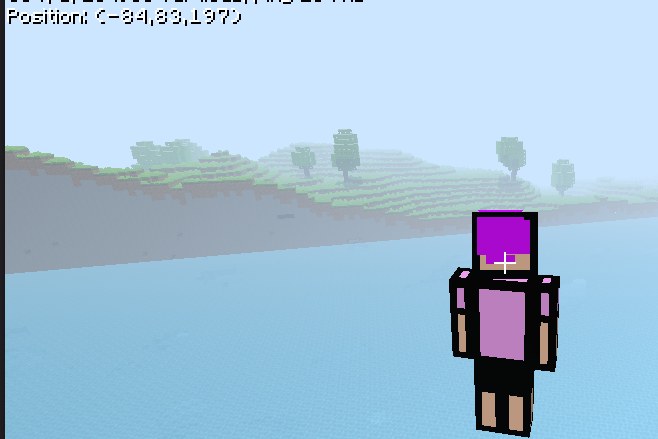
For some reason, Epic Legends Survival is broken for me, I'm stuck in a chunk border and I can't get out because there is no respawn, so please add respawn or help me get out of the border, Thanks!